
Sora
Z-Video AI generator by Sora for creating stunning videos from text or images. Supports text-to-video, image-to-video, and more, all in your browser with no downloads needed.
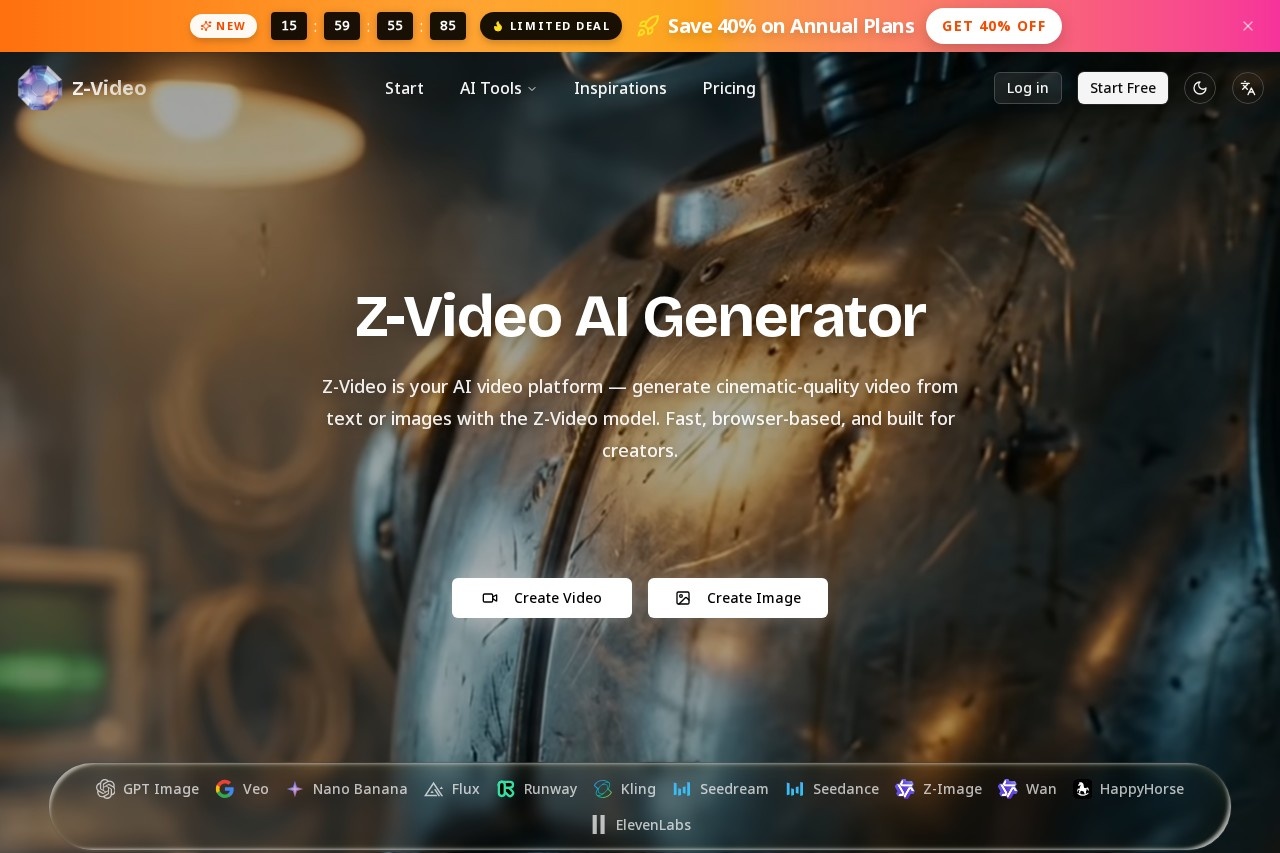
What is Sora?
Z-Video is an AI video generation platform that produces cinematic-quality video from text prompts or uploaded images. It runs entirely in your browser with no downloads or local rendering required. The platform uses the Z-Video model alongside other engines like Kling, Veo, and Runway, all accessible from a single account. Creators can generate clips ranging from 3 to 15 seconds at resolutions up to 1080p.
Application scenarios
Text-to-video creation
Turn a written prompt into a full cinematic clip without any video editing skills.
Image-to-video animation
Upload a still image and animate it into a fluid, coherent video sequence.
Multi-engine comparison
Test different AI video models (Z-Video, Kling, Veo, Runway) side by side to find the best fit for each project.
Cinematic storytelling
Generate high-quality, visually consistent scenes for short films, ads, or social media content.
Rapid prototyping
Quickly produce video drafts for client pitches, storyboards, or concept visualization.
Creative inspiration
Browse the Z-Video AI Gallery to see examples and reuse prompts for your own projects.
Core Features
Text-to-video generation
Enter a text prompt up to 5000 characters and generate a video clip in minutes.
Image-to-video conversion
Upload an image as the starting point for video generation.
Multiple duration options
Choose from 3s, 5s, 6s, 9s, 12s, or 15s clip lengths.
Resolution selection
Output video at 720p (Standard) or 1080p (HD).
Advanced settings
Adjust aspect ratio, enable translation, and access history of past generations.
Model variety
Run Z-Video alongside Kling, Veo, Wan, Runway, and Flux Pro — each optimized for different creative tasks.
Reference video support
Use a reference video alongside text and image inputs for more controlled output.
Credit-based system
Each generation consumes 84–720 credits depending on duration and resolution.
Target users
Content creators, video editors, social media managers, and marketing teams who need fast, browser-based AI video generation. Also useful for filmmakers, animators, and designers exploring cinematic AI tools without technical setup. The multi-engine comparison feature appeals to professionals who want to experiment with different AI models for specific project needs.
How to use Sora?
Visit the Z-Video website and select the Z-Video Generator on the homepage. Enter a text prompt (up to 5000 characters) or upload an image. Choose your desired duration (3–15 seconds) and resolution (720p or 1080p). Adjust advanced settings like aspect ratio and translation if needed. Click generate — your video will be ready in 2–10 minutes.
Effect review
Z-Video delivers on its promise of fast, browser-based AI video generation with no technical barriers. The ability to compare multiple models (Z-Video, Kling, Veo, Runway) from one account is a practical advantage for creators who want flexibility. The credit system (84–720 credits per clip) suggests a pay-per-use model, though exact pricing isn't stated on the site. Output quality appears cinematic based on the gallery examples, and the 3–15 second range suits short-form content well. For users who need quick, high-quality video from text or images without local rendering, this is a solid, no-fuss option.
Frequently Asked Questions
What is Sora?
What types of video generation does Sora support?
Do I need to download any software to use Sora?
Can I use Sora for free?
What kind of videos can I create with Sora?
Is Sora suitable for professional video production?
Sora - AI Tool Detail
Z-Video AI generator by Sora for creating stunning videos from text or images. Supports text-to-video, image-to-video, and more, all in your browser with no downloads needed.
Category:Text to Video
Visit Link:https://www.z-video.app/
Tags:text-to-video、image-to-video、AI video generator、browser-based