
Sora
Sora by Latia AI is an all-in-one generator for AI images and videos, utilizing models like Sora and Veo for text-to-image and text-to-video creation.
What is Sora?
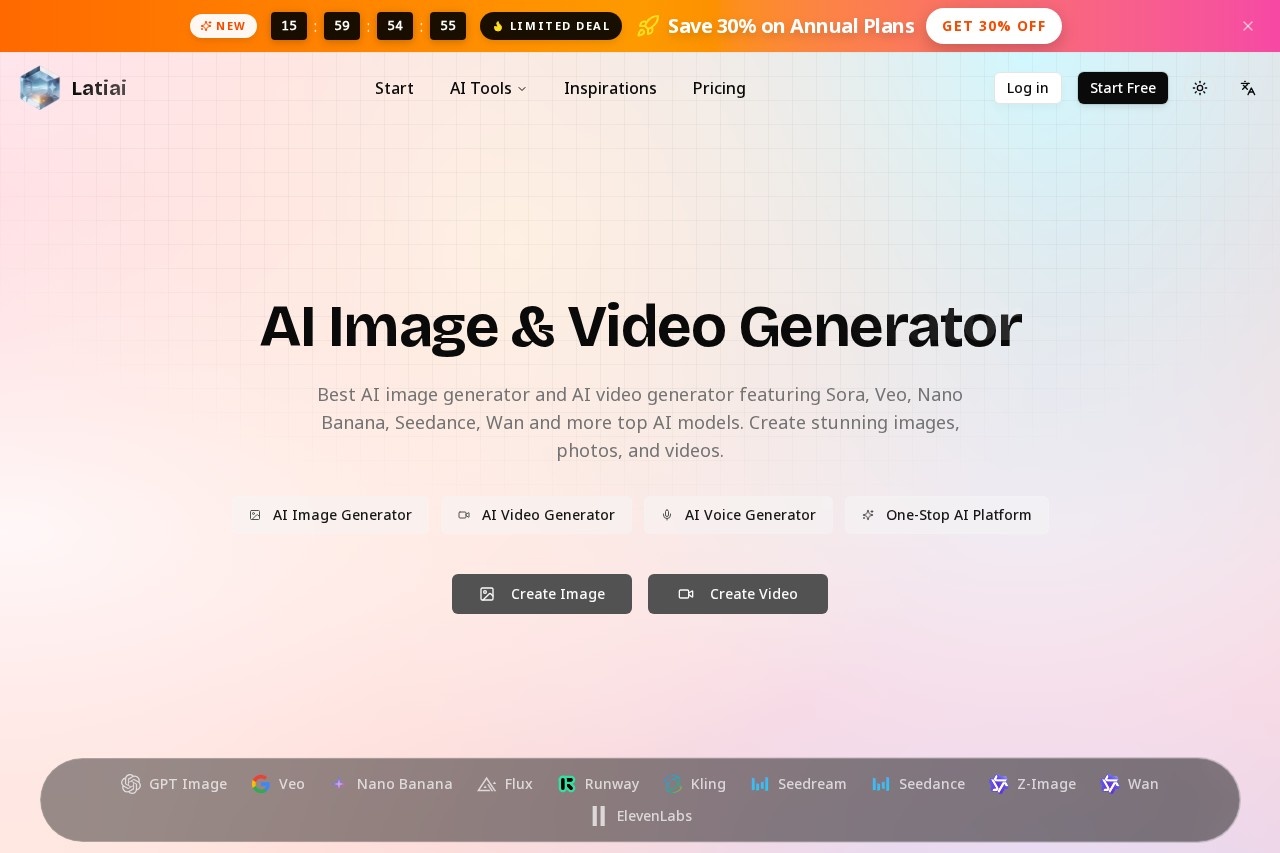
Sora by Latia AI is an all-in-one platform for generating AI images and videos. It provides one-stop access to multiple top AI models, including Sora, Veo, Nano Banana, and Flux. Users primarily employ it to transform text descriptions into visual content, creating everything from photorealistic images to cinematic videos.Application scenarios
Marketing visuals
Create professional, high-resolution images and videos for campaigns and social media.
Creative projects
Generate AI art, characters, and conceptual scenes from text descriptions.
Content creation
Produce cinematic-quality videos with AI-generated sound effects for various media.
Photo editing
Utilize image-to-image transformation to edit and enhance existing photos.
Professional visual design
Leverage models with strong text rendering for graphics requiring integrated typography.
Core Features
Text-to-image generation
Transform a written prompt into a high-quality AI image in seconds.
Image-to-image editing
Upload a reference image to guide and transform the AI's output.
Multi-model access
Generate content using specialized models like Sora for video, Nano Banana for character consistency, and Flux for speed.
High-resolution output
Create images with resolutions up to 4K for the best detail.
Video generation with sound
Produce cinematic videos complete with AI-generated sound effects using models like Veo and Kling.
Prompt translation
Input and translate prompts up to 20,000 characters long.
Reference image upload
Support for uploading multiple PNG, JPG, or WEBP files to guide generation.
Style customization
Adjust advanced settings for style, color, lighting, and composition.
Public gallery
Explore a gallery of user creations to find inspiration and reuse prompts.
Batch generation
Control the output number, generating up to four images at once.
Target users
This platform serves creative professionals, marketing teams, and content creators who need a streamlined workflow for producing visual assets. It is equally suited for artists exploring AI-generated art and individuals or businesses seeking to create professional-quality images and videos without specialized software.How to use Sora?
Visit the official website and navigate to the creation dashboard. Select your desired tool, such as the AI Image Generator or AI Video Generator. For an image, type your text prompt, adjust parameters like aspect ratio and resolution, and upload any reference images. Then, select a specific AI model (e.g., Nano Banana, Flux) and initiate the generation. You can browse the public gallery to use prompts from other creations.Effect review
The platform aggregates several leading AI models, each with stated strengths like cinematic quality, character consistency, and fast generation. This consolidation suggests a practical benefit for users: the ability to match a specific creative need—be it a detailed 4K image or a video with sound—to a specialized model without switching between different services. The inclusion of a public gallery and prompt reuse functionality further streamlines the creative process, helping users overcome creative blocks and achieve professional results efficiently.Frequently Asked Questions
What is Sora?
What can I create with Sora?
Which AI models does Sora use?
Is Sora free to use?
Do I need technical skills to use Sora?
What formats does Sora support for output?
Sora - AI Tool Detail
Sora by Latia AI is an all-in-one generator for AI images and videos, utilizing models like Sora and Veo for text-to-image and text-to-video creation.
Category:Video generation
Visit Link:https://www.latiai.com/
Tags:AI image generator、AI video generator、text-to-image、text-to-video、content creation