
Video to Prompt
Video-to-Prompt.com offers an AI tool that instantly converts videos into detailed prompts for AI video creation, enabling efficient content repurposing and creative inspiration.
What is Video to Prompt?
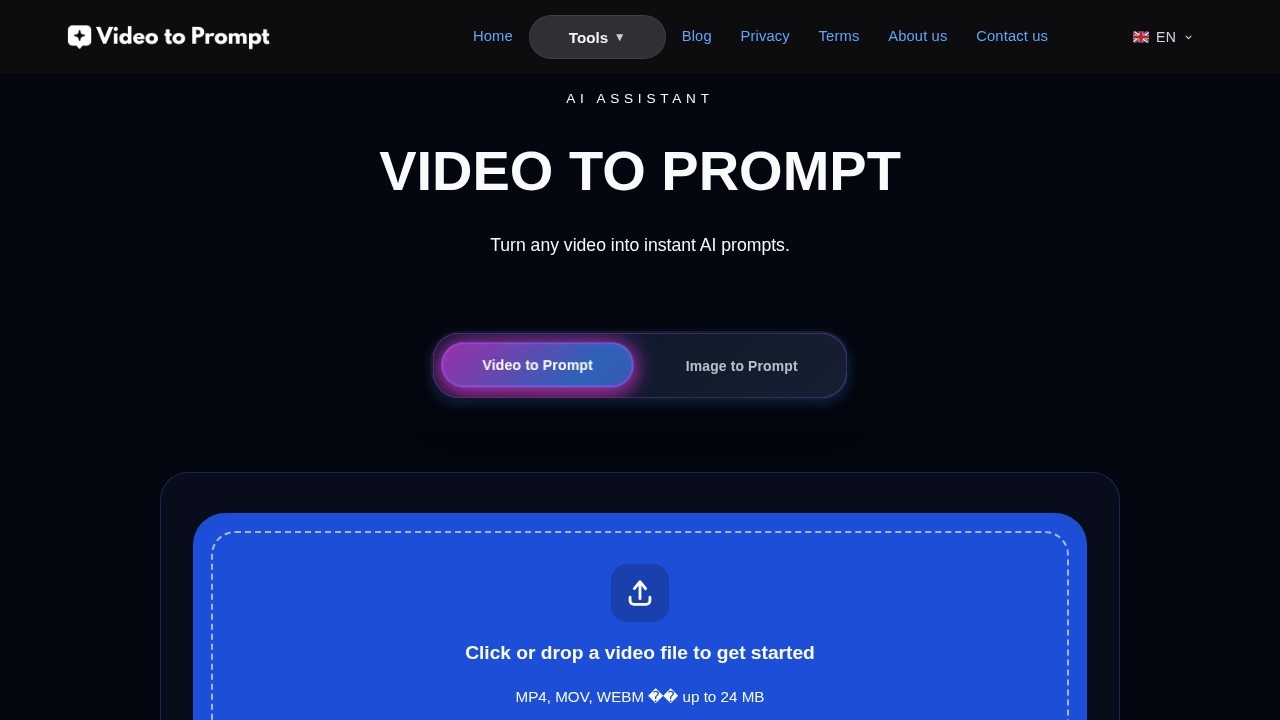
Video to Prompt is an AI-powered tool that converts video files into detailed text prompts. Users upload a video, and the AI analyzes visual elements, lighting, camera movements, and key subjects to generate a descriptive prompt. This prompt is optimized for use with other AI video generation tools, enabling users to recreate or iterate on the visual style of their original video. The tool supports MP4, MOV, and WEBM formats, with file uploads up to 24 MB.Application scenarios
Content creation
Reverse-engineer the visual style of favorite videos to learn how to describe complex scenes and recreate similar aesthetics in AI-generated content.
Digital marketing
Streamline ad creation by turning product videos or lifestyle clips into prompts for rapid prototyping of social media ads and campaign visuals.
Creative studios
Enhance storyboarding and pre-production by extracting precise descriptions from reference footage for consistent visual language.
SEO and content strategy
Convert videos into detailed text prompts to create a searchable archive of visual content, improving site SEO with rich, keyword-dense descriptions.
Brand consistency
Use AI prompts to define a consistent visual language for brand assets across different AI platforms.
Core Features
Video analysis
The AI performs a deep analysis of every frame, identifying visual elements, lighting conditions, camera movements, and key subjects.
Prompt generation
The tool generates a detailed text prompt optimized for use with other AI video generation tools.
Image to Prompt
In addition to video, the tool also supports converting images into prompts.
Multilingual capability
The tool supports multiple languages for prompt generation.
Fast and secure processing
Videos are processed securely and quickly, with uploads kept private and only used to craft the prompt.
Drag-and-drop upload
Users can drag and drop files or click "Browse files" to select a video from their device.
Copyable output
The generated prompt can be easily copied and used in a creative workflow.
Target users
Content creators, digital marketers, and creative studios benefit most from Video to Prompt. Content creators use it to reverse-engineer visual styles, marketers streamline ad prototyping, and studios enhance storyboarding and pre-production with consistent visual language.How to use Video to Prompt?
- Upload a video file (MP4, MOV, or WEBM, up to 24 MB) by dragging and dropping it into the upload area or clicking "Browse files."
- The AI analyzes every frame, identifying visual elements, lighting, camera movements, and key subjects.
- After processing, the tool generates a detailed text prompt optimized for other AI video generation tools.
- Copy the result and use it in your creative workflow.
Effect review
Video to Prompt delivers a straightforward, efficient way to turn visual content into reusable text descriptions. The AI’s frame-by-frame analysis captures key visual details, making the generated prompts genuinely useful for recreating styles or iterating on existing footage. For content creators and marketers, this tool eliminates the guesswork of describing complex scenes, saving time in prototyping and storyboarding. While the 24 MB file limit may restrict longer videos, the privacy-focused upload process and fast processing add practical value. Overall, it’s a solid utility for anyone working with AI video generation tools who needs quick, accurate prompts from existing video content.Frequently Asked Questions
What is Video to Prompt?
How does Video to Prompt work?
What video formats are supported?
Is Video to Prompt free to use?
Can I use the generated prompts for commercial purposes?
How accurate are the prompts?
Video to Prompt - AI Tool Detail
Video-to-Prompt.com offers an AI tool that instantly converts videos into detailed prompts for AI video creation, enabling efficient content repurposing and creative inspiration.
Category:Text to Video
Visit Link:https://video-to-prompt.com/
Tags:video analysis、AI prompt generation、content repurposing、creative inspiration、video to text