
Image to Prompt
Image to Prompt by imagetoprompt.org converts uploaded images into detailed text prompts within seconds, enabling users to quickly generate descriptions for AI image generation or creative projects.
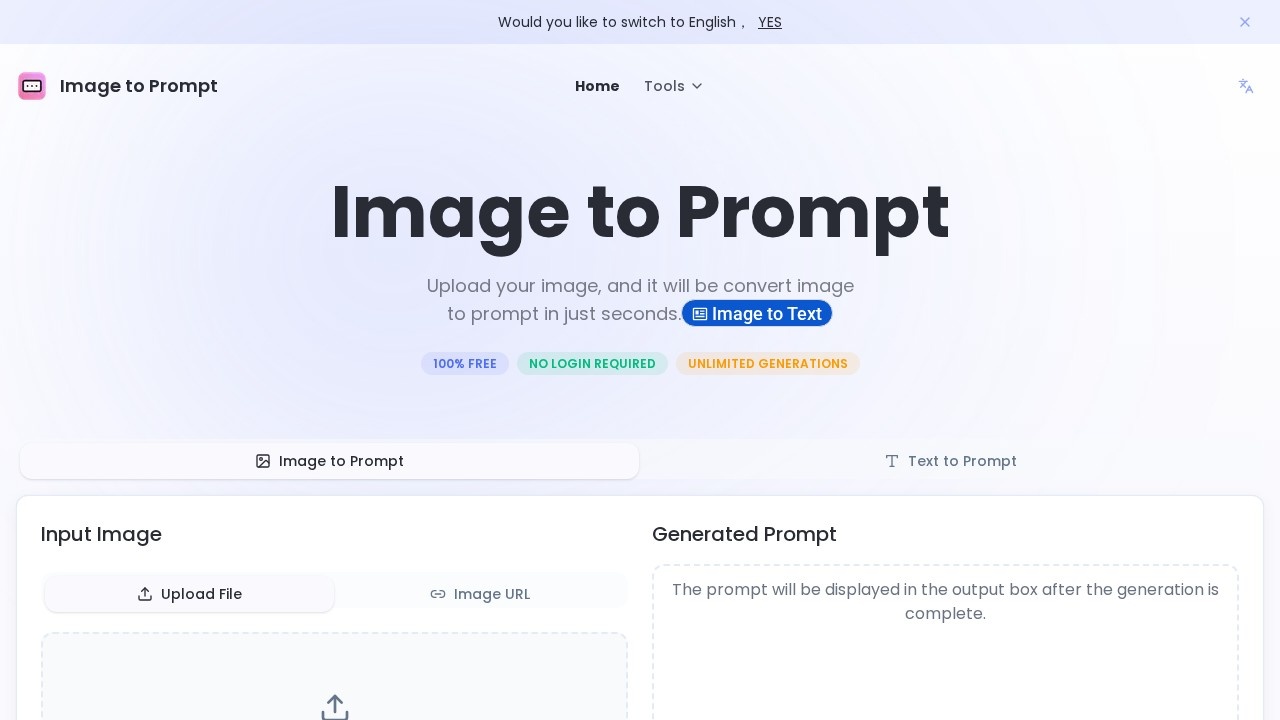
What is Image to Prompt?
Image to Prompt is a free, no-login-required web tool that converts uploaded images into detailed text prompts within seconds. It supports unlimited generations and offers multiple AI model optimizations, including General Prompt, Nano Banana, Flux, Midjourney, and Stable Diffusion. Users can upload images via file or URL, or drag and drop directly onto the page. The tool is designed to help creatives quickly generate descriptive prompts for AI image generation or other creative projects.Application scenarios
AI image generation
Generate optimized prompts for models like Flux, Midjourney, and Stable Diffusion to create matching images.
Creative writing
Use image descriptions as inspiration for stories, poems, or marketing copy.
Content creation
Quickly describe visual assets for social media posts, blogs, or design briefs.
Educational projects
Convert diagrams or illustrations into text for study notes or presentations.
Productivity workflows
Save time by automating image-to-text conversion for batch processing or documentation.
Core Features
100% free with no login
Use the tool without any sign-up or payment, and generate unlimited prompts.
Multiple AI model presets
Choose from General Prompt, Nano Banana, Flux, Midjourney, and Stable Diffusion for tailored output.
Image upload options
Upload images by clicking, dragging, or pasting a URL; supports JPEG, PNG, and other common formats.
Speed and quality modes
Select "Fast" for quicker results or "Advance" for higher quality, more detailed prompts.
Prompt history
Access previously generated prompts for reuse or reference.
Privacy protection
Uploaded images are not stored on servers and are deleted immediately after prompt generation.
Output language
Generate prompts in English, which offers the best support for major AI models.
Target users
This tool is ideal for digital artists, AI enthusiasts, content creators, designers, and anyone who needs to quickly describe images for AI generation or creative projects. It’s also useful for writers, educators, and marketers who want to convert visual references into text without manual effort.How to use Image to Prompt?
- Open the website at imagetoprompt.org.
- Select an image by clicking to choose a file, dragging it onto the page, or pasting an image URL (you can also click an example image to try).
- Choose your preferred AI model (e.g., Flux, Midjourney, Stable Diffusion) and output speed (Fast or Advance).
- Click the "Generate Prompt" button and wait a few seconds.
- Copy the generated prompt from the output box and use it in your AI tool or creative project.
Pricing and free trial
The tool is completely free with no login required and unlimited generations. No paid tiers or trials are mentioned.Effect review
Image to Prompt delivers exactly what it promises: fast, model-specific text prompts from uploaded images. The ability to choose between speed and quality modes gives users control over output detail, while the multiple AI model presets ensure compatibility with popular generators like Midjourney and Stable Diffusion. The unlimited free usage and no-login requirement make it highly accessible, though the tool’s reliance on English prompts may limit non-English users. Overall, it’s a straightforward, no-frills utility that effectively solves the problem of translating visual ideas into actionable text for AI workflows.Frequently Asked Questions
What file formats does Image to Prompt support?
Is there a limit on image size or resolution?
How long does it take to generate a prompt?
Can I use the generated prompts for commercial projects?
Is Image to Prompt free to use?
Image to Prompt - AI Tool Detail
Image to Prompt by imagetoprompt.org converts uploaded images into detailed text prompts within seconds, enabling users to quickly generate descriptions for AI image generation or creative projects.
Category:prompt
Visit Link:https://imagetoprompt.org/
Tags:image-to-prompt、AI image generation、prompt generator、text description