
VibeStart
VibeStart by an unknown developer helps beginners set up Git, Node.js, VS Code, and create a Next.js project for starting vibe coding with simple copy-paste steps.
What is VibeStart?
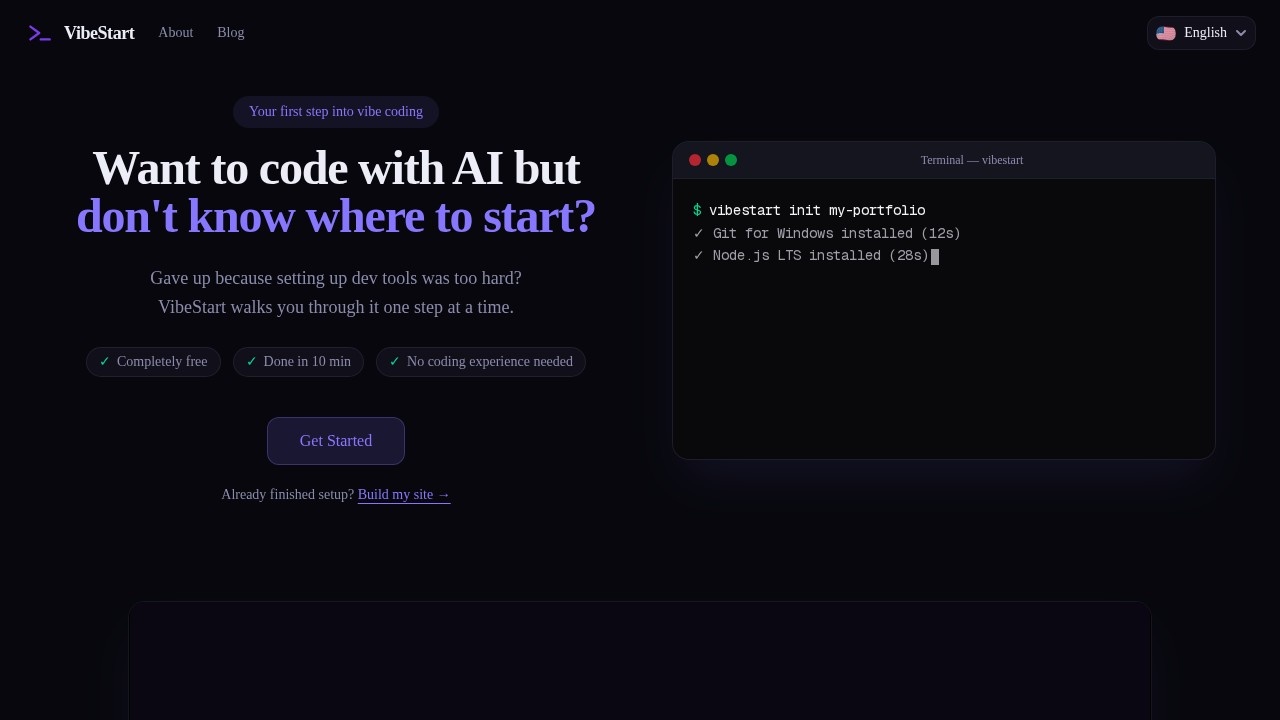
VibeStart is a completely free, step-by-step guide that helps beginners set up a development environment for "vibe coding"—creating software by talking to AI in natural language. It walks users through installing Git, Node.js, and VS Code, then creating a Next.js project, all with simple copy-paste terminal commands. The tool is designed for people with zero coding experience, promising a setup time of 10–15 minutes. It also offers Phase 2 guidance for deploying sites, adding login features, and editing with AI.Application scenarios
Beginner coding setup
Users who want to start coding with AI but find traditional setup guides confusing or inconsistent.
Vibe coding introduction
People who want to learn how to edit a website by talking to AI (e.g., "make a login page").
Web development onboarding
New developers who need a quick, error-resistant way to install Git, Node.js, and VS Code.
Project deployment
Users who want to push code to GitHub and deploy a site via Vercel after environment setup.
Feature addition
Adding Google sign-in to a site without manual coding.
Troubleshooting learning
Beginners who want to understand where they got stuck during installation and how to fix errors using AI tools.
Core Features
OS-specific commands
Automatically generates commands tailored for Windows (PowerShell) or macOS (Terminal).
Latest LTS recommendation
Automatically suggests the latest Long-Term Support version of Node.js, avoiding version confusion.
One-copy PATH setup
A single copy-paste command configures the PATH environment variable, eliminating a common stumbling block.
Step-by-step progress tracking
Each installation step is independent, so users can see exactly where they are and where they got stuck.
Zero coding experience support
The entire guide is built for people who have never coded—just copy and paste commands.
Phase 2 guidance
After setup, guides users through deploying to GitHub + Vercel, adding a Google sign-in button, and entering the "vibe coding" loop (editing the site by talking to AI).
Error troubleshooting assistance
Each step is isolated, so users can paste error messages into AI tools like ChatGPT or Claude for fixes; a blog also provides troubleshooting guides.
No sign-up required
The setup guide is accessible without any payment or account creation.
Target users
VibeStart is built for absolute beginners with zero coding experience who want to start building websites by talking to AI. It's also useful for people who gave up on setting up development tools due to confusing or conflicting instructions. No prior knowledge of Git, Node.js, or VS Code is required.How to use VibeStart?
- Visit the VibeStart website (vibe-start.com/en).
- Click "Get Started" and answer a few quick questions about your operating system and what you want to build.
- Follow the custom guide: copy the OS-specific commands and paste them into your terminal (PowerShell on Windows, Terminal on macOS).
- Each step explains why you're running the command, and you can track your progress step by step.
- After environment setup, Phase 2 guides you through deploying to GitHub + Vercel, adding Google login, and editing your site with AI.
Pricing and free trial
VibeStart is completely free. The setup guide, all installed tools (Git, Node.js, VS Code), and Phase 2 guidance are free. No payment or sign-up is required to start.Effect review
VibeStart directly addresses the most frustrating part of starting with AI-assisted coding: the confusing, fragmented setup process. By providing OS-specific commands, automatic version recommendations, and isolated steps, it removes the guesswork that typically causes beginners to give up. The Phase 2 guidance for deployment and adding login features is a practical bonus, though the tool doesn't claim any user reviews or awards. For absolute beginners, this is a genuinely useful on-ramp—it walks you from zero to a working Next.js project in about 10 minutes, with clear fallback options if errors occur.Frequently Asked Questions
What is VibeStart?
Who is VibeStart for?
Is VibeStart free to use?
Do I need prior coding experience to use VibeStart?
What tools does VibeStart install?
Can I use VibeStart on any operating system?
VibeStart - AI Tool Detail
VibeStart by an unknown developer helps beginners set up Git, Node.js, VS Code, and create a Next.js project for starting vibe coding with simple copy-paste steps.
Category:Programming Assistant
Visit Link:https://vibe-start.com/en
Tags:beginner-friendly、git setup、next.js、vibe coding、development environment