
Toolport
Toolport is a free, open-source local MCP gateway by the Toolport team, enabling shared AI agent access across Claude, Cursor, VS Code, and Codex. It reduces tool tokens by up to 91% and securely stor
What is Toolport?
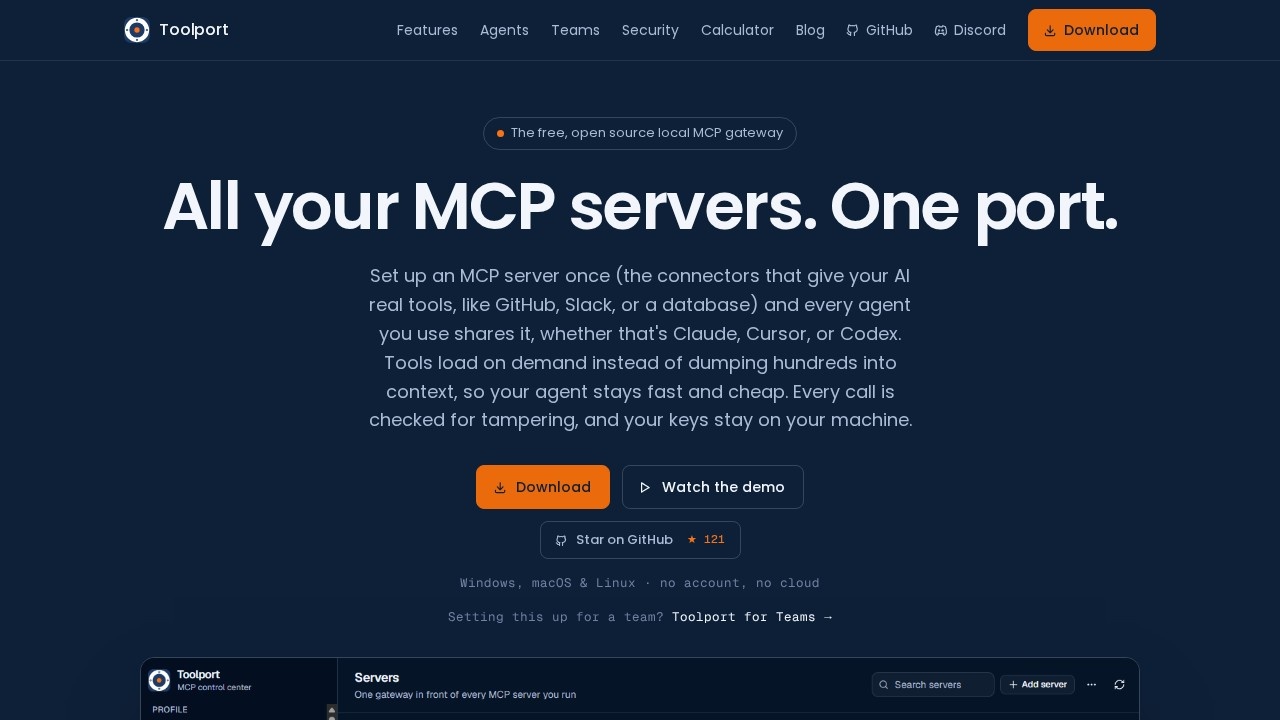
Toolport is a free, open-source local MCP (Model Context Protocol) gateway that lets you set up MCP servers once and share them across multiple AI agents, including Claude, Cursor, VS Code, Windsurf, Codex, and Antigravity. Instead of each agent loading hundreds of tool definitions into context on every request, Toolport exposes a handful of meta-tools that the agent searches on demand. This reduces tool-definition tokens by 74 to 91% across servers, keeping your agent fast and cutting costs. It runs entirely locally on Windows, macOS, and Linux, with no account and no cloud dependency.
Application scenarios
Multi-agent workflows
Use the same MCP servers—like GitHub, Slack, or a database—across Claude, Cursor, and Codex without reconfiguring each one.
Token budget management
Cut tool-definition token usage dramatically on every request, leaving more headroom under your plan's limits.
Team collaboration
Share a governed set of MCP servers across a team while each person's API keys stay on their own machine.
Security-sensitive environments
Keep API keys in your OS keychain and run integrity checks locally, with no cloud involvement.
Tool governance at scale
Toggle destructive tools off fleet-wide with one switch, hiding them from every agent at once.
Performance tuning
Monitor per-server latency, error rates, and a full audit trail of every tool call directly in the app.
Core Features
Lazy tool discovery
Toolport loads a handful of meta-tools into context instead of dumping every server's full tool list, so the agent searches for tools on demand.
One-time server setup
Add each MCP server once—or import the ones your agents already have—and it appears in every agent with hot toggles and no restarts.
Tool-integrity checks
Every tool is fingerprinted; Toolport flags rug pulls (a definition changing after you approved it) and tool poisoning (hidden instructions in a description). This is on by default and entirely local.
Keychain-based secrets
API keys live in your OS keychain and are injected at runtime—never in a config file and never in the cloud.
Per-tool governance
Toggle any tool on or off individually; one switch can hide every destructive tool from every agent across your fleet.
Live observability
Built-in monitoring shows per-server latency, error rates, and a complete audit trail of every tool call.
Cross-platform support
Works on Windows, macOS, and Linux with no account required.
Open source (MIT)
You can read every line of the code, and there's an active community on Discord.
Toolport for Teams
A shared, governed set of MCP servers for your whole team, free for up to 5 people, with each person's keys staying on their own machine.
Target users
Toolport suits developers and power users who run multiple AI coding agents and want to stop duplicating server configs and API keys. It's also valuable for small teams that need shared, governed access to MCP servers without sending secrets to the cloud. Security-conscious users will appreciate the local-first design, keychain storage, and tamper detection.
How to use Toolport?
- Download Toolport for your OS (Windows, macOS, or Linux)—no account or cloud setup required.
- Install the app and add each MCP server once, or import the servers your agents already have.
- Toggle Toolport on in every agent you use—no restarts needed.
- For teams, get Toolport for Teams to share a governed set of servers across up to 5 people while keeping individual keys local.
Effect review
Toolport addresses a real pain point: the token tax from loading hundreds of tool definitions on every request. The claimed 74–91% reduction in tool-definition tokens is significant, and the lazy discovery approach keeps context flat even as you scale servers. The local-first architecture—keys in the OS keychain, integrity checks on by default—makes it a solid choice for security-minded users. The per-tool governance and live observability add practical control for teams. Since the product is free and open source, there's little barrier to trying it; the main question is whether the meta-tool search overhead affects task success in your specific workflows, though the site reports graded benchmarks at the same task success.
Frequently Asked Questions
What is Toolport?
Is Toolport free to use?
Which AI tools does Toolport support?
How does Toolport reduce tool tokens?
Is Toolport secure?
Can I use Toolport with multiple AI agents simultaneously?
Toolport - AI Tool Detail
Toolport is a free, open-source local MCP gateway by the Toolport team, enabling shared AI agent access across Claude, Cursor, VS Code, and Codex. It reduces tool tokens by up to 91% and securely stor
Category:Aggregation platform
Visit Link:https://toolport.app/
Tags:MCP gateway、local AI tools、token reduction、open-source、agent integration