
Conduit
Conduit by Southforge AI organizes MCP server tools for AI agents, preventing tool dump overload and streamlining agent integration.
What is Conduit?
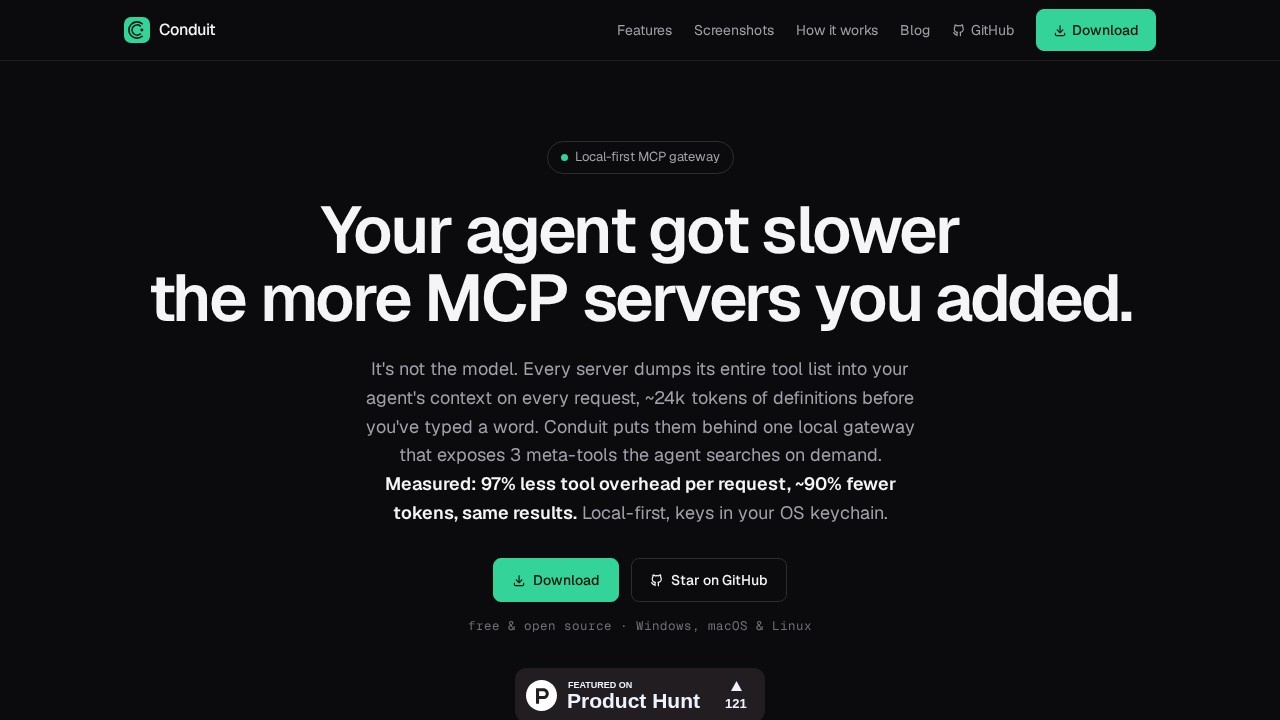
Conduit is a local-first MCP gateway from Southforge AI that organizes MCP server tools for AI agents. It prevents tool dump overload by exposing just three meta-tools instead of hundreds, reducing token consumption by ~90% per request. Users point their AI tools (Claude, Cursor, VS Code, Windsurf, Codex, Antigravity) at Conduit once, and it fans out to every server they manage. It runs as a native desktop app on Windows, macOS, and Linux—no Docker or cloud dependencies.Application scenarios
AI agent optimization
Reduce tool definition bloat when adding multiple MCP servers to agents like Claude or Cursor.
Multi-client tool management
Point multiple AI tools at a single gateway instead of configuring each client separately.
Secrets management
Store API keys in the OS keychain and inject them at runtime, avoiding client config or cloud storage.
Destructive tool governance
Toggle off all dangerous tools fleet-wide with one switch, preventing accidental agent actions.
Observability and debugging
Monitor per-server latency, error rates, and audit every tool call directly from the app.
Local-first development
Run MCP servers as host processes without Docker or cloud infrastructure.
Core Features
Meta-tool architecture
Exposes three searchable meta-tools instead of hundreds of raw tool definitions, keeping agent context flat.
Token reduction
Measured 97% less tool overhead per request and ~90% fewer tokens overall, with the same task success rate.
Multi-client gateway
Point each AI tool at Conduit once; it fans out to every server you manage with hot toggles and no restarts.
OS keychain secrets
API keys live in your OS keychain and are injected at runtime, never in client configs or the cloud.
Per-tool governance
Toggle any individual tool on or off; one switch hides every destructive tool from all clients fleet-wide.
Live observability
View per-server latency, error rates, and a full audit trail of every tool call built into the app.
Native desktop app
Runs as a local app with no Docker or cloud dependencies; supports local servers as host processes and remote server proxies.
Tool invocation testing
Invoke any tool and see the raw result before an agent ever calls it.
Target users
Developers and AI engineers who work with multiple MCP servers and AI agents (Claude, Cursor, VS Code, Windsurf, Codex). It's ideal for teams managing tool-heavy agent setups who want to reduce token costs, improve agent performance, and maintain governance over which tools agents can access.How to use Conduit?
Download the free, open-source app from GitHub for Windows, macOS, or Linux. Install and run the native desktop app. Point your AI tools (Claude, Cursor, VS Code, etc.) at Conduit as the gateway. Add MCP servers through the app's interface. Store API keys in your OS keychain. Toggle tools on/off and monitor observability from the app. The three meta-tools are automatically exposed to your agents.Pricing and free trial
Conduit is free and open source. The website states "free & open source" with a download link and a "Star on GitHub" call-to-action. No paid tiers or trial periods are mentioned.Effect review
Conduit directly solves a real bottleneck: tool definition bloat from multiple MCP servers. The 97% overhead reduction and ~90% fewer tokens per request are impressive, especially since they claim the same task success rate. The local-first, no-cloud approach with OS keychain secrets adds strong security and simplicity. The per-tool governance and live observability make it practical for production use. For developers managing multiple AI agents and MCP servers, Conduit looks like a clean, measurable upgrade over raw server dumps.Frequently Asked Questions
What is Conduit?
How does Conduit prevent tool dump overload?
Who can benefit from using Conduit?
Is Conduit free to use?
Does Conduit support all MCP servers?
Conduit - AI Tool Detail
Conduit by Southforge AI organizes MCP server tools for AI agents, preventing tool dump overload and streamlining agent integration.
Category:Agents
Visit Link:https://conduit.southforgeai.com/
Tags:MCP server management、AI agent integration、tool organization、agent tool overload、AI workflow optimization