
Tasvix
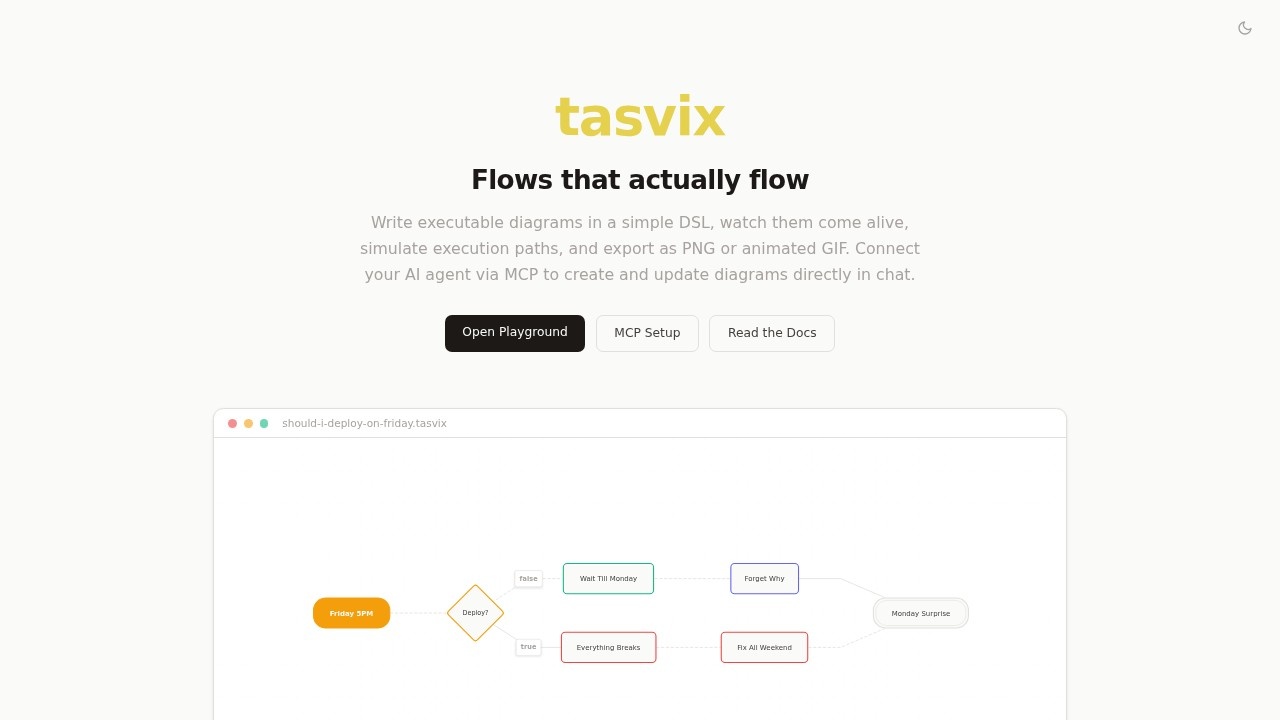
Tasvix lets you create executable flow diagrams with a simple DSL. Features live preview, simulation, PNG/GIF export, and AI integration via MCP. No sign-up or install needed.
What is Tasvix?
Tasvix is a tool for creating executable flow diagrams using a simple, text-based DSL. It lets you write diagrams in a clean syntax, see them update live, simulate execution paths, and export as PNG or animated GIF. The platform works entirely in the browser with no sign-up or installation required, and it integrates with AI agents via the Model Context Protocol (MCP) for generating diagrams directly in chat.
Application scenarios
Software documentation
Write and maintain flow diagrams as text files that can be version-controlled, diffed, and embedded in documentation.
Process simulation
Animate execution paths through a flow, step through decisions, and watch branches light up to test logic.
Team collaboration
Share diagrams as PNG images or animated GIFs in docs, slides, or chat conversations.
AI-assisted diagramming
Use Claude, ChatGPT, or any MCP-compatible AI tool to create and update diagrams from natural language specs.
Pull request reviews
Keep flow diagrams in text files so they can be reviewed alongside code changes in pull requests.
Education and training
Create interactive flow diagrams that students or trainees can step through to understand decision paths.
Core Features
Minimal DSL
Define flows in a clean, line-based syntax without bloated XML or visual clutter — just text.
Live Preview
Your diagram updates in real-time as you type, with no build step or refresh needed.
Simulation
Animate execution paths through the flow, step through decisions, and watch branches light up.
Export Anywhere
Generate PNG images or animated GIFs of your flows for use in docs, slides, or chat.
Visual Designer
Prefer drag-and-drop? Use the visual designer to add nodes, set properties, and connect them.
MCP / AI Agent
Connect Claude, ChatGPT, or any MCP-compatible AI tool to create and update diagrams directly from your agent.
Text-first
Flows live in text files — easy to version, diff, review in pull requests, and embed in documentation.
Automatic Layout
Diagrams always look clean with automatic layout, never messy from manual positioning.
Interactive Simulation
Don't just draw — simulate. Step through decisions, explore branches, animate execution paths.
Target users
Developers, technical writers, product managers, and anyone who needs to design, document, or simulate flow diagrams. The text-first approach suits teams that version-control their work, while the visual designer and AI integration make it accessible to non-technical users who prefer drag-and-drop or chat-based creation.
How to use Tasvix?
Open the Tasvix Playground directly in your browser — no sign-up or install needed. Write a few lines of DSL to define your flow, and the live preview updates instantly. Use the visual designer if you prefer drag-and-drop. To simulate, step through execution paths and watch branches light up. Export your diagram as a PNG or animated GIF for sharing. For AI-assisted creation, connect an MCP-compatible tool like Claude or ChatGPT to generate diagrams from natural language.
Pricing and free trial
The website does not mention any pricing or free trial details. The tool is available immediately in the browser with no sign-up required.
Effect review
Tasvix offers a genuinely useful combination of text-first diagramming and interactive simulation that sets it apart from static diagram tools. The live preview and automatic layout remove the friction of manual alignment, while the simulation feature adds a practical layer for testing logic flows. The MCP integration with AI agents is forward-looking and could save significant time for teams that already use tools like Claude or ChatGPT. For users who need version-controlled, shareable flow diagrams that go beyond static screenshots, Tasvix delivers a clean, no-fuss experience right in the browser.
Frequently Asked Questions
What is Tasvix?
Do I need to sign up or install anything?
How does AI integration via MCP work?
Can I export my diagrams?
What is the DSL used in Tasvix?
Is there a live preview feature?
Tasvix - AI Tool Detail
Tasvix lets you create executable flow diagrams with a simple DSL. Features live preview, simulation, PNG/GIF export, and AI integration via MCP. No sign-up or install needed.
Category:Prompt tool
Visit Link:https://tasvix.com/
Tags:flow diagrams、DSL、live preview、simulation、no sign-up