
Architecture Diagram AI
AI-powered tool for generating system architecture diagrams and cloud infrastructure visuals from text descriptions. Offers a free trial with Google sign-in for quick access.
What is Architecture Diagram AI?
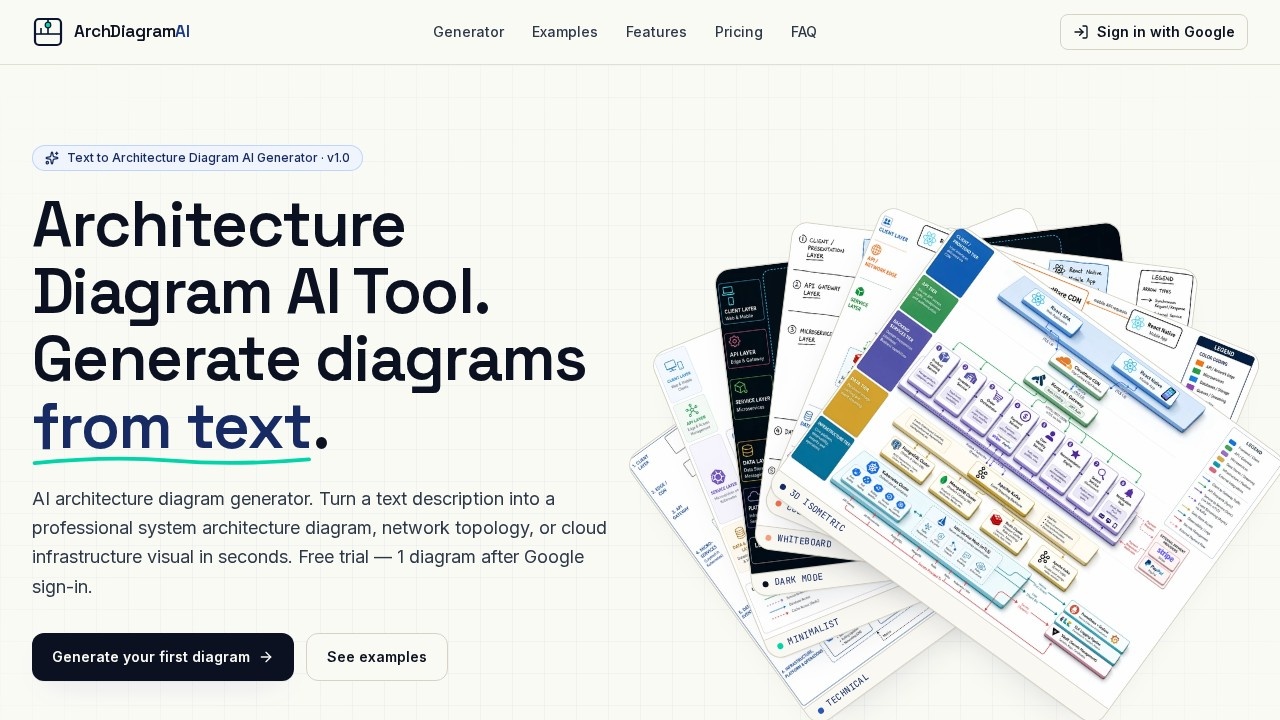
Architecture Diagram AI is an AI-powered tool that converts plain English text descriptions into professional system architecture diagrams, network topologies, and cloud infrastructure visuals. Users describe their system in a sentence or two, choose a visual style, and the AI generates a downloadable diagram in 20–60 seconds. It supports multiple styles including Technical, Dark Mode, Colorful, 3D Isometric, and Whiteboard. The tool requires Google sign-in and offers a free trial of one diagram.Application scenarios
Cloud architecture design
Generate AWS, Kubernetes, or multi-cloud topology diagrams from a text prompt.
Microservices documentation
Visualize API gateways, services, databases, and message queues in a single diagram.
Data pipeline planning
Create diagrams for real-time pipelines with Kafka, Flink, S3 data lakes, and Snowflake.
CI/CD workflow mapping
Illustrate continuous integration and deployment pipelines with a text description.
SaaS platform modeling
Generate architecture diagrams for React/Next.js frontends, Node.js APIs, and backend services.
ML pipeline visualization
Map machine learning workflows with components like data ingestion, training, and deployment.
Core Features
Text-to-diagram generation
Type a plain English description of your system, and the AI creates a professional architecture diagram automatically.
Multiple visual styles
Choose from Technical, Dark Mode, Colorful, 3D Isometric, Whiteboard, or Minimalist to match your presentation needs.
Reference image upload
Upload up to 16 reference images to guide the AI in generating the diagram.
Aspect ratio control
Select from auto, 4:3, 16:9, 1:1, 3:4, or 9:16 to fit your output format.
Resolution options
Generate diagrams at 1K, 2K, or 4K resolution—2K or 4K recommended for readable labels.
High-resolution PNG download
Save the final diagram as a high-res PNG file for use in documentation or presentations.
Live generator
The tool renders the diagram in real time, typically within 20–60 seconds.
Target users
Software architects, cloud engineers, DevOps teams, system designers, and technical documentation writers who need to quickly create professional architecture diagrams without manual drawing. It's also useful for students and instructors presenting system designs in academic or training contexts.How to use Architecture Diagram AI?
- Visit the website and sign in with Google (required for the free trial).
- Describe your system architecture in plain English in the prompt box—be as brief or detailed as you like.
- Optionally upload up to 16 reference images to guide the output.
- Choose a visual style (Technical, Dark Mode, Colorful, 3D Isometric, etc.) and set aspect ratio and resolution.
- Click "Generate diagram" and wait 20–60 seconds for the AI to render your diagram.
- Download the result as a high-resolution PNG.
Pricing and free trial
The tool offers a free trial: one diagram after Google sign-in. Each generation costs 1 credit. No further pricing tiers or subscription details are provided on the website.Effect review
Architecture Diagram AI delivers on its core promise: turning a text description into a usable architecture diagram in under a minute. The variety of styles—from technical to 3D isometric—makes it suitable for both internal documentation and client-facing presentations. The free trial is generous enough to test the quality, but the 1K resolution warning about blurry labels suggests higher resolutions (2K or 4K) are needed for professional use. For teams tired of manual diagramming tools, this is a fast, no-fuss alternative that prioritizes speed over customization. The lack of export formats beyond PNG and the single free diagram limit may frustrate power users, but for quick visualizations, it works as advertised.Frequently Asked Questions
What is Architecture Diagram AI?
Is there a free trial available?
How do I start using the tool?
What types of diagrams can I create?
Do I need technical skills to use it?
Can I export the diagrams?
Architecture Diagram AI - AI Tool Detail
AI-powered tool for generating system architecture diagrams and cloud infrastructure visuals from text descriptions. Offers a free trial with Google sign-in for quick access.
Category:Image generation
Visit Link:https://architecturediagramai.com/
Tags:AI architecture diagrams、cloud infrastructure、system design、diagram generator、text to diagram