
Sunder
An open-source desktop app by Sunder that installs tools as packages: dashboards, file utilities, automations, AI agents, local integrations, and native workflows.
What is Sunder?
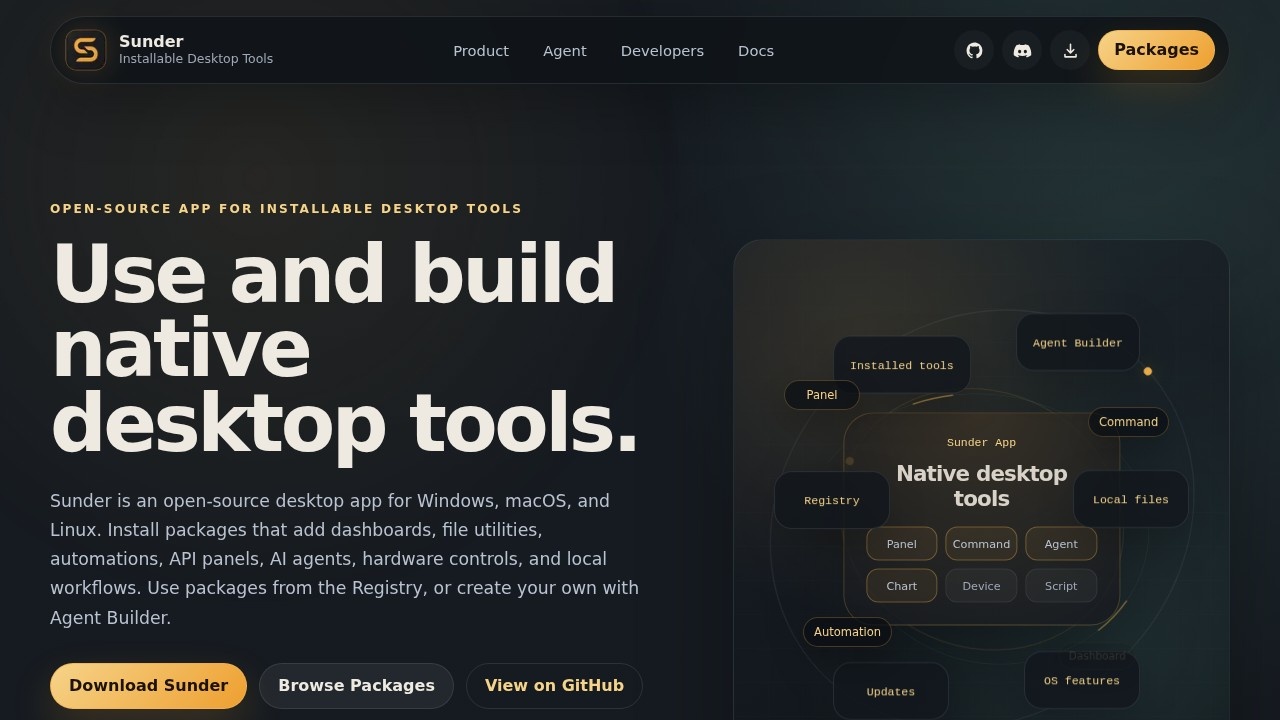
Sunder is an open-source desktop app for Windows, macOS, and Linux that lets you install tools as packages. Instead of downloading separate apps for every small utility, you install packages into Sunder—dashboards, file utilities, automations, API panels, AI agents, hardware controls, and local workflows. You can use packages from the Registry or build your own with Agent Builder. It’s not a window manager or launcher; packages are built specifically for Sunder and share the same shell, settings, and lifecycle.Application scenarios
Folder organization
Watch a folder, rename files, move downloads, or clean up repeated local work.
Server management
Show status, logs, deploy buttons, uptime, or alerts for a server or game server.
Image batch processing
Resize, convert, watermark, compress, or sort images without building a separate app.
Smart home control
Control Home Assistant devices, automations, cameras, or sensors from a native Sunder panel.
Hardware monitoring
Build panels for a 3D printer, local device, serial tool, robot, lab instrument, or custom hardware.
Business tracking
Track invoices, orders, metrics, support queues, inventory, CRM tasks, or API data in one local app.
AI workspaces
Let an agent use files, shell commands, web tools, MCP servers, memory, local models, and package-building tools.
Core Features
Agent Builder
Create new packages without starting from a blank desktop app project.
Package Registry
Browse and install pre-built tools from the Registry.
Dashboard panels
Add native panels for monitoring, data visualization, or control.
Automations
Set up automated workflows like file renaming, downloads, or repeated tasks.
AI agents
Run agents that can use files, shell commands, web tools, MCP servers, memory, and local models.
Command buttons
Wrap backup scripts, dev commands, imports, exports, or maintenance tasks behind a simple UI.
Hardware controls
Build panels for 3D printers, robots, lab instruments, or custom hardware.
Local file integration
Work directly with local files and OS features without a separate app.
Cross-platform support
Runs on Windows, macOS, and Linux.
Target users
Sunder is for developers, system administrators, power users, and makers who need small native tools without building full standalone apps. It’s also useful for AI builders who want to create desktop agents and for anyone managing servers, smart homes, or hardware devices from a single app.How to use Sunder?
Download the app from the official website for Windows, macOS, or Linux. After installation, browse the Registry to install packages for dashboards, automations, AI agents, or file utilities. To create your own tool, use Agent Builder to build a package without starting from scratch. All packages run inside Sunder, sharing the same shell and settings.Pricing and free trial
The website text does not mention any pricing or free trial information.Effect review
Sunder solves a real pain point: the clutter of tiny standalone apps for simple tasks. By packaging tools into a single, open-source desktop environment, it streamlines installation, updates, and credentials. The Agent Builder makes it easy to create custom tools without a full development project. While the concept is strong, actual usefulness depends on the quality and variety of packages available in the Registry. For now, it’s a promising platform for anyone tired of app sprawl.Frequently Asked Questions
What is Sunder?
Is Sunder free to use?
What kind of tools can I install with Sunder?
How do I install a tool package in Sunder?
Can I create my own tool packages for Sunder?
Is Sunder available for Windows, Mac, and Linux?
Sunder - AI Tool Detail
An open-source desktop app by Sunder that installs tools as packages: dashboards, file utilities, automations, AI agents, local integrations, and native workflows.
Category:Automation
Visit Link:https://www.sunderapp.io/
Tags:open-source、desktop app、AI agents、local integrations、workflow automation