
Yansu
Isoform's AI tool that observes your team's workflow, learns patterns, and automatically builds custom apps without coding or prompting. A free desktop app for Mac, Windows, and Linux.
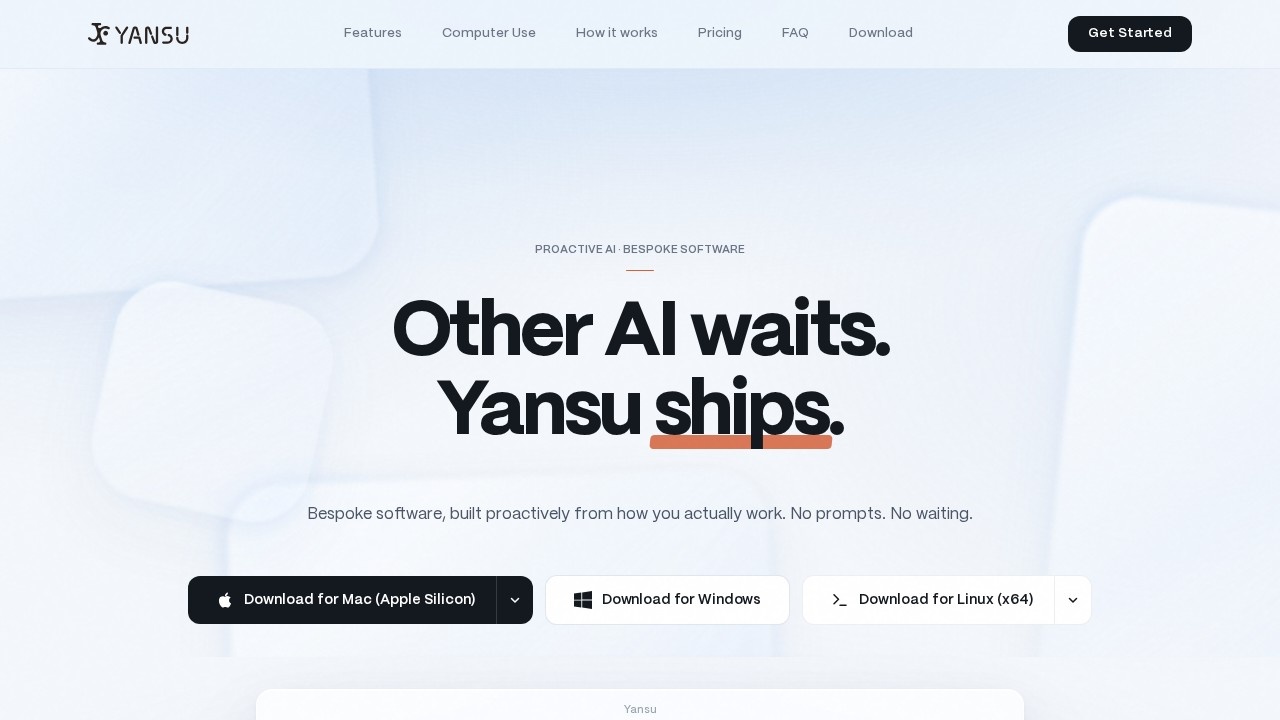
What is Yansu?
Yansu is a proactive AI tool from Isoform that observes your team's workflow, learns patterns, and automatically builds custom apps without any coding or prompting. It runs quietly in the background on your desktop, capturing conversations, decisions, and hesitations to distill raw memory into structured knowledge. You don't need to ask it to do anything—it spots what you need and builds it before the thought crosses your mind. It's a free desktop app available for Mac, Windows, and Linux, designed to let you stay focused while Yansu handles the busywork.Application scenarios
Team chat management
Yansu learns from observing your messaging apps like Slack to understand team patterns and improve workflows.
Spend tracking
It can automatically track team spending by analyzing conversations and decisions, generating structured reports.
Meeting recaps
Yansu captures every conversation and decision during meetings, then distills them into actionable summaries.
Bug fixing
When a bug appears (e.g., "Safari export fails"), Yansu observes the issue and builds solutions or improved workflows without you prompting it.
Insight discovery
It can create fun dashboards for insight discovery based on your team's work patterns and preferences.
Background automation
Yansu quietly opens apps, fills forms, and files tickets using its own virtual cursor, never touching yours—so you can take time off while it works.
Core Features
Tribal knowledge capture
Yansu observes how you work, capturing every conversation, decision, and hesitation, then distills raw memory into structured knowledge.
No-prompt automation
It doesn't wait to be asked—it spots what you need and builds it before the thought even crosses your mind.
Distraction-free operation
Yansu builds quietly in the background while you stay focused on your work, with no babysitting required.
Background computer use
It runs its own virtual cursor to open apps, fill forms, and file tickets without touching your cursor or stealing focus.
Screen sharing without disruption
Yansu shares your screen but operates in its own lane, so your apps keep their state and your workflow never skips a beat.
Local data storage
Your memory, conversations, and generated apps are stored locally on your machine, not on Yansu's servers.
Security certifications
Independently audited with SOC 2 Type II and ISO 27001 certifications, ensuring verified security.
Cross-platform support
Available for Mac (Apple Silicon and Intel), Windows, and Linux (x64 and ARM64).
Target users
Yansu is built for busy professionals and teams who want to automate repetitive tasks without learning to code or writing prompts. It's ideal for project managers, developers, support teams, and anyone tired of babysitting AI tools—just let Yansu observe your workflow and it builds custom apps automatically in the background.How to use Yansu?
- Download the free desktop app for Mac, Windows, or Linux from the official website.
- Install and launch Yansu—it starts listening by observing how you work on the desktop through screenshots and/or your messaging apps like Slack.
- Yansu crystallizes your patterns into structured, actionable knowledge (e.g., sprint workflows, code review styles, team preferences).
- Based on that knowledge, Yansu automatically builds improved workflows, offers solutions to bugs, or creates dashboards for insight discovery—no prompts needed.
Pricing and free trial
Yansu offers simple, transparent pricing with a free tier and three paid plans:- Free: $0/month — ~2 handoffs, ~2 crystals, ~2 memories & knowledge per month.
- Pro: $20/month — ~5 handoffs, ~5 crystals, ~50 memories & knowledge per month.
- Studio: $100/month — ~25 handoffs, ~25 crystals, ~250 memories & knowledge per month.
- Max: $200/month — ~50 handoffs, ~50 crystals, ~500 memories & knowledge per month.
- Enterprise: Custom pricing for custom handoffs and crystals.
Effect review
Yansu delivers on its promise of "proactive AI" by eliminating the need for prompts entirely—it observes, learns, and builds custom apps automatically. The background computer use feature is particularly impressive, running its own virtual cursor so you can take time off while it handles tasks. Data privacy is a strong point, with local storage and SOC 2 Type II/ISO 27001 certifications. However, the free tier is quite limited (only ~2 handoffs per month), so heavy users will need to upgrade. For teams tired of babysitting AI tools, Yansu offers a genuinely hands-off automation experience that feels like having a silent, tireless intern.Frequently Asked Questions
What is Yansu?
Is Yansu free to use?
How does Yansu build apps?
What platforms does Yansu support?
Do I need coding skills to use Yansu?
Can Yansu integrate with existing tools?
Yansu - AI Tool Detail
Isoform's AI tool that observes your team's workflow, learns patterns, and automatically builds custom apps without coding or prompting. A free desktop app for Mac, Windows, and Linux.
Category:Automation
Visit Link:https://yansu.app/
Tags:no-code automation、workflow builder、AI agent、desktop app、productivity tool