Routine
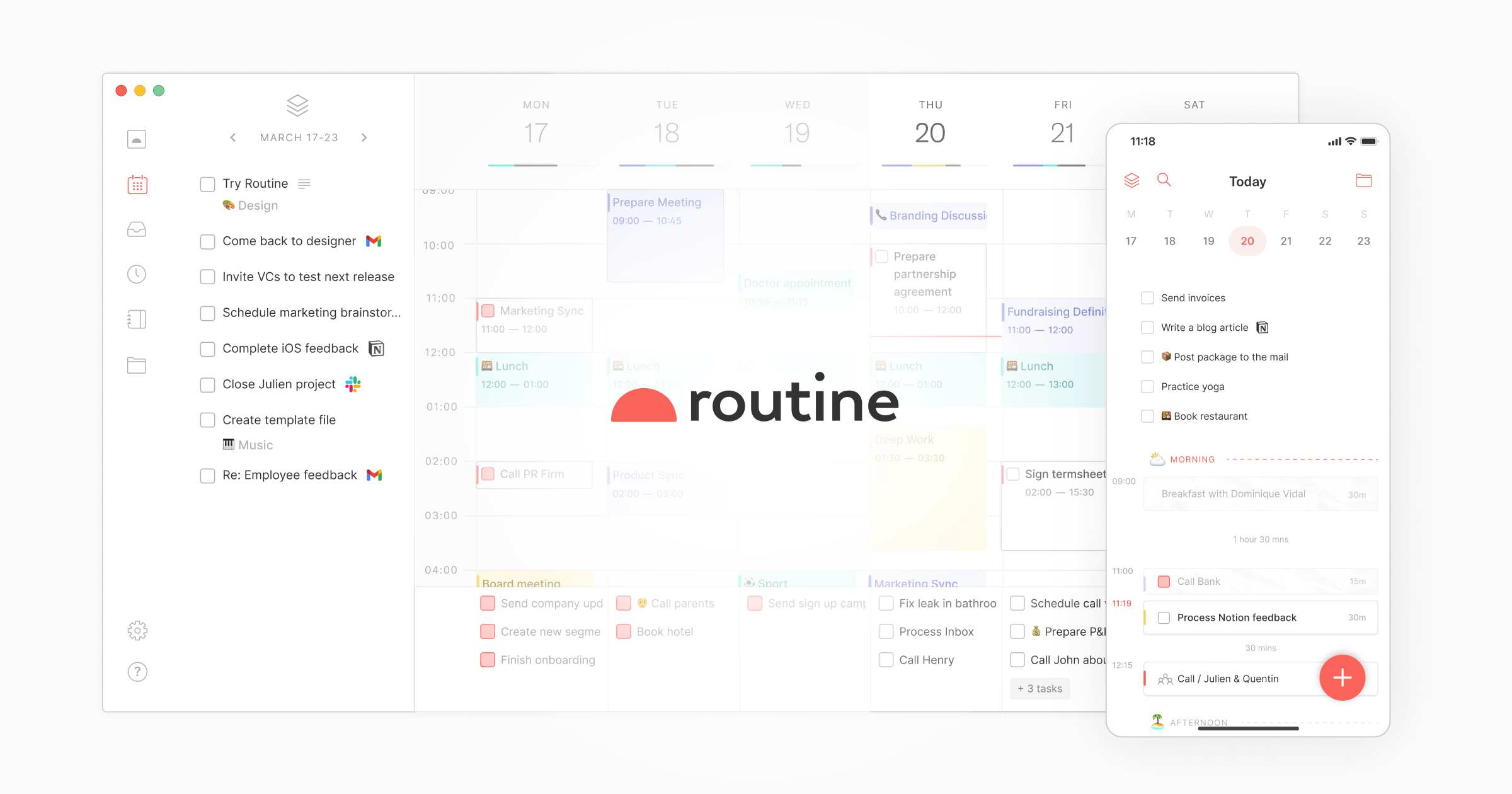
Routine is an AI-powered workspace by Routine that integrates tasks, calendars, and notes. It helps you plan your day, prioritize focus, and boost productivity through intelligent scheduling and organ
What is Routine?
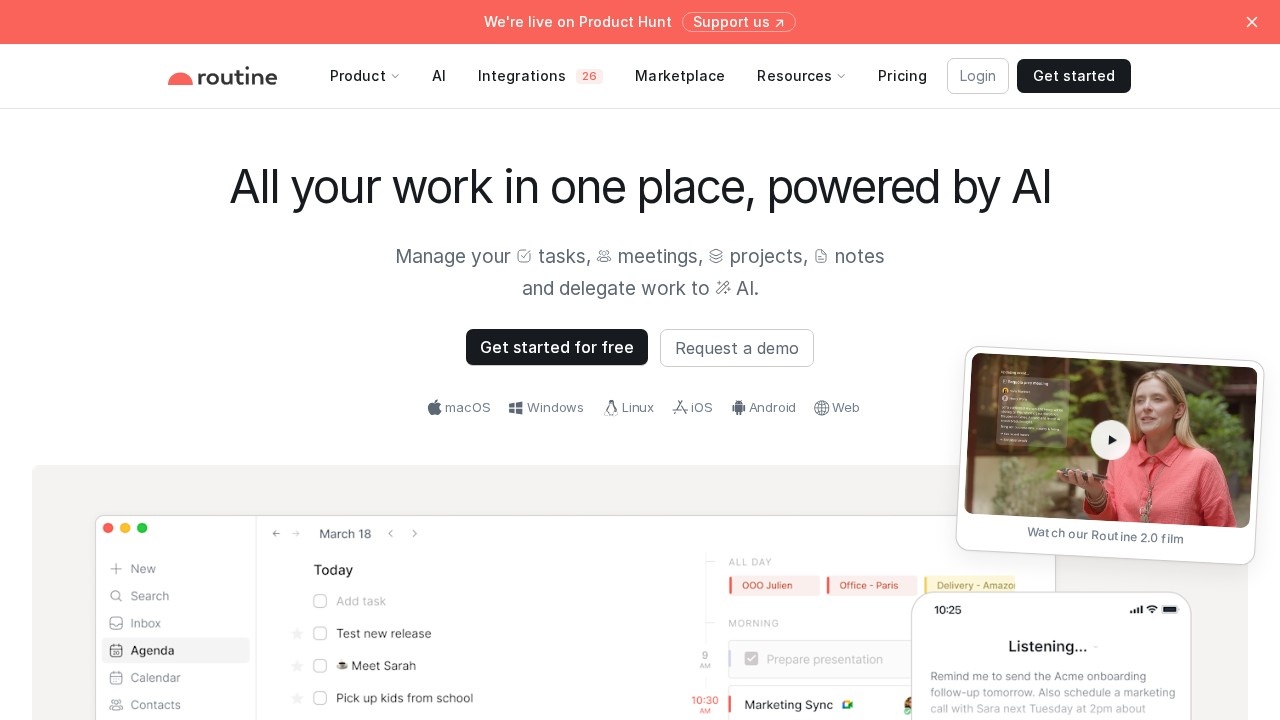
Routine is an AI-powered workspace that integrates tasks, calendars, and notes into a single platform. It helps users plan their day, prioritize focus, and boost productivity through intelligent scheduling and organization. The tool centralizes tasks, messages, and notifications from various apps, eliminating the need to switch between services. It also offers AI features like voice assistants, meeting summaries, and automated agents to streamline workflows.Application scenarios
Task management
Centralize all tasks, messages, and notifications from multiple apps to reduce context switching.
Meeting productivity
Use AI meeting notes to summarize discussions and automatically convert action items into tasks.
Voice-driven organization
Delegate reminders and task organization via an AI voice assistant, especially when on the go.
Time blocking
Block time for important tasks to ensure they get completed without distractions.
Project management
Organize work with labels, priorities, and projects, and schedule recurring tasks effortlessly.
Data aggregation
Integrate third-party services to aggregate data into databases, creating dashboards and reports.
Team collaboration
Split organizations into logical workspaces for access control and use Routine as a single source of truth.
Core Features
Universal inbox
Centralize all tasks, messages, and notifications from different apps and services.
Quick capture
Create tasks instantly via a desktop hotkey and enrich them with context.
AI voice assistant
Use voice commands to delegate remembering or organizing tasks on the go.
AI meeting notes
Summarize meetings and automatically turn action items into tasks without needing a meeting bot.
Automate and delegate
Add specialized AI agents to automate complex processes and focus on key decisions.
Planner
Plan tasks and events through a single screen with time blocking for important tasks.
Labels, priorities & projects
Categorize work with labels, assign priorities, and organize everything through projects.
Recurrences
Schedule recurring tasks effortlessly to maintain consistency.
Data model
Define custom entities (e.g., customers, projects, bug reports) to tailor the workspace to your workflow.
Databases and views
Integrate third-party services, create additional databases, and visualize data with powerful dashboards and reports.
Target users
Routine is designed for professionals and teams who need to centralize their work across multiple apps. It benefits project managers, freelancers, and remote workers looking to reduce context switching. Teams in customer support, marketing, or development can use it as a single source of truth and company operating system. Users migrating from tools like Todoist, Akiflow, Notion, ClickUp, or Asana will find it a faster, more customizable alternative.How to use Routine?
To start using Routine, visit the official website at https://routine.co/. Sign up for an account and begin by capturing tasks via the universal inbox or quick capture hotkey. Use the AI voice assistant to delegate tasks on the go, and integrate your third-party services to centralize data. Plan your day with the planner and time blocking features, and customize the data model to fit your workflow. For teams, set up workspaces and databases to manage access and create reports.Effect review
Routine positions itself as a powerful productivity hub that replaces multiple specialized tools. User testimonials on the site highlight its simplicity and customizability, with one user noting it’s “simple at first, but super customizable” compared to Akiflow. Another team reported that “everything fell into place immediately” after switching from Notion, praising its speed and extensibility. The AI features—like meeting summaries and voice assistants—add practical automation for mundane tasks. Overall, Routine delivers on its promise of centralizing work and reducing app-switching, making it a strong choice for users seeking a unified workspace.Frequently Asked Questions
What is Routine?
How does Routine use AI to improve productivity?
Can I sync my existing calendars and tools with Routine?
Is Routine available on mobile devices?
Is Routine free to use?
Routine - AI Tool Detail
Routine is an AI-powered workspace by Routine that integrates tasks, calendars, and notes. It helps you plan your day, prioritize focus, and boost productivity through intelligent scheduling and organ
Category:Personal Assistant
Visit Link:https://routine.co/
Tags:AI scheduling、productivity assistant、task management、intelligent calendar、focus planner