
Motion
Motion by usemotion.com is an AI-powered productivity platform that automates tasks, projects, calendars, meetings, and document workflows to optimize your schedule and work.
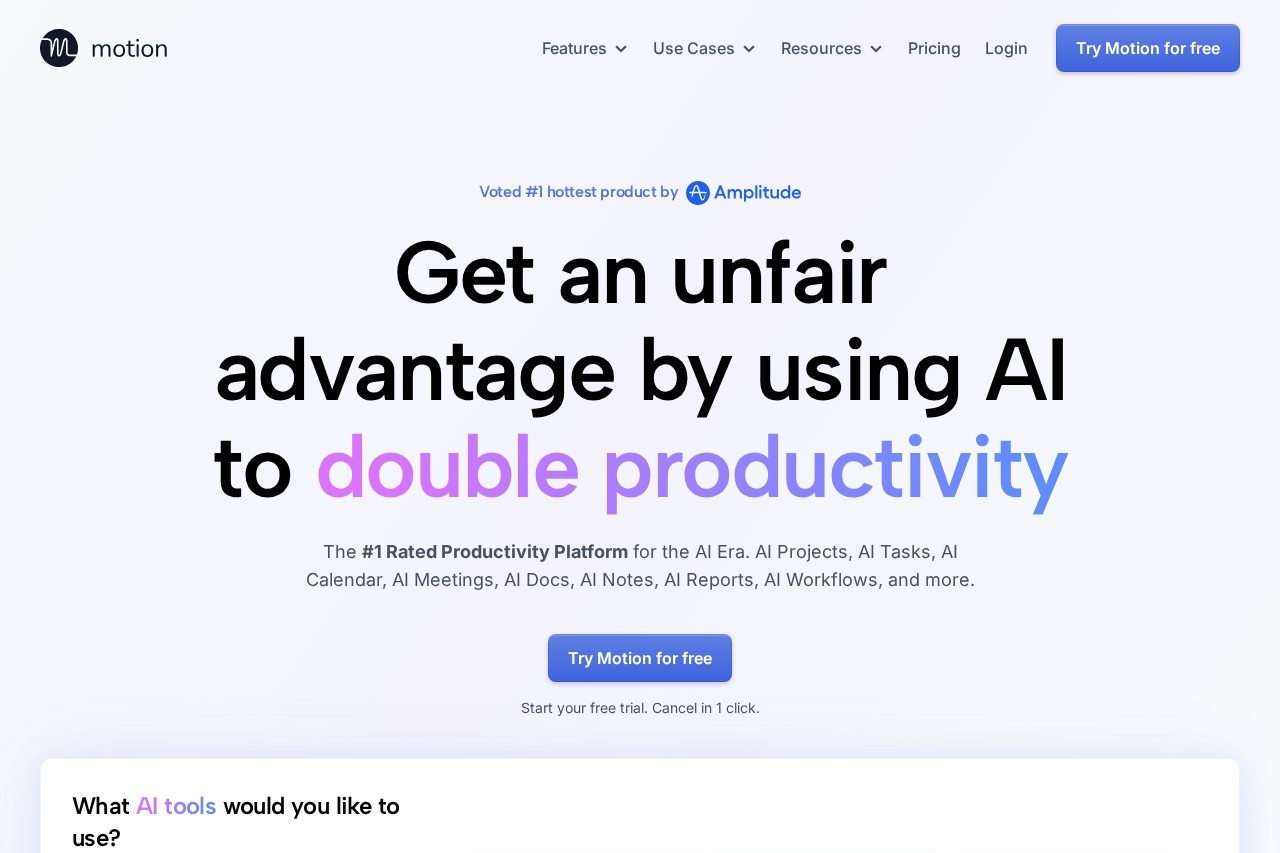
What is Motion?
Motion is an AI-powered productivity platform that automates and optimizes work across tasks, projects, calendars, and documents. It integrates these functions into a single system designed to manage schedules and workflows automatically. Users leverage its AI to prioritize work, plan their days, and handle repetitive administrative processes.Application scenarios
Individual productivity management
Automatically prioritizing a personal task list and scheduling a daily calendar.
Team project execution
Creating and managing multi-step projects with automatic status tracking and delegation.
Client work acceleration
Completing client projects faster by optimizing team schedules and resource allocation.
Meeting and communication follow-up
Automatically taking notes and generating action items from meetings.
Document workflow
Drafting, proofreading, and organizing documents and standard operating procedures.
Information retrieval
Instantly searching across all connected docs, notes, tasks, and communications.
Core Features
AI Task Planner
Automatically creates and prioritizes tasks based on deadlines, dependencies, and your preferences.
AI Project Manager
Generates entire project plans in seconds and manages project statuses automatically.
AI Docs Assistant
Drafts and proofreads documents in seconds and organizes content.
AI Calendar Assistant
Plans your daily schedule and automatically schedules meetings for you.
AI Meeting Notetaker
Takes notes during meetings and follows up with generated action items.
AI Search Assistant
Instantly finds any document, note, project, task, or communication.
AI Workflow Builder
Automatically builds workflows based on your standard operating procedures (SOPs).
Centralized Task Capture
Gathers tasks from other apps like email, Zoom, Slack, and Siri into one global list.
Target users
The platform is built for individuals and teams of all sizes. It serves individual professionals seeking better work-life balance, managers and teams aiming to complete projects faster, and entire businesses looking to eliminate time wasted on administrative busywork. Specific testimonials cite Business Analysts, Marketing Managers, Business Owners, and COOs as beneficiaries.How to use Motion?
You can start by signing up for a free trial on the official website. Once registered, you can connect tools like Gmail, Outlook, Zoom, and Slack to automatically gather tasks. The AI then begins to prioritize these tasks and plan your schedule. You can also create projects using AI prompts and interact with the various assistants for documents, meetings, and search directly within the platform.Pricing and free trial
The website promotes a free trial that can be canceled in one click. No specific pricing plans or tier details are provided in the excerpt.Effect review
User testimonials highlighted on the site report significant tangible benefits, including reduced stress, faster career advancement, and substantial time and cost savings for businesses. The platform positions itself as a comprehensive solution that replaces several disconnected "normal" tools. By automating the planning, prioritization, and follow-up aspects of work, Motion aims to free users from repetitive tasks, suggesting a focus on improving operational efficiency and individual focus.Frequently Asked Questions
What is Motion?
How does Motion optimize my schedule?
What types of workflows can Motion automate?
Is Motion suitable for teams or individuals?
How does Motion handle meeting scheduling?
Can Motion integrate with other tools?
Motion - AI Tool Detail
Motion by usemotion.com is an AI-powered productivity platform that automates tasks, projects, calendars, meetings, and document workflows to optimize your schedule and work.
Category:Project Management
Visit Link:https://usemotion.com/
Tags:AI productivity、task automation、calendar optimization、workflow automation、project management