
Quartz
AI email assistant by Quartz that prioritizes important messages, drafts replies in your voice, and keeps your emails private by never sharing them with AI providers.
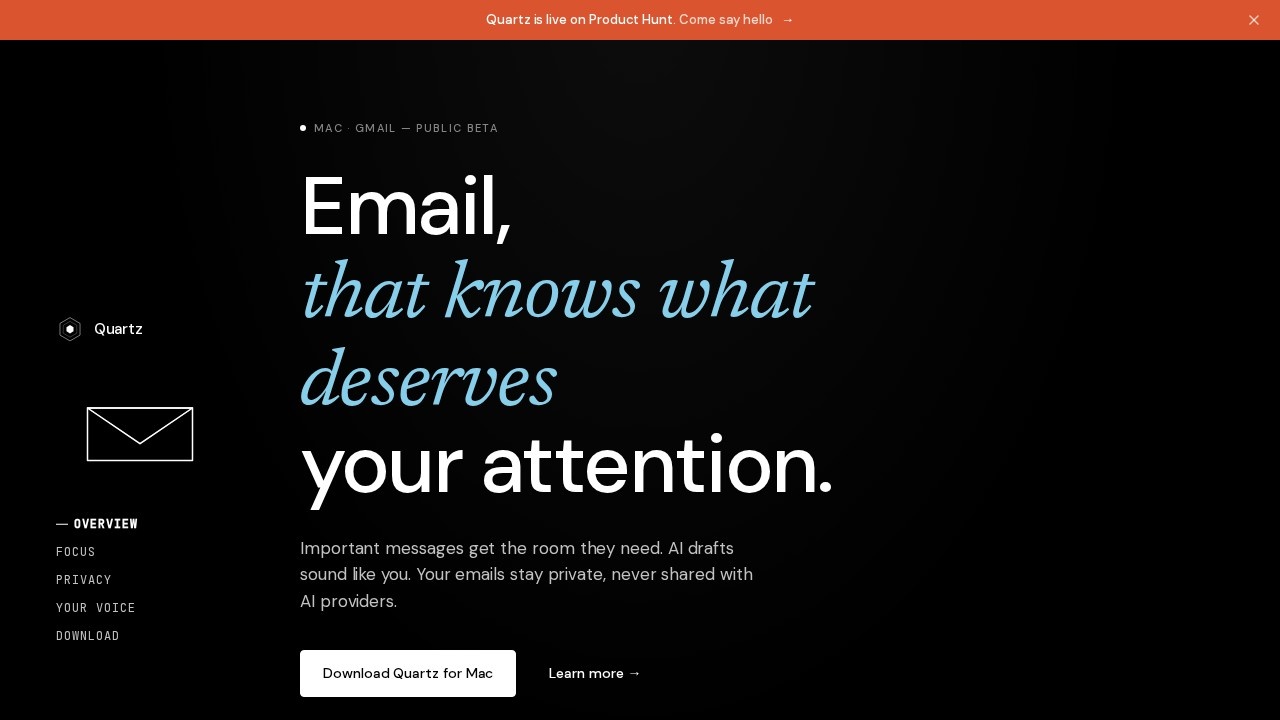
What is Quartz?
Quartz is an AI email assistant for Mac that runs on your device, prioritizing important messages and drafting replies in your voice. It integrates with Gmail and uses on-device AI to classify emails by importance, keeping your data private by never uploading it to external servers. Users rely on Quartz to cut through inbox clutter, letting important messages stand out while collapsing low-priority items like FYI, Icebox, and Noise. The tool learns your writing style over time and drafts responses that match your cadence, phrasing, and warmth.Application scenarios
Email triage
Automatically categorize incoming messages into importance levels (Important, FYI, Icebox, Noise) so you focus on what matters.
Reply drafting
Generate email replies that sound like you, based on your writing style and the context of each thread.
Privacy-conscious communication
Keep all email processing and data on your Mac, with end-to-end encryption and no server-side storage.
Professional email management
Reduce inbox overwhelm for busy professionals who receive high volumes of email.
Personalized automation
Train the AI with a few bullet points to understand your voice, sender relationships, and thread context.
On-device AI workflows
Use a Mac (Apple Silicon only) for local classification and drafting, ensuring no data leaves your device.
Core Features
Importance-based sorting
Quartz auto-categorizes every message by importance, defined by you and learned over time, so important mail gets the room it deserves.
Noise collapsing
Low-priority items like FYI, Icebox, and Noise are collapsed out of view, keeping your inbox scannable.
On-device AI processing
The model that sorts your inbox and drafts replies runs locally on your Mac—no data is uploaded to any server.
End-to-end encryption
Mail is encrypted on your device with keys only you hold, ensuring no one else can read your emails.
CASA Tier 2 certification
Independently audited and certified under Google's Cloud Application Security Assessment.
Voice learning
Give Quartz a few bullet points—it learns your writing style, understands sender relationships, and picks up thread context.
Reply drafting in your voice
Drafts come back in your cadence, phrasing, and warmth, avoiding generic LLM tone.
Gmail integration
Connects directly to your Gmail account for seamless email management.
Target users
Busy professionals, remote workers, and anyone overwhelmed by email volume who values privacy and wants an AI assistant that runs locally. It's ideal for Mac users with Apple Silicon who need to prioritize important messages without sacrificing data security. Teams or individuals who handle sensitive email content and require end-to-end encryption will also benefit.How to use Quartz?
Download the Quartz app for Mac, connect your Gmail account, and the tool will start auto-categorizing your inbox by importance. Provide a few bullet points to train the AI on your writing style, and Quartz will learn your cadence, phrasing, and warmth over time. Replies are generated on-device, and you can review and send them directly from the app. The beta is free for users.Pricing and free trial
Quartz is free for beta users. No pricing tiers or paid plans are mentioned on the website.Effect review
Quartz delivers on its promise of a privacy-first email assistant that runs entirely on your Mac, with no data leaving your device. The on-device AI classification and drafting are practical for users who want to reduce inbox noise without sacrificing control. The voice-learning feature is a standout—it avoids generic AI tone by adapting to your cadence and phrasing. However, the tool is currently limited to Mac with Apple Silicon and Gmail only, which narrows its audience. For beta users, the free access makes it a low-risk way to test a genuinely private email assistant.Frequently Asked Questions
How does Quartz prioritize important messages?
Can Quartz draft replies in my writing style?
Is my email data shared with third-party AI providers?
Which email platforms does Quartz support?
Does Quartz require an internet connection to work?
Quartz - AI Tool Detail
AI email assistant by Quartz that prioritizes important messages, drafts replies in your voice, and keeps your emails private by never sharing them with AI providers.
Category:Email Assistant
Visit Link:https://www.quartzmail.ai/
Tags:AI email assistant、email prioritization、email privacy、AI drafting、inbox management