
Aspen
Private AI by Aspen that runs entirely on your hardware with no subscriptions or cloud dependency. Free desktop app for Mac and Windows, free iPhone app, or dedicated device available.
Aspen
What is Aspen?
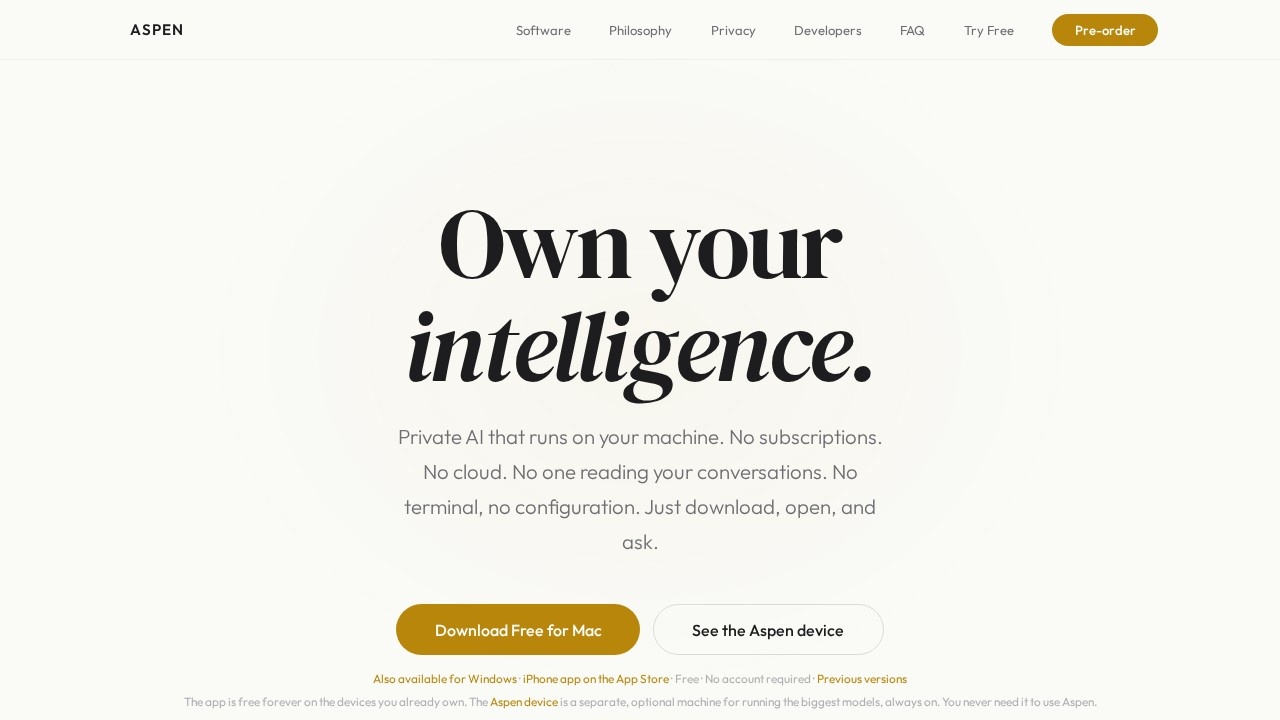
Aspen is a private AI platform that runs entirely on your own hardware—no subscriptions, no cloud dependency, and no one reading your conversations. You simply download the free desktop app for Mac or Windows (or the free iPhone app), open it, and start asking questions. It brings the full power of AI into your home, with your data never leaving your machine and never being used to train anyone's model.Application scenarios
Private AI assistant
Ask any question, from medical queries to financial planning, without worrying about data leaving your device.
Coding and development
Use live code artifacts to ask for a webpage and watch it render in a preview panel right beside the chat—like a local coding assistant.
Image analysis
Drop in a screenshot or photo, and a local vision model reads it; one tap installs a vision model if you don't have one.
Project integration
Connect GitHub and other tools through open MCP connectors so your AI works with your real projects.
Remote access
Reach your home machine's AI from your phone via a secure private URL, wherever you are.
Always-on AI
With the optional Aspen device, run the largest models around the clock without touching your computer.
Core Features
Private by design
Your conversations, documents, and data never leave the box—not for updates, not for analytics, not ever.
No subscriptions, no cloud
The app is free forever on the devices you already own; no account required.
Automatic model updates
When a better open model drops (Llama, Qwen, DeepSeek, Mistral), Aspen switches automatically so you always run the best available.
Instant rollback
If an update doesn't feel right, roll back to any previous version with one tap.
Live code artifacts
Ask for a webpage and see it render in a preview panel beside the chat—build, see it, copy it.
Local vision model
Drop in a screenshot or photo, and a local vision model reads it without anything leaving your machine.
Connect your tools
Connect GitHub and more through open MCP connectors, with tokens staying encrypted on your device.
Reach it anywhere
Aspen gives you a secure private URL so you can chat with the AI on your home machine from your phone.
Cross-platform app
One app for Mac, Windows, iPhone, iPad, Android, and web.
Optional dedicated device
The Aspen device is a separate machine (5.9″ × 5.9″ × 2″) with 1 Petaflop AI performance, 128 GB unified memory, and support for 200B parameter models—always on and silent.
Target users
Aspen is ideal for privacy-conscious individuals who want full control over their AI interactions—developers who need a local coding assistant, professionals handling sensitive data (medical, financial, legal), remote workers who want secure AI access from anywhere, and anyone who prefers not to trade their personal data for AI convenience. It also suits power users who want the largest open models running continuously on dedicated hardware.How to use Aspen?
- Download the app: Get the free desktop app for Mac or Windows from the official site, or the free iPhone app from the App Store (no account required).
- Open and ask: No terminal, no configuration—just open the app and start asking questions.
- Optional: Install vision models: One tap installs a local vision model if you want to analyze images.
- Connect tools (optional): Link GitHub and other services through MCP connectors for project integration.
- Access remotely (optional): Use the secure private URL to chat with your home machine's AI from your phone.
Pricing and free trial
The app is free forever on the devices you already own—no subscriptions, no account required. You can also try it free in your browser. The Aspen device is a separate, optional piece of hardware for running the biggest models always on; pricing is not listed on the site.Effect review
Aspen delivers on its core promise: a genuinely private AI experience with no cloud dependency, no subscriptions, and no data leakage. The feature set is surprisingly complete for a free product—live code artifacts, local vision, MCP tool connectors, and remote access are all included out of the box. The automatic model switching and instant rollback ensure you're always running the best open models without maintenance headaches. For users who value data sovereignty over convenience, Aspen is a compelling alternative to cloud-based AI assistants. The optional hardware device adds serious performance for power users, but the free software alone already covers most use cases effectively.Frequently Asked Questions
What is Aspen?
Is Aspen free to use?
Do I need an internet connection to use Aspen?
What platforms does Aspen support?
Can Aspen be used on multiple devices?
Does Aspen require a subscription?
Aspen - AI Tool Detail
Private AI by Aspen that runs entirely on your hardware with no subscriptions or cloud dependency. Free desktop app for Mac and Windows, free iPhone app, or dedicated device available.
Category:Personal Assistant
Visit Link:https://www.runonaspen.com/
Tags:offline AI、local AI、free AI app、private AI、on-device AI