
Picture to Drawing
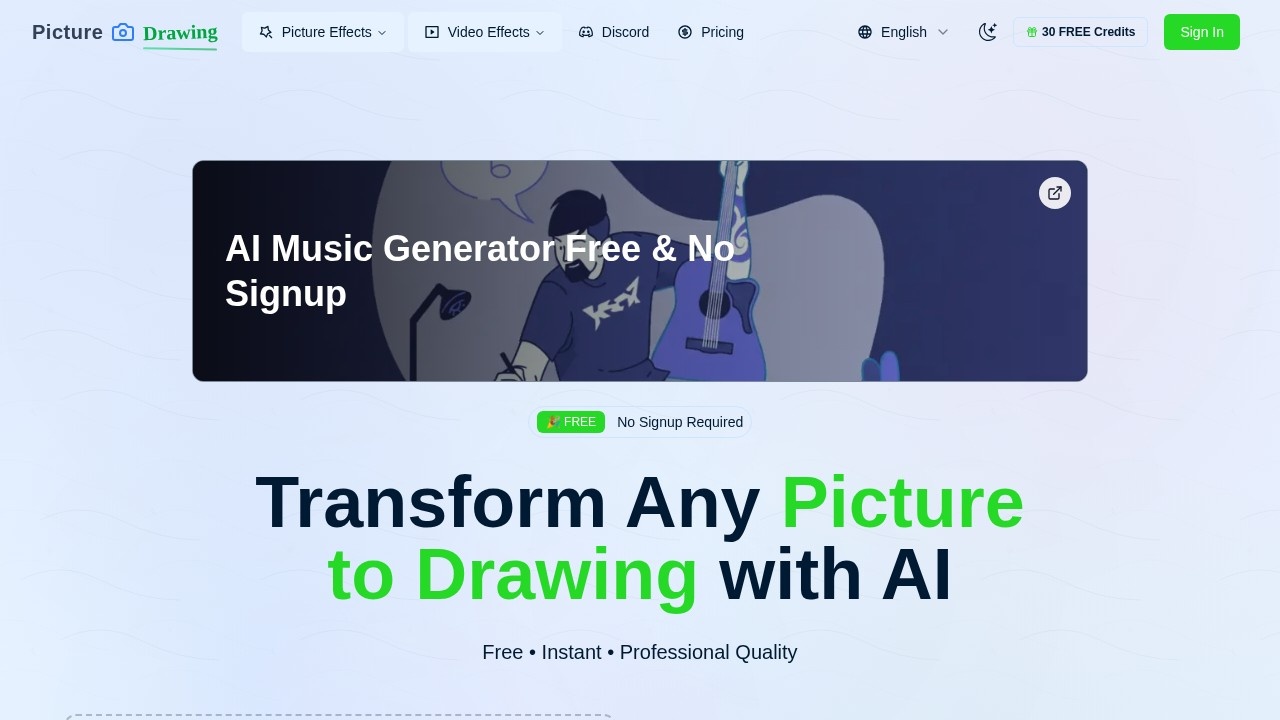
AI-powered tool by PictureToDrawing that converts photos into artistic drawings instantly, offering multiple art styles like pencil sketches and cartoons.
What is Picture to Drawing?
Picture to Drawing is a free AI-powered tool that instantly transforms any uploaded photo into artistic drawings. It uses advanced algorithms to convert images into styles like pencil sketches, charcoal drawings, watercolor paintings, and cartoon effects. Users can upload photos in JPG, PNG, WEBP, or HEIC formats and get professional-quality results in seconds—no signup or registration required.Application scenarios
Social media content
Create shareable artistic profile pictures or posts from personal photos.
Gift personalization
Turn family or pet photos into sketch-style prints for custom gifts.
Education and art projects
Convert reference images into line drawings for sketching practice or classroom assignments.
Marketing materials
Generate unique illustration-style visuals for social ads or blog headers without hiring a designer.
Digital scrapbooking
Transform vacation or event photos into artistic renditions for memory books.
Portfolio building
Quickly produce multiple drawing-style variations of the same image for design exploration.
Core Features
AI-powered conversion
Automatically transforms any uploaded picture into a drawing with high accuracy and artistic flair.
Multiple drawing styles
Choose from pencil sketch, line drawing, charcoal drawing, color pencil drawing, watercolor painting, ink art, crosshatch drawing, pastel drawing, and cartoon effects.
Free and unlimited use
Enjoy unlimited conversions at no cost with no hidden fees or subscription required.
No registration needed
Start converting immediately without creating an account or signing up.
High resolution output
Get crisp, professional-grade drawing results suitable for printing or digital use.
Instant processing
Upload a photo and receive the drawing output in seconds.
Sample pictures available
Try the tool with built-in sample images if you don’t have a photo ready.
Basic AI model included
The standard-quality model is available for everyday use (no mention of a paid upgrade on the site).
Target users
Picture to Drawing is ideal for casual users who want quick artistic effects without learning complex software—such as social media enthusiasts, hobbyist artists, educators, small business owners, and anyone looking to create personalized gifts or unique visuals from their photos.How to use Picture to Drawing?
- Upload your picture: Drag and drop an image onto the upload area, or click to browse your device. Supported formats include JPG, PNG, WEBP, and HEIC.
- Select a drawing style: Choose from options like pencil sketch, charcoal, watercolor, or cartoon.
- Choose the AI model: The basic standard-quality model is selected by default.
- Generate your drawing: Click the convert button—the AI processes the image in seconds.
- Download the result: Save the finished drawing to your device and share it with others.
Pricing and free trial
The tool is completely free to use with no signup required. The website states "Free • Instant • Professional Quality" and "Enjoy unlimited picture to drawing conversions at no cost." No paid tiers or trial periods are mentioned.Effect review
Picture to Drawing delivers exactly what it promises: instant, free photo-to-drawing conversion with a solid range of artistic styles. The lack of registration and unlimited usage makes it a low-friction option for quick creative projects. While the output quality depends on the basic AI model (no premium options are advertised), the variety of styles—from pencil sketch to watercolor—gives users flexibility. For casual users who need a fast, no-cost way to turn photos into drawings, this tool is a practical and straightforward choice.Frequently Asked Questions
What is Picture to Drawing?
Is Picture to Drawing free to use?
What art styles are available?
How long does it take to convert a photo?
Can I use the converted images for commercial purposes?
What image formats are supported?
Picture to Drawing - AI Tool Detail
AI-powered tool by PictureToDrawing that converts photos into artistic drawings instantly, offering multiple art styles like pencil sketches and cartoons.
Category:artistic creation
Visit Link:https://picturetodrawing.org/
Tags:photo-to-sketch、AI art generator、pencil drawing、cartoon filter、image style transfer