
PaneFlow
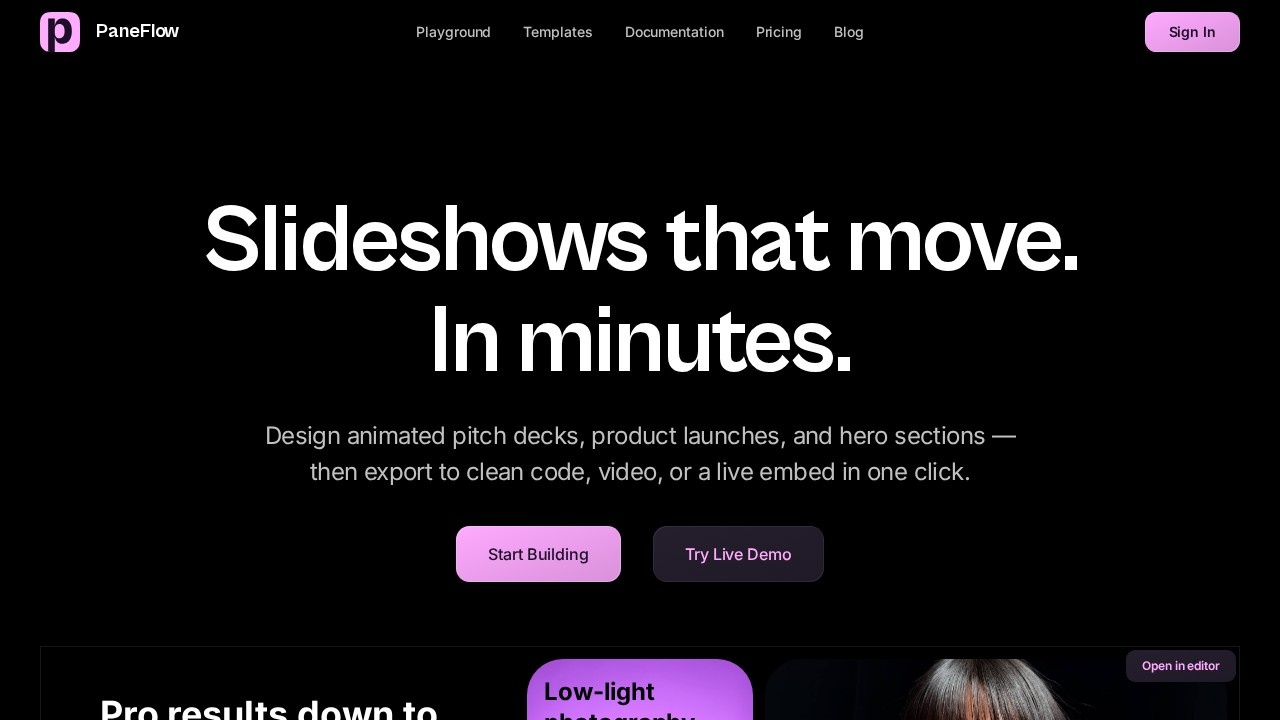
PaneFlow by an unknown developer for designing animated slideshows and presentations with no code, featuring 3D device mockups and motion, plus export to clean code or video for embedding anywhere.
What is PaneFlow?
PaneFlow is a no-code visual editor for designing animated slideshows and presentations. Users can build pitch decks, product launches, and hero sections on a flexible grid with text, images, video, 3D, and charts. The tool lets you animate any element and see it play back live. Finished slideshows can be exported as clean code (React, Vue, Svelte, HTML, Next.js), video, PDF, or a live embed—all in one click.Application scenarios
Pitch decks
Create animated investor presentations with motion and 3D effects.
Product launches
Design product showcases and launch slides with built-in animations.
Hero sections
Build animated hero sections for websites, exportable as code or embed.
Social media content
Generate animated slideshows for social campaigns.
Marketing campaigns
Ship campaign explainers and marketing slides in minutes.
Developer documentation
Export slideshows as clean React, Vue, or Svelte components for codebases.
Core Features
Drag-and-drop blocks
Build slides by dragging and dropping text, images, video, 3D, and charts onto a flexible grid.
Shared elements across slides
Keep design consistency by reusing elements across multiple slides.
Animate anything
Apply animations to any element and preview the motion live in the editor.
Image generation and editing
Generate on-brand images from a text description, tweak them with a prompt, or remove backgrounds—all within the project.
Multi-format export
Export the same slideshow as clean code (React, Vue, Svelte, HTML, Next.js), a live embed, video, images, or PDF without rebuilding.
Webflow and Framer integration
Publish slideshows directly to a Webflow site or Framer project.
MCP server for AI agents
Connect PaneFlow to Claude, Cursor, or any MCP client, and let agents build, edit, and animate slideshows from a prompt.
Template library
Start from pre-built templates for pitch decks, product launches, magazines, hero sections, and social media.
Target users
Designers, marketers, and developers. Designers can create animated slideshows without writing code. Marketers can ship product showcases and campaign explainers quickly. Developers can export clean React, Vue, or Svelte components to drop directly into their codebase.How to use PaneFlow?
Open the editor on the PaneFlow website. Build slides by dragging and dropping blocks (text, images, video, 3D, charts) onto a grid. Animate any element and preview the motion live. Optionally generate or edit images right inside the editor. When finished, export the slideshow as code (React, Vue, Svelte, HTML, Next.js), video, PDF, or a live embed. You can also start from a template or connect to an MCP client (like Claude or Cursor) to let an AI agent build the slideshow from a prompt.Pricing and free trial
The website text does not include any pricing information or free trial details.Effect review
PaneFlow offers a practical no-code solution for creating animated slideshows with a visual editor and flexible export options. The ability to generate and edit images directly within the project reduces the need for external tools. The MCP server integration for AI agents is a forward-looking feature that could speed up production for users comfortable with AI tools. While the site doesn't provide user feedback or quality metrics, the feature set suggests a solid tool for designers and marketers who need polished, animated presentations without coding. Developers will appreciate the clean code export for React, Vue, and other frameworks.Frequently Asked Questions
What is PaneFlow?
Do I need coding skills to use PaneFlow?
Can I export my PaneFlow project?
What are 3D device mockups in PaneFlow?
Is PaneFlow free?
PaneFlow - AI Tool Detail
PaneFlow by an unknown developer for designing animated slideshows and presentations with no code, featuring 3D device mockups and motion, plus export to clean code or video for embedding anywhere.
Category:Animation production
Visit Link:https://paneflow.com/
Tags:no-code presentation、animated slideshows、3D mockups、AI design tool、video export