
Folio AI
Folio AI is an AI assistant by Folio for creating impactful presentations directly in PowerPoint, designed for consultants and finance teams to build decks where every slide counts.
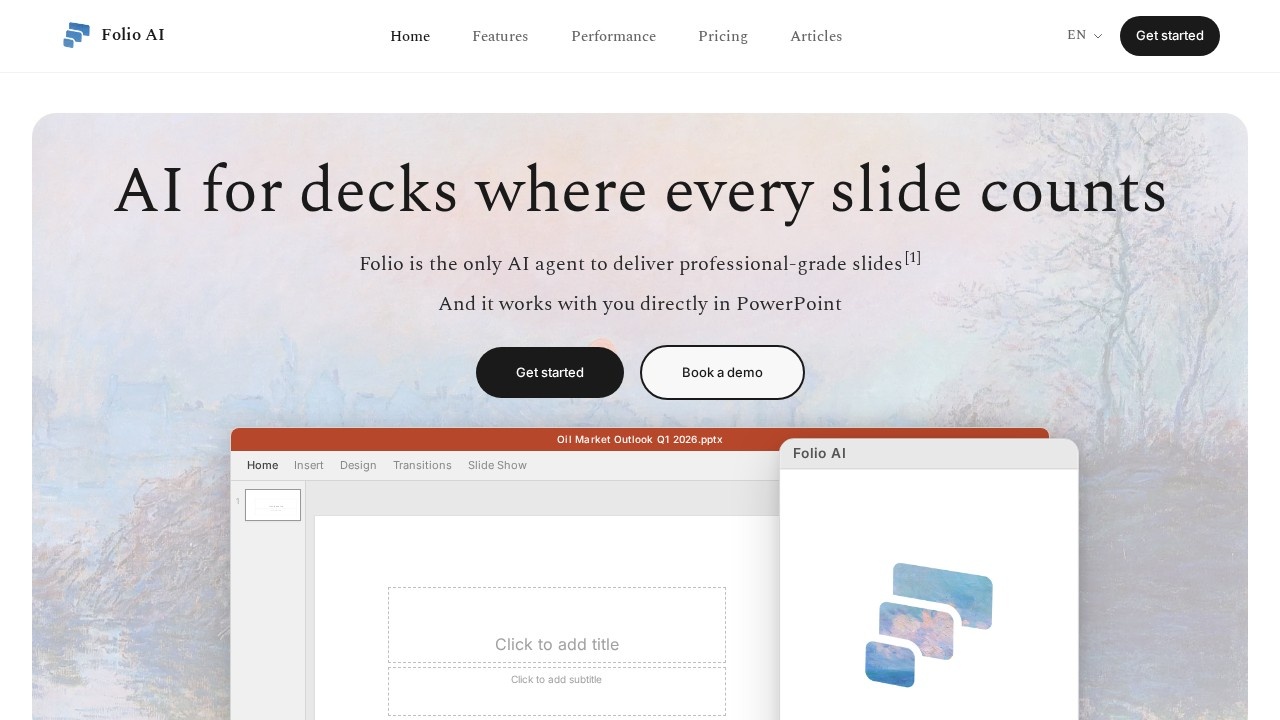
What is Folio AI?
Folio AI is an AI agent designed to create professional-grade presentations directly inside Microsoft PowerPoint. It generates full slide decks from a simple prompt, using your existing PowerPoint template to apply on-brand fonts, colors, and pre-set layouts automatically. The tool is built for consultants and finance teams who need impactful, polished decks where every slide counts. It works as a native PowerPoint add-in, allowing you to ask Folio to edit your slides without leaving the app.
Application scenarios
Consulting decks
Quickly produce strategy reviews, market analyses, or summary reports like the Draghi report summary or Air France strategy review.
Finance presentations
Generate oil market outlooks, EV market evolution decks, or investment summaries with professional formatting.
Tech research reports
Create slide decks on topics like AI infrastructure, GPU market share, or cloud architecture trends.
Executive summaries
Summarize lengthy reports or research into concise, presentation-ready slides.
Template-driven branding
Automatically apply your company’s PowerPoint template—fonts, colors, and layouts—to every generated slide.
One-shot deck creation
Generate a complete presentation from scratch by describing what you need and how you want it done.
Core Features
Prompt-to-deck generation
Describe your presentation topic and style, and Folio AI creates a full slide deck from scratch.
Template integration
Automatically uses your existing PowerPoint template, applying your on-brand fonts, colors, and pre-set layouts.
In-PowerPoint editing
Ask Folio to edit your slides directly within the PowerPoint interface without switching tools.
One-shot delivery
Generate entire decks in a single session, eliminating late-night slide-building sessions.
Refinement workflow
Start by asking for a draft, then refine the output until it meets your standards.
Professional-grade output
Delivers slides that match the quality expected by consultants and finance teams.
Target users
- Consultants who need to produce strategy reviews, market analyses, and client-ready decks quickly.
- Finance teams building investment summaries, market outlooks, and performance reports.
- Business analysts creating data-driven presentations like tech market overviews or competitive landscape analyses.
- Executives requiring polished slide decks for board meetings, investor updates, or internal strategy sessions.
How to use Folio AI?
- Get started by visiting the Folio AI website and clicking "Get started" or "Book a demo."
- Install the Folio AI add-in directly into Microsoft PowerPoint.
- Open a new or existing PowerPoint file, then use the Folio AI interface to describe your presentation topic and preferences.
- Folio AI generates a draft deck using your template’s fonts, colors, and layouts.
- Refine the output by asking Folio to edit specific slides or sections until the deck is complete.
Effect review
Folio AI delivers on its promise of eliminating late-night slide-building by generating professional-grade decks in one shot. The real-world examples shown—such as the Draghi report summary, State of AI 2024, and Air France strategy review—demonstrate its ability to handle complex, structured content. The in-PowerPoint integration ensures a seamless workflow for teams already using Microsoft Office. While the tool appears to focus heavily on template-driven output, its strength lies in speed and brand consistency, making it a practical choice for consultants and finance professionals who need polished presentations fast.
Frequently Asked Questions
What is Folio AI?
How does Folio AI work in PowerPoint?
Who is Folio AI designed for?
Does Folio AI require an internet connection?
Is Folio AI free to use?
Can Folio AI integrate with existing PowerPoint templates?
Folio AI - AI Tool Detail
Folio AI is an AI assistant by Folio for creating impactful presentations directly in PowerPoint, designed for consultants and finance teams to build decks where every slide counts.
Category:PPT generation
Visit Link:https://get-folio.ai/
Tags:AI presentation assistant、PowerPoint AI tool、consultancy deck builder、finance presentation tool