
Overline
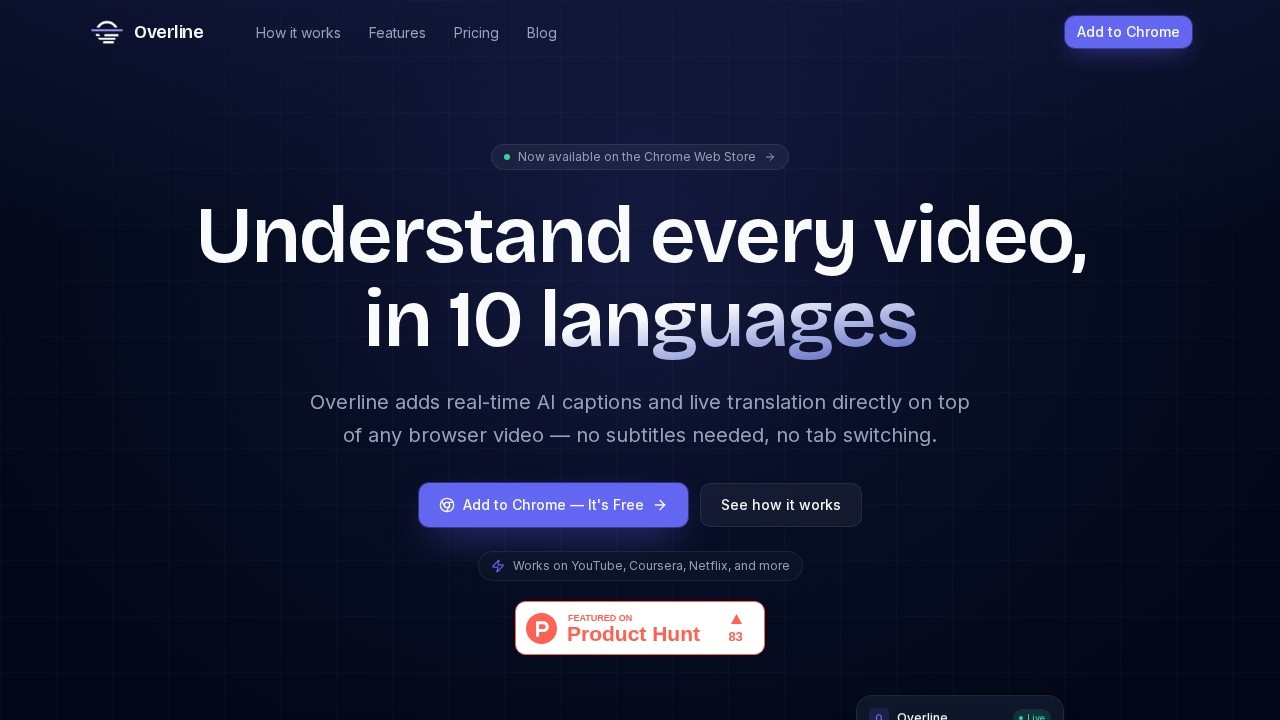
A Chrome extension by Overline that provides real-time AI captions and live translation for any browser video, eliminating the need for subtitles or tab switching.
What is Overline?
Overline is a Chrome extension that adds real-time AI captions and live translation directly onto any browser video. It eliminates the need for subtitles or tab switching, working on platforms like YouTube, Coursera, and Netflix. Users can instantly read captions in 10 languages as audio plays, with transcription history saved for later use.Application scenarios
Online learning
Watch lecture videos on Coursera or YouTube with live captions and translation, like a neural networks course in Persian.
Streaming entertainment
Enjoy Netflix shows or movies with real-time captions in Spanish, French, or Japanese without subtitle files.
Professional development
Review recorded Zoom meetings or Loom videos with accurate transcription and export for notes.
News consumption
Follow international news broadcasts, such as NHK News, with live translation from Japanese to English.
Language practice
Translate content on the fly to learn new languages while watching native-speaker videos.
Accessibility
Provide captions for any browser video, aiding users who are deaf or hard of hearing.
Core Features
Real-time transcription
Captions appear within milliseconds of speech, powered by Deepgram's streaming speech recognition with 112 ms latency.
Live translation
Translate captions instantly into 10 languages—Persian, Arabic, Spanish, French, German, Japanese, Chinese, Korean, Portuguese, or English—without reloading the video.
Transcript history
Every session's full transcript is automatically saved to your account for later review.
Export options
Download transcripts as TXT or SRT files for notes, subtitles, or review.
Cross-platform support
Works on any video playing in a browser tab, including YouTube, Netflix, Coursera, Udemy, Zoom recordings, and Loom.
Language switching
Change the caption language on the fly without interrupting playback.
Target users
Overline is built for learners, professionals, and multilingual viewers who need captions or translation while watching browser-based videos. It's ideal for students taking online courses, professionals reviewing recorded meetings, language learners, and anyone who wants to understand content in foreign languages without relying on pre-existing subtitles.How to use Overline?
- Install the extension: Add Overline to Chrome from the Chrome Web Store and sign in with your account.
- Open any video: Navigate to a video on YouTube, Coursera, Netflix, or any website.
- Start captions: Click the Overline icon, then hit "Start Captions" to see real-time overlays. Switch languages instantly as needed.
- Access history: After each session, your full transcript is saved to your account for download as TXT or SRT.
Pricing and free trial
Overline offers a free plan with 20 minutes per month, 10 languages, transcript history, and TXT+SRT export. Paid tiers include:- Plus: $12.99/month for 10 hours (600 minutes), priority processing.
- Pro: $34.99/month for 30 hours (1,800 minutes), priority processing.
No credit card is required to start with the free plan.
Effect review
Overline delivers a practical, no-fuss solution for real-time captions and translation on any browser video. The integration with Deepgram ensures low-latency transcription, and the 10-language translation support covers a wide range of use cases from education to entertainment. The free tier is generous enough for occasional users, while the paid plans offer substantial minutes for regulars and power users. For anyone tired of hunting for subtitles or switching tabs, this extension is a straightforward upgrade to video watching.Frequently Asked Questions
How does Overline generate captions?
What languages does Overline support for translation?
Do I need to install separate software or just the Chrome extension?
Does Overline work with all video platforms?
Is Overline free to use?
Overline - AI Tool Detail
A Chrome extension by Overline that provides real-time AI captions and live translation for any browser video, eliminating the need for subtitles or tab switching.
Category:Speech synthesis
Visit Link:https://overline.live/
Tags:AI captions、live translation、browser video、Chrome extension、real-time subtitles