
linkedn't
A free Chrome extension by linkedn’t that translates LinkedIn’s corporate speak, humblebrags, and hustle-culture LARP into plain English with one click.
What is linkedn't?
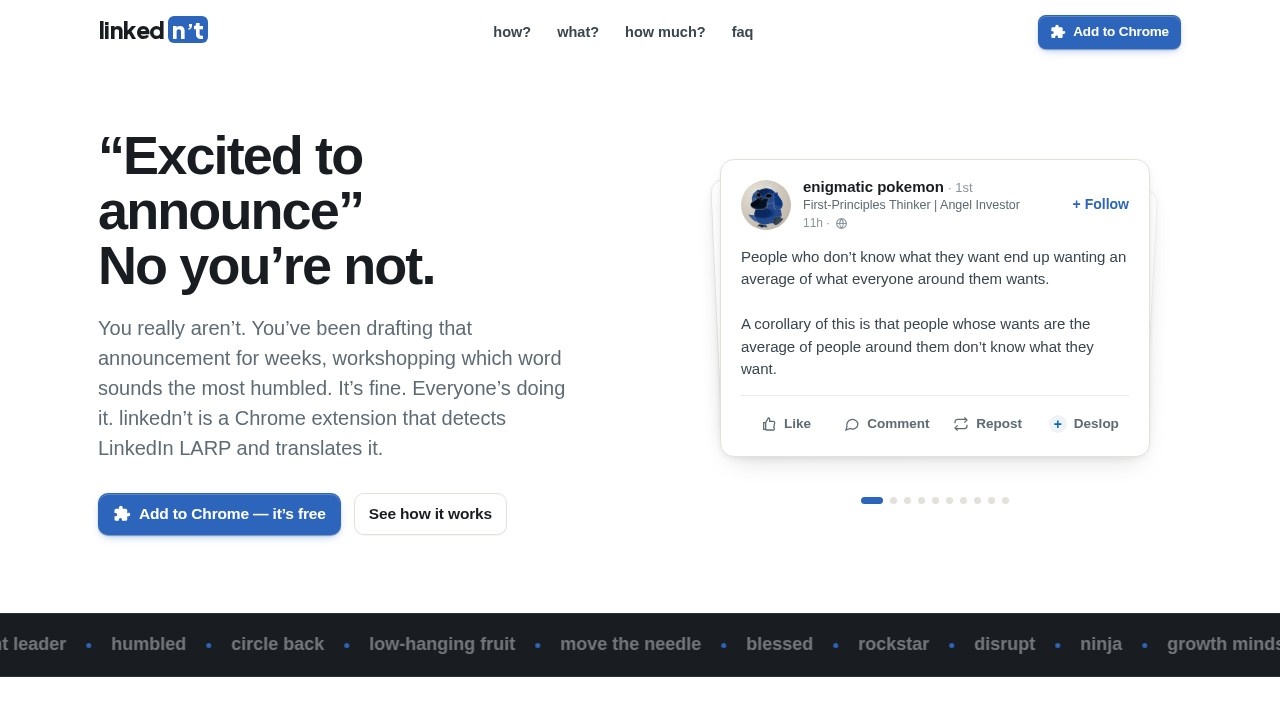
linkedn't is a free Chrome extension that translates LinkedIn’s corporate buzzwords, humblebrags, and hustle-culture posturing into plain English with one click. It adds a “Deslop” button to every post in your feed, letting you instantly rewrite overblown LinkedIn content into honest, readable language. Users install it to cut through the noise of “synergy,” “growth mindset,” and “thrilled to announce” without any trace left on the original post.
Application scenarios
Professional feed cleanup
Strip the corporate LARPing from your LinkedIn feed, turning “pivots were panic” and “low-hanging fruit” into straightforward statements.
Group chat sharing
Use “The Group Chat” voice to generate snarky, screenshottable translations that match how people actually talk in private conversations.
Quick comprehension
Apply “TL;DR” mode to get a one-line summary of what actually happened, skipping the “lessons learned” fluff.
Safe workplace browsing
Keep the extension private—posters never get notified—so you can decode posts without risking awkward office conversations.
Personal API integration
If you’re privacy-conscious, plug in your own API key to bypass linkedn’t’s servers entirely for rewrites.
Core Features
Deslop button
Every LinkedIn post grows a clickable “Deslop” button that replaces the original text with a translation in real time.
Translation voice selector
Choose from three bluntness levels: “The Group Chat” (full commentary), “Touch Grass” (plain English for outdoorsy types), and “TL;DR” (one-line summary).
Show original toggle
Click “Show original” to bring back the corporate slop if you need to compare or revert.
30 free rewrites
Your first 30 translations are free after signing in, with no subscription required.
Credit packs or BYO key
After the free tier, buy credit packs from $4 or plug in your own API key to skip linkedn’t’s servers entirely.
No poster notification
All translations happen locally in your browser—the original poster never knows you’ve deslopped their post.
Privacy-first design
On credits, linkedn’t only stores a hash for caching, not the post text; with your own key, text goes straight from your browser to your provider.
Works on linkedin.com
The extension activates on every post in your feed, with no setup beyond installation.
Target users
LinkedIn users who are tired of the platform’s performative, AI-flavored corporate speak—especially professionals, job seekers, recruiters, and anyone who scrolls LinkedIn daily and wants to see what people are actually saying. It’s also useful for team leads or managers who need to quickly parse hype-filled updates from colleagues or industry figures.
How to use linkedn't?
- Install the Chrome extension from the linkedn’t website (linkednt.com).
- Sign in to get your first 30 free rewrites.
- Open your LinkedIn feed—every post now shows a “Deslop” button.
- Click “Deslop” on any post, then pick your translation voice (The Group Chat, Touch Grass, or TL;DR).
- The translation replaces the post inline; click “Show original” to revert if needed.
- For ongoing use, buy credit packs from $4 or plug in your own API key to skip linkedn’t’s servers.
Pricing and free trial
Your first 30 rewrites are free after signing in. After that, credit packs start at $4. There is no subscription—you pay per pack or bring your own API key to avoid credit costs entirely.
Effect review
linkedn’t does exactly what it promises: it turns LinkedIn’s mass-produced, vaguely AI-flavored slop into plain English with zero fuss. The three voice options give you real control over tone—from snarky group-chat energy to dead-simple summaries—and the “Show original” toggle means you’re never stuck with a bad translation. Privacy is handled well, especially with the BYO-key option, and the lack of a subscription is a refreshing break from the usual SaaS model. For anyone drowning in “humbled and honored” posts, this extension is a practical, no-nonsense tool that cuts through the noise without adding more.
Frequently Asked Questions
What is linkedn't?
How does linkedn't work?
Is linkedn't free to use?
Is linkedn't safe and private?
Does linkedn't work on all LinkedIn pages?
Can I customize what linkedn't translates?
linkedn't - AI Tool Detail
A free Chrome extension by linkedn’t that translates LinkedIn’s corporate speak, humblebrags, and hustle-culture LARP into plain English with one click.
Category:Optimisation
Visit Link:https://linkednt.com/
Tags:LinkedIn translation、corporate speak filter、plain English extension、AI browser plugin、language simplification