
Omni Flash
AI video editor by Gemini for natural editing, enabling character/object swaps, motion and style transfer, and maintaining coherent scenes across multiple turns.
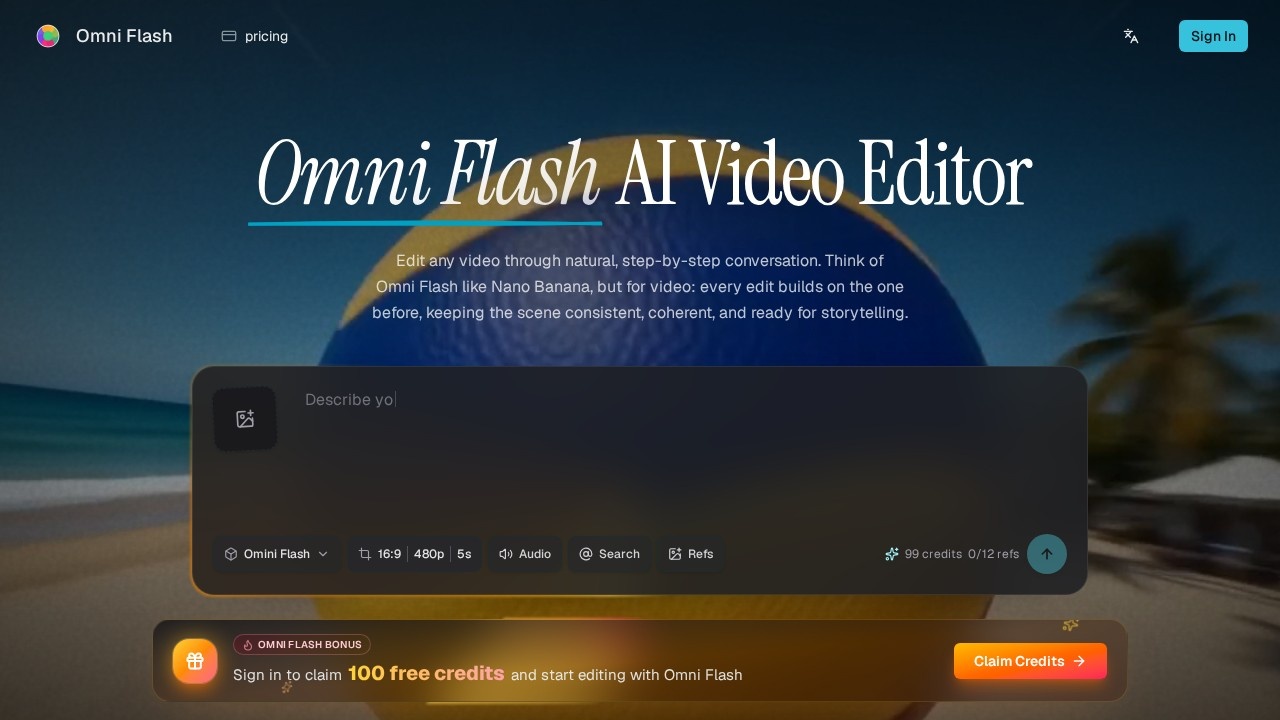
What is Omni Flash?
Omni Flash is an AI video editor powered by Gemini that lets you edit videos through natural conversation. You can swap characters and objects, transfer motion and visual styles, and maintain coherent scenes across multiple editing turns. It uses plain language commands to build and fine-tune videos step by step without restarting from scratch.Application scenarios
Character and object replacement
Swap people, props, products, or environments while preserving original motion, timing, and dialogue.
Style and motion transfer
Apply a motion or visual style from a reference image or video to a new output.
Sketch-to-video creation
Turn a rough drawing into a realistic scene and use the sketch to guide how individual elements move.
Action reimagination
Change a simple moment into something spectacular while keeping the scene coherent.
Text-synced video
Create video where rendered text connects clearly to what is happening onscreen.
Physics-aware editing
Edit movement with gravity, fluid dynamics, momentum, and real-world logic in mind.
World-aware storytelling
Build stories around historical settings, scientific ideas, cultural context, and narrative logic.
Core Features
Conversational video editing
Edit through natural language instead of complex timelines, masks, and manual layer work.
Reference-guided creation
Use images, videos, audio, text, sketches, styles, and motion references to control the final video.
Character and object replacement
Swap people, props, products, and environments while maintaining motion and visual continuity.
World-aware storytelling
Create scenes grounded in physics, science, history, math, culture, and narrative logic.
Image-to-video editing
Use reference images to guide new characters, objects, looks, and details for stronger creative control.
Physics-aware scene editing
Edit movement with gravity, fluid dynamics, momentum, and real-world logic for more believable movement.
Text synced with onscreen action
Create video where rendered text connects clearly to what is happening in the scene.
Style and motion transfer
Apply a motion or visual style reference from an image or video across a new output.
Action reimagined
Switch a simple moment into something spectacular while keeping the scene coherent.
Sketch to realistic video
Turn a rough drawing into a realistic scene and use the sketch to guide how individual elements move.
Target users
Omni Flash is built for video editors, content creators, filmmakers, and storytellers who want to edit videos through natural conversation instead of complex timelines. It also suits designers, marketers, and educators who need to swap characters, objects, or environments while maintaining scene logic and visual continuity.How to use Omni Flash?
Visit the official website at https://omniflashai.org/. Use the conversational interface to describe your desired edits in plain language—such as changing an action, mood, object, camera angle, or effect. You can also upload reference images, video clips, audio cues, or sketches to guide the output. The tool preserves scene logic and allows multiple turns of editing without restarting.Effect review
Omni Flash offers a genuinely novel approach to video editing by letting users control every step through natural conversation. The ability to swap characters while preserving motion and dialogue, transfer styles from reference media, and ground edits in physics and real-world knowledge sets it apart from simpler AI video tools. For creators who want to iterate quickly without mastering traditional editing software, this feels like a meaningful leap forward. The feature set is ambitious and well-integrated, though real-world performance will depend on how consistently the AI handles complex multi-turn edits.Frequently Asked Questions
What is Omni Flash?
How does Omni Flash maintain scene coherence?
Can I swap characters or objects in a video?
What is motion and style transfer in Omni Flash?
Is Omni Flash suitable for beginners?
What formats does Omni Flash support?
Omni Flash - AI Tool Detail
AI video editor by Gemini for natural editing, enabling character/object swaps, motion and style transfer, and maintaining coherent scenes across multiple turns.
Category:Video editing
Visit Link:https://omniflashai.org/
Tags:AI video editor、character swap、motion transfer、style transfer、Gemini AI