
NotebookLM
Research management tool by Sourclip for capturing, organizing, and exporting research with a source directory, prompt library, and MCP directory. Free to start.
What is NotebookLM?
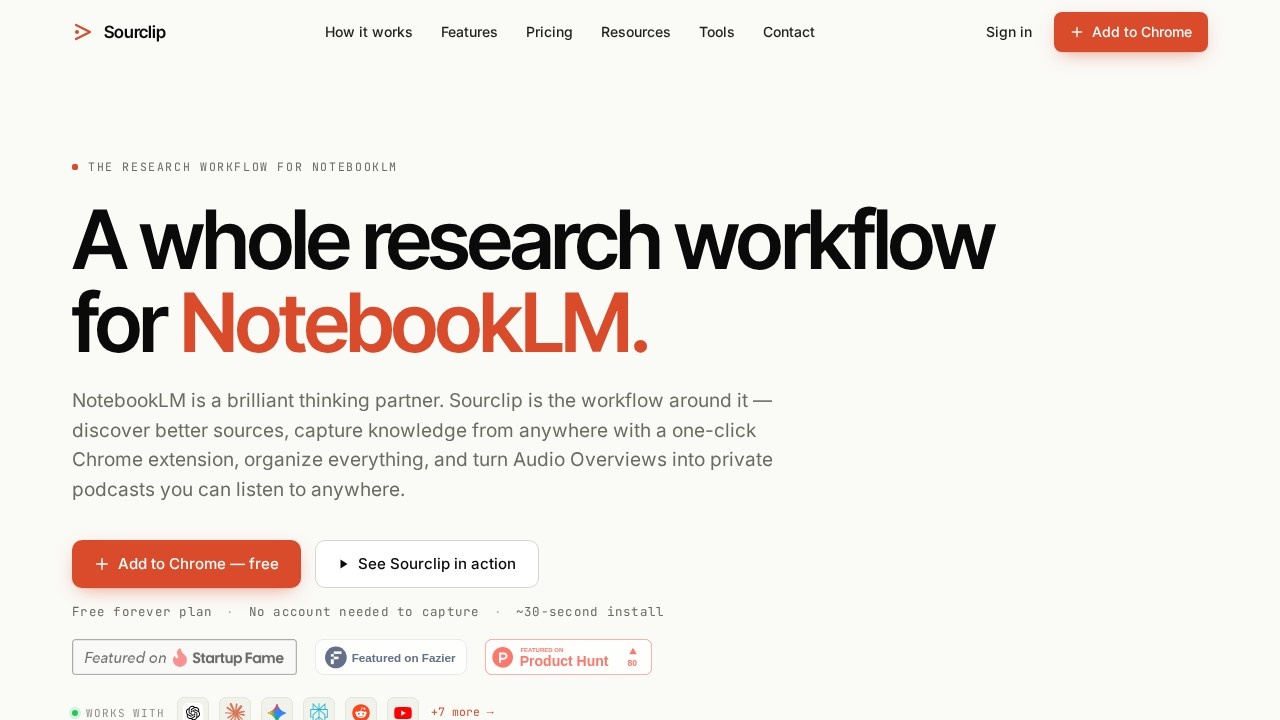
NotebookLM is a Chrome extension by Sourclip that adds a complete workflow layer to Google NotebookLM. It lets you bulk-import sources from anywhere, organize notebooks into folders, save reusable prompts, and export NotebookLM artifacts that Google doesn't natively allow downloading. The tool is free to start, requires no account for capturing, and installs in about 30 seconds. It's designed to be a "thinking partner" that streamlines research capture, organization, and export.Application scenarios
Web research
Capture entire web pages or selected text from any Chrome tab with one click.
Video analysis
Import YouTube videos, playlists, channels, or search results directly into NotebookLM.
PDF management
Save PDFs from web URLs or local Chrome tabs for later review.
AI chat archiving
Capture full conversations from ChatGPT, Claude, Gemini, Perplexity, Grok, DeepSeek, and more.
Social media research
Capture Reddit posts and X (Twitter) posts with structured formatting.
Study and revision
Export NotebookLM artifacts like notes, study guides, flashcards, quizzes, and Audio Overviews.
Content creation
Export artifacts as Markdown, HTML, PDF, audio, or video for repurposing.
Core Features
One-click webpage capture
Instantly save any webpage to a NotebookLM notebook from the Chrome extension popup.
YouTube video capture
Import individual videos, playlists, channels, or YouTube search results.
PDF capture from Chrome tabs
Save PDFs from any open tab, whether from a URL or a local file.
AI chat capture
Archive full conversations from major AI chatbots including ChatGPT, Claude, Gemini, Perplexity, Grok, and DeepSeek.
Reddit and X post capture
Capture Reddit posts with structured formatting and X (Twitter) posts.
Bulk URL import
Import multiple URLs at once into NotebookLM.
Cross-notebook global search
Use Ctrl+K to search across all your notebooks.
Notebook folders and bulk management
Organize notebooks into folders and manage them in bulk.
Export NotebookLM artifacts
Download notes, study guides, FAQs, briefings, timelines (Markdown), flashcards and quizzes (interactive HTML), Audio Overviews (mp3/m4a), videos (mp4), and slides (PDF).
Reusable prompt library
Save and reuse prompts with shortcuts for quick access.
Target users
Researchers, students, content creators, and knowledge workers who rely on Google NotebookLM for research and want to streamline their workflow. It's ideal for anyone who needs to capture diverse content types (web pages, videos, PDFs, AI chats, social media) and export NotebookLM's AI-generated artifacts for study, writing, or content production.How to use NotebookLM?
- Install the Sourclip Chrome extension (about 30 seconds).
- Ensure you have a Google NotebookLM account (required).
- Capture content: click the extension popup to capture web pages, YouTube videos, PDFs, AI chats, Reddit posts, or X posts. You can also right-click any text selection on any page to send just that excerpt.
- Choose which notebook receives each capture directly from the popup.
- Organize notebooks into folders and use Ctrl+K for cross-notebook search.
- Export artifacts: download notes, study guides, flashcards, Audio Overviews, videos, slides, and more in your preferred format.
Pricing and free trial
Sourclip offers three plans:- Free ($0): 10 captures/day, 10 exports/day, workspace dashboard, up to 5 folders, 3 saved prompts. No account required.
- Pro ($24/year): Unlimited captures, exports, folders, and saved prompts, plus cloud sync and custom branding on exports.
- Lifetime ($49 one-time): Everything in Pro forever, including all future updates.
Effect review
Sourclip effectively fills the gap between NotebookLM's core features and a full research workflow. The free plan is generous enough for light users, while the Pro and Lifetime plans offer serious value for power users who need unlimited captures and exports. The ability to capture diverse content types (web pages, YouTube, PDFs, AI chats, social media) and export artifacts that Google doesn't natively support (like interactive flashcards or Audio Overviews) makes it a practical companion for NotebookLM. Privacy is handled well—all capture processing runs locally in your browser, so your research data never touches Sourclip's servers. For anyone already using NotebookLM, this extension removes friction and adds organization, making it a worthwhile addition to your research toolkit.Frequently Asked Questions
What is NotebookLM?
Is NotebookLM free to use?
What features does NotebookLM offer?
How do I export my research from NotebookLM?
Can I use NotebookLM with other AI tools?
NotebookLM - AI Tool Detail
Research management tool by Sourclip for capturing, organizing, and exporting research with a source directory, prompt library, and MCP directory. Free to start.
Category:Personal Assistant
Visit Link:https://www.sourclip.com/
Tags:research management、source directory、prompt library、MCP directory、AI note-taking