ChatSpry
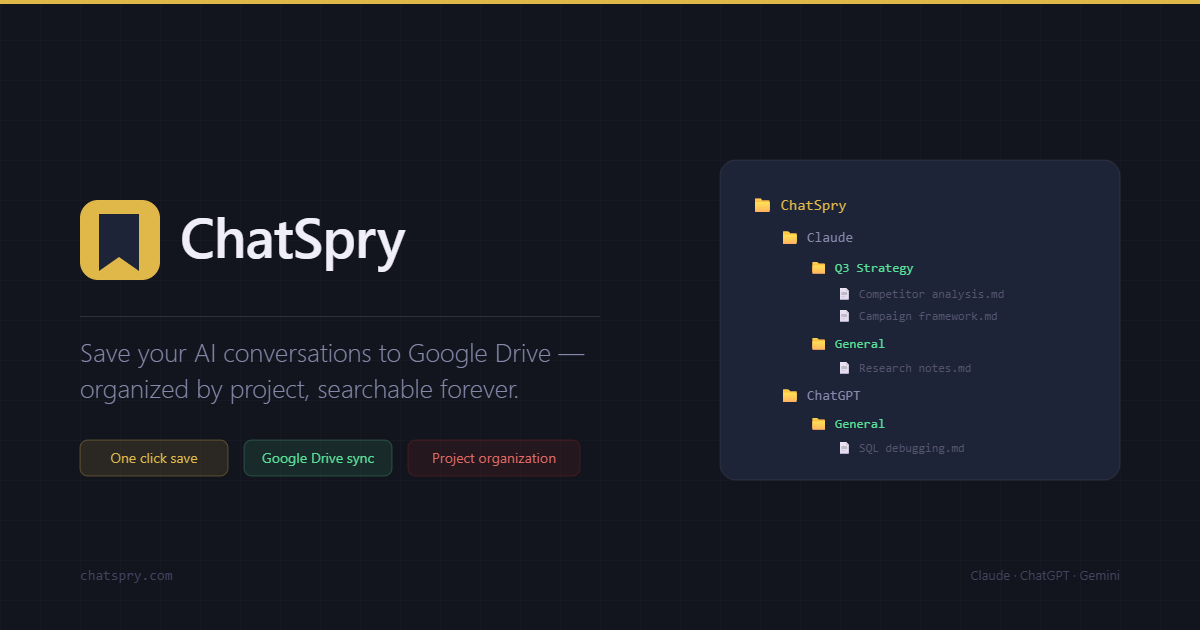
Chrome extension by ChatSpry that automatically saves Claude, ChatGPT, and Gemini conversations to Google Drive, organized by project and searchable forever. Free to start.
What is ChatSpry?
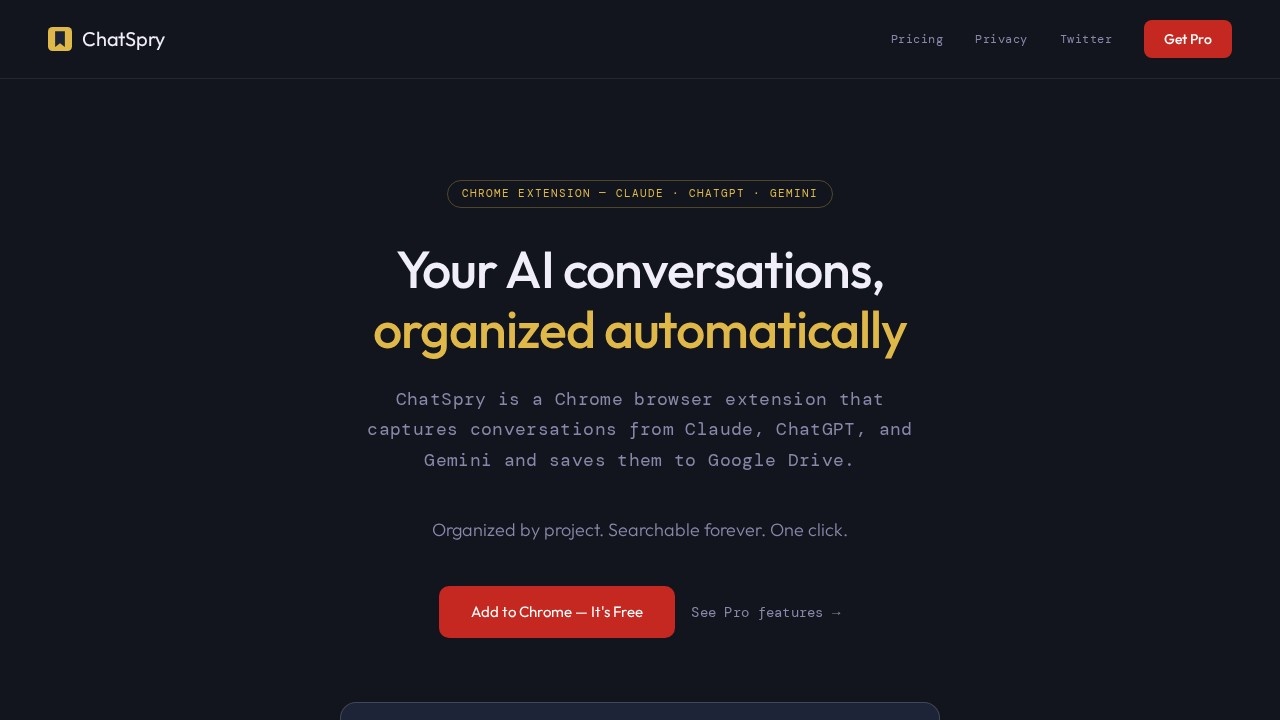
ChatSpry is a Chrome browser extension that automatically captures conversations from Claude, ChatGPT, and Gemini and saves them directly to your Google Drive. It organizes chats by project and makes them fully searchable forever. The extension works with a single click and requires no account for the free tier. It’s designed to turn scattered AI chat logs into a structured, accessible library you can actually use.Application scenarios
Project management
Automatically file chats from Claude projects under the same project name in Google Drive, keeping your work organized.
Research and analysis
Save competitor analysis, campaign frameworks, or SQL debugging sessions for later reference.
Content creation
Store recipe ideas, marketing strategies, or creative brainstorming sessions as searchable Markdown files.
Knowledge management
Build a personal library of AI conversations that grows with your work, indexed by Google Drive for instant retrieval.
Team collaboration
Export chats in Markdown, Text, or JSON formats to share with teammates or import into tools like Notion or Obsidian.
Cross-platform work
Use the same extension across Claude, ChatGPT, and Gemini without switching workflows.
Core Features
Google Drive sync
Every saved chat lands in the correct folder automatically, with no manual filing required.
Full searchability
Google Drive indexes every word, so you can find any conversation by topic, keyword, or idea in seconds.
Project-aware organization
Chats inside a Claude project are automatically filed under that project name, mirroring your actual work structure.
Multi-platform support
Works on all three major AI platforms—Claude (claude.ai), ChatGPT (chatgpt.com), and Gemini (gemini.google.com).
Export formats
Download conversations as Markdown (.md), Plain Text (.txt), or JSON for use in other tools.
Privacy-first design
ChatSpry reads your chat from the page and sends it directly to your Google Drive or device—never stored on ChatSpry servers.
No account required
The free tier works without signing up or providing a credit card.
Target users
ChatSpry is built for anyone who uses AI chatbots seriously and needs to keep their conversations organized. It’s ideal for freelancers, marketers, developers, researchers, and project managers who rely on Claude, ChatGPT, or Gemini for daily work and want a clean, searchable archive in Google Drive.How to use ChatSpry?
- Install the ChatSpry Chrome extension from the Chrome Web Store.
- No account is needed for the free tier—just add the extension and start saving.
- Use Claude, ChatGPT, or Gemini as usual. Click the ChatSpry button to save the current conversation.
- Chats automatically appear in your Google Drive under ChatSpry → Platform → Project Name.
- For Pro users, unlimited saves and automatic folder organization kick in immediately.
Pricing and free trial
- Free: $0 forever, no credit card required. Includes 10 saves per month, download to device (Markdown, Text, JSON), and support for all three AI platforms.
- Pro: $5.99 per month. Includes unlimited saves, Google Drive sync, automatic folder organization, project-aware filing, and support for all three AI platforms.
Effect review
ChatSpry solves a real pain point for heavy AI users: the mess of unorganized chat histories. The automatic folder structure and Google Drive searchability make it easy to retrieve past conversations without digging through flat lists. The free tier is generous enough to test the workflow, and the Pro plan is reasonably priced for unlimited saves. While the extension is limited to Chrome and relies on Google Drive, the privacy guarantee—no server-side storage of your chats—adds trust. For anyone who regularly uses Claude, ChatGPT, or Gemini and wants a clean, searchable archive, ChatSpry delivers exactly what it promises.Frequently Asked Questions
What is ChatSpry?
Is ChatSpry free to use?
Which AI chatbots does ChatSpry support?
Where are my conversations saved?
Can I search my saved conversations?
How do I get started with ChatSpry?
ChatSpry - AI Tool Detail
Chrome extension by ChatSpry that automatically saves Claude, ChatGPT, and Gemini conversations to Google Drive, organized by project and searchable forever. Free to start.
Category:Personal Assistant
Visit Link:https://chatspry.com/
Tags:Chrome extension、AI chat backup、Google Drive integration、conversation organizer、free AI tool