
Mac Widgets
Custom desktop widget tool by Kepo.ai for creating AI-powered widgets from RSS, social media, market data, web pages, and internal tools in a single shortcut-ready panel.
What is Mac Widgets?
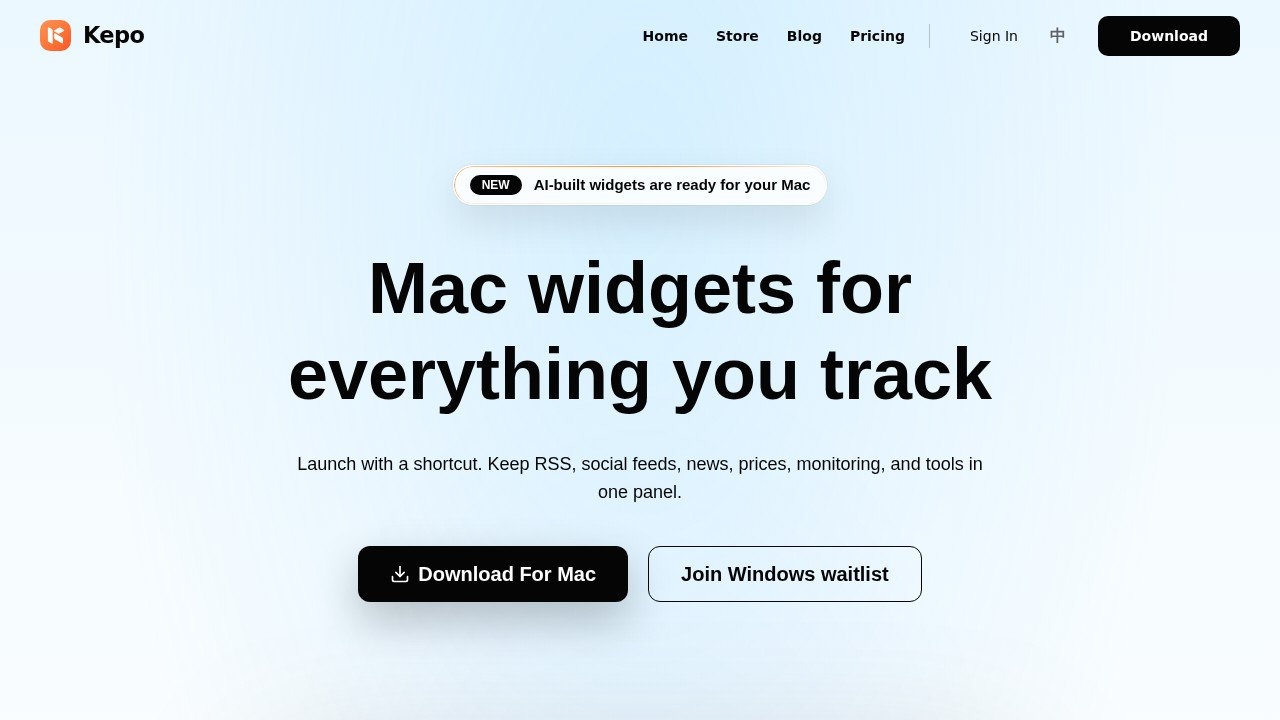
Mac Widgets, by Kepo.ai, is a desktop tool that turns RSS feeds, social media, market data, web pages, and small internal tools into AI-powered widgets for your Mac. You launch these widgets with a single shortcut and view them in a unified panel without leaving your current work. It differs from standard macOS widgets because Kepo uses AI to generate standalone widgets from sources that native widgets cannot cover, such as web pages, APIs, and custom ideas.Application scenarios
News monitoring
Keep RSS feeds and news headlines in a panel for quick scanning.
Social media tracking
Turn social feeds into widgets so you can check updates without opening multiple apps.
Market data
Track prices and financial data in a dedicated widget panel.
Developer tools
Access developer-focused dashboards and tools as widgets.
Daily dashboards
Create a personal dashboard with feeds, prices, and other frequent views.
Internal tools
Transform internal company tools or login-required websites into widgets (if supported).
Core Features
One-shortcut panel
Launch and view all widgets with a single keyboard shortcut, keeping frequent views in one place.
AI widget generation
Describe the widget you need, and Kepo AI turns the idea into a working component.
Ready widget store
Browse and install pre-built widgets for feeds, prices, news, developer tools, and daily dashboards.
Custom widget creation
Generate your own widgets from RSS, social media, market data, web pages, or small tools.
Privacy assurance
Page reads, API requests, and data shaping happen locally on your Mac.
Auto-updating widgets
Widgets in the panel stay fresh with the latest updates automatically.
Skill plugin creation
Pro users can create and edit skill plugins for more advanced widget behavior.
AI widget editing
Pro users can edit existing widgets using Kepo AI.
Target users
This tool is for Mac users who need to monitor multiple information sources—news, social feeds, market data, or internal tools—without constantly switching apps. It suits developers, traders, journalists, project managers, and anyone who wants a customizable, AI-powered dashboard that lives in a shortcut-accessible panel.How to use Mac Widgets?
- Download the Mac app from the official site (kepo.ai).
- Open the widget store to browse ready-made widgets, or describe the widget you need to let AI generate it.
- Add widgets to your panel and launch them with a shortcut.
- Keep widgets in the panel for automatic updates and quick access.
Pricing and free trial
The website lists clear pricing tiers:- Free Forever ($0): 1 panel, install and use store plugins, 200 Kepo AI points, no skill plugin creation, no developer tools.
- Pro ($4.95/month or $59.40/year): 2,500 monthly Kepo AI points, multiple panels, skill plugin creation, AI widget creation and editing, priority support, custom themes.
- Lifetime Buyout ($36.99 forever): Lifetime local Pro features, multiple panels, skill plugin creation, BYOK (bring your own key) support, no Kepo server AI included, store plugins still work, exclusive buyout badge, direct access to founders, early beta features.
- Enterprise (Custom): Higher AI usage limits, dedicated support, custom widgets and internal integrations, security and compliance support.
A free tier is available, and Pro can be tried with a monthly or annual plan (annual saves 50%).
Effect review
Mac Widgets offers a practical, no-code way to centralize information that typical macOS widgets cannot handle, using AI to generate custom components from web pages, RSS, and APIs. The free tier is generous enough for basic use, while the Pro and lifetime options unlock AI creation and multiple panels for power users. Privacy is a clear strength, as all data processing stays on your Mac. The tool is straightforward for anyone who wants to reduce app-switching and keep key signals in one shortcut-ready panel.Frequently Asked Questions
What types of data can I use to create widgets?
Is Mac Widgets only for macOS?
Do I need coding skills to use it?
Can I integrate widgets with other apps?
Is there a free trial?
Mac Widgets - AI Tool Detail
Custom desktop widget tool by Kepo.ai for creating AI-powered widgets from RSS, social media, market data, web pages, and internal tools in a single shortcut-ready panel.
Category:Personal Assistant
Visit Link:https://kepo.ai/
Tags:AI widgets、desktop customization、RSS aggregator、productivity tools、social media monitoring