
Hailuo3
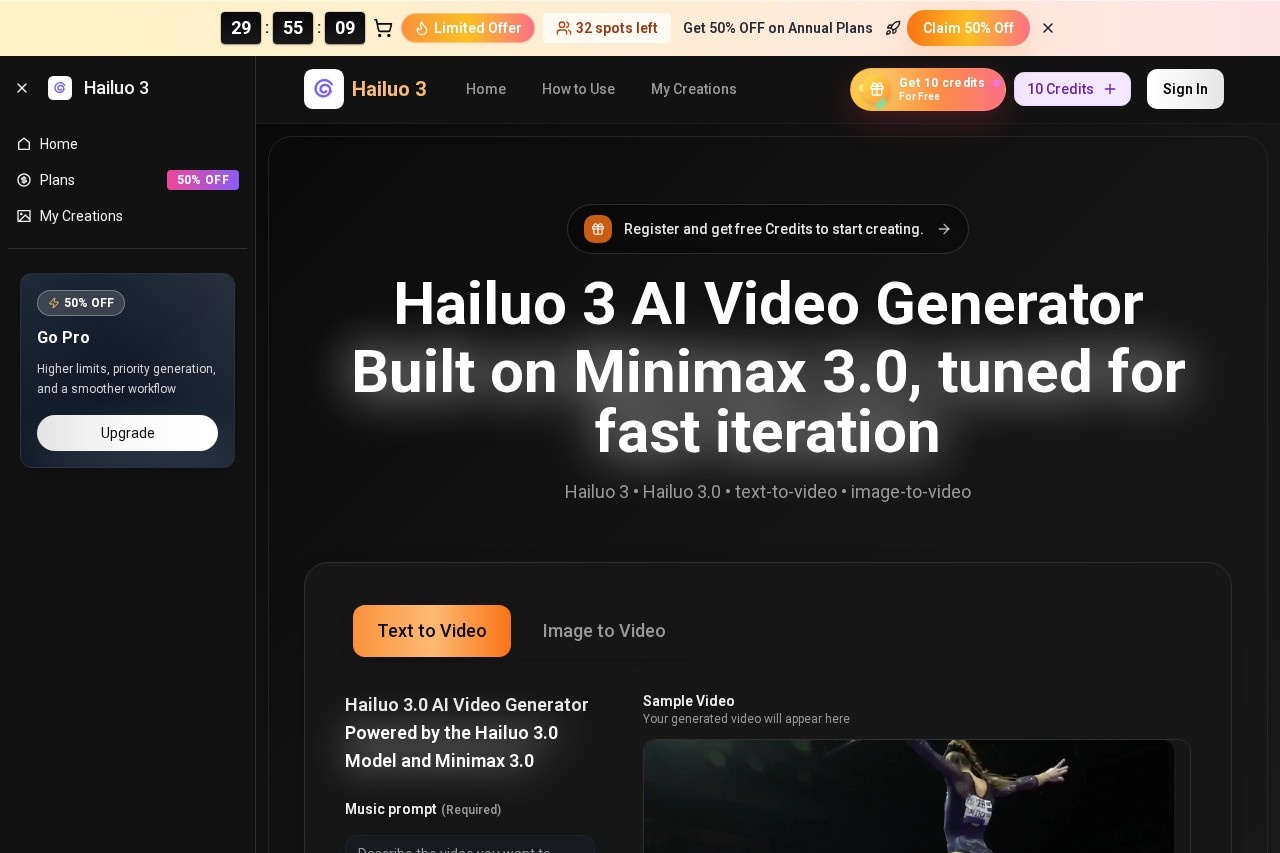
Hailuo 3 by Minimax is an AI video generator that transforms text or images into high-definition clips, designed to scale video production for creators, brands, and teams.
What is Hailuo?
Hailuo 3 is an AI video generator built by Minimax. It transforms text descriptions or static images into high-definition video clips. The tool is designed to scale video production through fast iteration, enabling creators, brands, and teams to generate content efficiently. Users start in Hailuo 3 and can expand their workflow into the Hailuo 03 APP and Minimax 03 Video pipelines for higher throughput.Application scenarios
Marketing campaigns
Generate on-brand ad variations and launch teasers quickly.
Learning and development
Turn scripts into clear explanatory scenes for training materials.
Social media content
Create multiple hook variants for short-form, viral-ready content on different platforms.
Cinematic concepting
Explore different visual moods and camera language for creative projects.
A/B testing
Produce fast video variants to test different hooks and concepts.
Core Features
Text-to-video generation
Turn any text idea into a video clip.
Image-to-video generation
Animate static images to create video content.
Music prompt
Incorporate a required music description to guide the video's audio.
Smart Expansion
Automatically expand on user prompts for more detailed generation.
Aspect ratio control
Choose from multiple formats including 16:9, 9:16, 4:3, 3:2, 21:9, and 1:1.
Video quality settings
Generate clips in 720p HD or 1080p Full HD resolution.
Duration settings
Create videos with a length of 5 seconds or 10 seconds.
Iterative workflow
Generate several takes, compare them, and pick the best one for export.
Recipe reuse
Apply the same generation parameters across Hailuo 3 and Minimax 03 Video batches for consistent output.
Advanced mode
Access more detailed generation controls beyond the basic interface.
Target users
The tool is built for teams and individuals who need to produce video at scale. Primary beneficiaries include marketing teams for creating ad variants, educators and corporate trainers for building learning materials, social media creators and managers aiming for viral content, and creative professionals exploring cinematic visuals.How to use Hailuo?
- Register: Sign up on the website to receive free credits to start creating.
- Choose mode: Open the generator and select either text-to-video or image-to-video.
- Set parameters: Define your goal, provide a detailed prompt describing subject, camera movement, lighting, and emotion. Select your desired aspect ratio, video quality, and duration. A music prompt is required.
- Generate and iterate: Create several takes, compare the results, and select the best one.
- Scale workflow: For higher production volume, use the same "recipe" or parameters within the expanded Hailuo 03 APP and Minimax 03 Video pipelines on the Minimax 3.0 platform.
Effect review
The platform presents a focused workflow for rapid AI video prototyping. Its strength lies in a structured, iterative process that moves from a simple draft to export-ready clips, with a clear path to scale production. The emphasis on reusing generation "recipes" across different platform tools suggests a priority on brand and visual consistency, which is crucial for professional marketing and content teams. The available controls for aspect ratio, duration, and detailed prompting offer users direct influence over the final output's format and style.Frequently Asked Questions
What is Hailuo?
What inputs does Hailuo accept?
Who is Hailuo designed for?
What video quality does Hailuo produce?
What company develops Hailuo?
What is the main benefit of using Hailuo?
Hailuo3 - AI Tool Detail
Hailuo 3 by Minimax is an AI video generator that transforms text or images into high-definition clips, designed to scale video production for creators, brands, and teams.
Category:Video generation
Visit Link:https://www.hailuo3.app/
Tags:AI video generator、text-to-video、image-to-video、video production、content creation