
Arc
Arc browser by The Browser Company offers a calmer, personalized web experience, minimizing clicks, clutter, and distractions for focused browsing.
What is Arc?
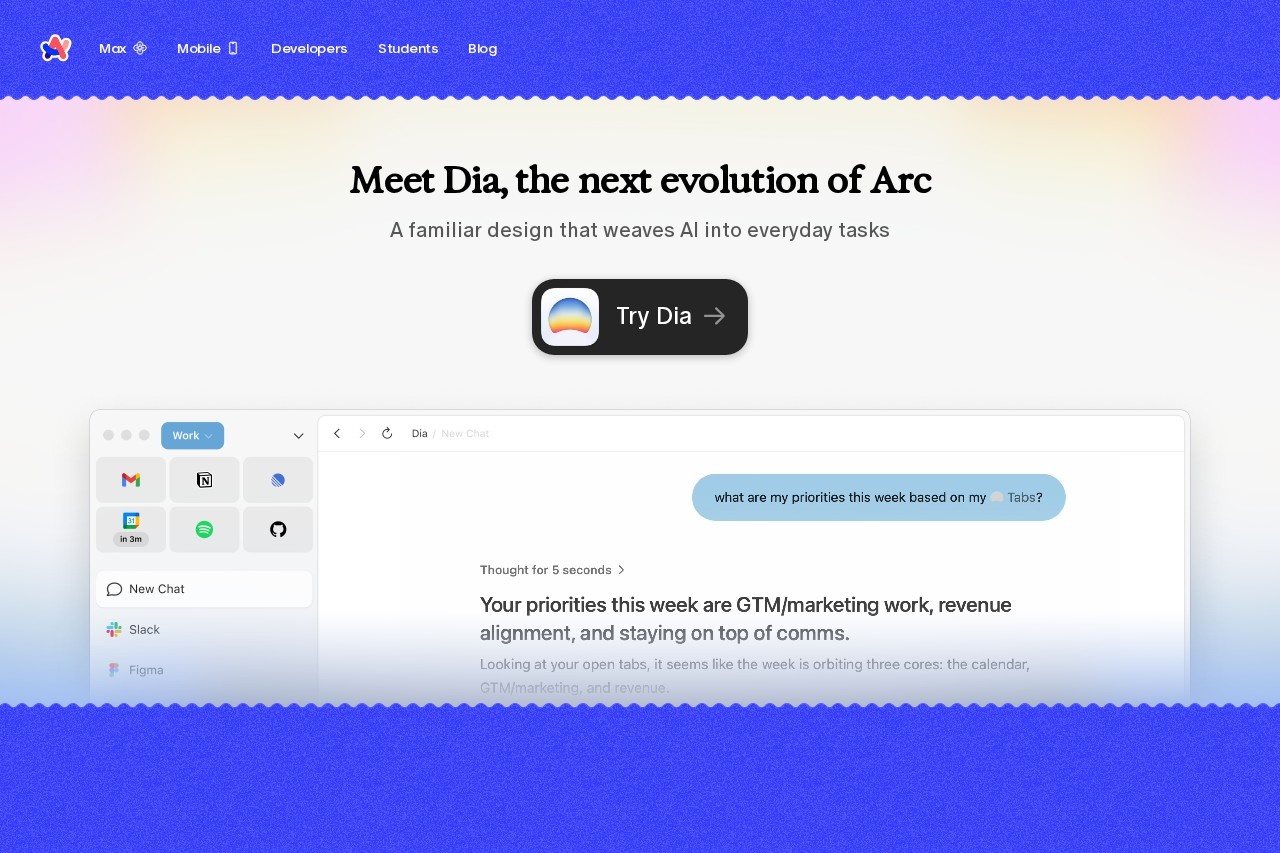
Arc is a web browser developed by The Browser Company. It is designed as a replacement for browsers like Google Chrome. The browser focuses on providing a calmer, personalized, and more focused web experience by minimizing clutter and distractions. Users employ it for general web browsing with integrated organizational and AI-powered features.Application scenarios
Personal web browsing
For users seeking a cleaner, less distracting interface for everyday internet use.
Work and productivity
Organizing professional tasks, research, and applications separately from personal browsing.
Study and research
Keeping educational materials and resources neatly organized in dedicated spaces.
Managing hobbies and interests
Separating and quickly accessing websites related to personal projects or leisure activities.
Multi-context browsing
Seamlessly switching between different online personas or projects, like freelance work and a full-time job.
Core Features
Dia AI integration
Weaves AI assistance directly into everyday browsing tasks.
Spaces and Profiles
Organize all online activity—such as work, study, and hobbies—into separate, dedicated areas within a single browser window.
Split View
View and work with multiple websites side-by-side on one tab.
Custom Themes
Personalize the browser's visual appearance to match user preference.
Privacy-first design
Built from the ground up to prioritize user privacy and security.
No activity tracking
The company states it does not know what sites you visit or what you search for.
Target users
Arc is built for individuals who feel overwhelmed by standard browser clutter and want a more intentional, organized online experience. It particularly benefits knowledge workers, students, researchers, and multitaskers who need to separate different facets of their digital life—such as professional projects, personal admin, and hobbies—into clean, distinct environments.How to use Arc?
You can download and install Arc directly onto your computer. The website provides dedicated download links for both Windows and Mac operating systems. After installation, you can begin organizing your browsing using Spaces, Profiles, and other built-in features.Effect review
Positioned as a thoughtful Chrome alternative, Arc’s core promise is a calmer and more anticipatory web experience. Its value proposition hinges on reducing digital noise and friction through built-in organization (Spaces, Profiles) and layout tools (Split View). The integration of an AI assistant named Dia suggests a move toward proactive help within the browser itself, not just reactive search. For users frustrated with tab chaos and a one-size-fits-all browser interface, Arc’s focused feature set offers a structured path to a more personalized and controlled browsing workflow.Frequently Asked Questions
What is Arc browser?
How does Arc reduce distractions?
Is Arc browser free to use?
What platforms does Arc support?
How does Arc personalize the browsing experience?
Can I import my bookmarks and settings from other browsers?
Arc - AI Tool Detail
Arc browser by The Browser Company offers a calmer, personalized web experience, minimizing clicks, clutter, and distractions for focused browsing.
Category:AI Plugin/Extension
Visit Link:https://arc.net/
Tags:web browser、productivity、distraction-free、personalized browsing、minimalist