
Oasis Browser
Kahana’s Oasis Browser provides calm, secure browsing with AI that understands your tabs and workflow, enabling focused work and enterprise-grade protection.
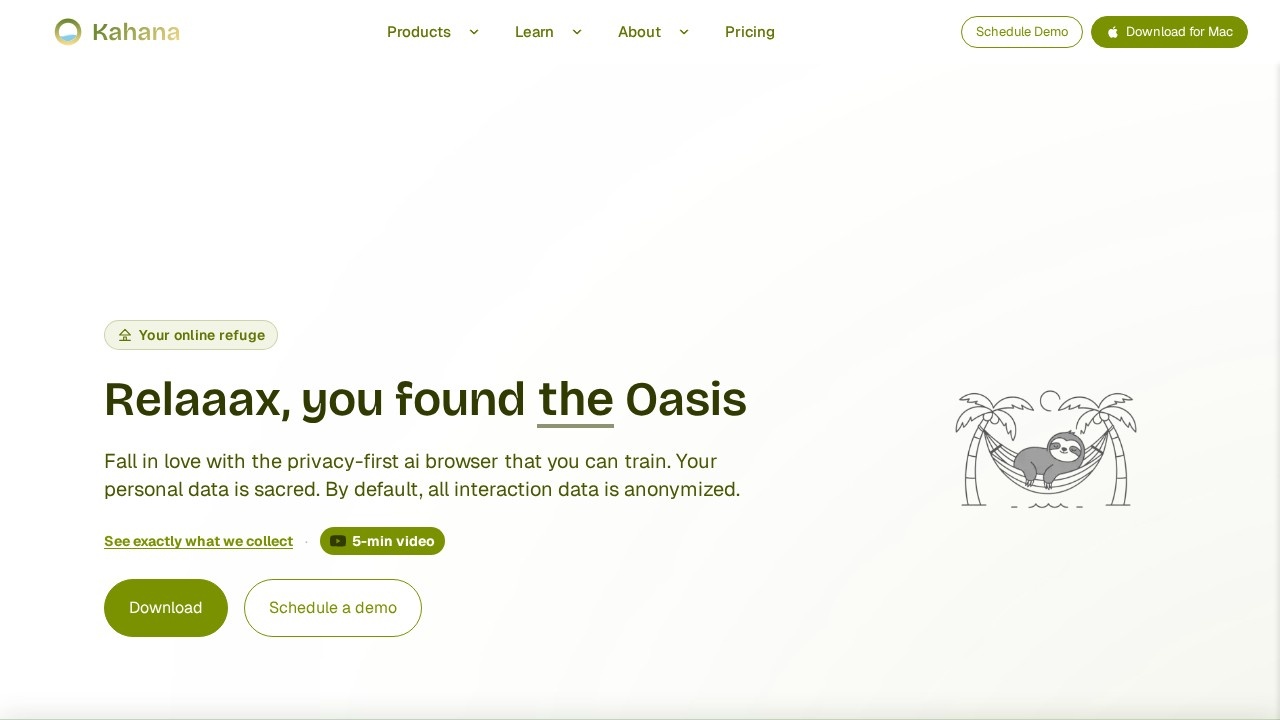
What is Oasis Browser?
Oasis Browser is a privacy-first AI browser built by Kahana that you can train to understand your tabs and workflow. It provides a calm, secure browsing experience with enterprise-grade protection, ensuring your focus stays on what matters. By default, all interaction data is anonymized, and the browser includes built-in ad blocking and a privacy-first architecture. Users can opt in to personalization for tailored assistance, but identifying information is only included if you choose to enable it in Settings.
Application scenarios
Focused work
Block distractions and keep browsing calm, secure, and private so you can concentrate on tasks.
Privacy-conscious browsing
Use a browser that does not sell your data and collects minimal, anonymized interaction data by default.
Team collaboration
Trusted by teams and organizations large and small for secure browsing with built-in protection.
AI-assisted research
Train the browser’s AI to understand your tabs and workflow, making browsing more agentic and action-oriented.
Ad-free experience
Enjoy 100% ad-blocking controls for a cleaner, less cluttered web.
Data leakage prevention
Join the Data Leakage Consortium to prevent data leakage through AI tools, with events and collaborative solutions.
Core Features
Privacy-first design
All interaction data is anonymized by default; you can see exactly what data is collected and control personalization in Settings.
Built-in ad blocking
100% ad-blocking controls keep browsing clean and distraction-free.
Trainable AI assistant
The browser’s AI understands your tabs and workflow, enabling a more agentic and action-oriented browsing experience.
Enterprise-grade protection
Designed for teams and organizations, with transparent policies and security that is “private by default, transparent by design, and always under your control.”
Minimal data collection
Only minimal, anonymized interaction data is collected by default; identifying information (like email or user ID) is included only if you opt in.
Data Leakage Consortium
A community of problem solvers dedicated to preventing data leakage through AI tools, hosting events and sharing practical solutions.
Target users
Oasis Browser is built for people who take privacy seriously, including individuals, teams, and organizations large and small. It’s ideal for professionals who need a calm, secure browsing environment with AI assistance, such as IT teams, privacy advocates, and knowledge workers who want transparency and control over their data.
How to use Oasis Browser?
To get started, visit the Kahana website, watch the 5-minute video overview, and either download the browser or schedule a demo. You can also follow the May 27 launch on Product Hunt for updates and support. Once installed, the browser’s AI assistant works alongside your tabs, and you can train it to understand your workflow. For personalized assistance, opt in to personalization in Settings.
Effect review
User testimonials on the site highlight that Oasis Browser “just clicked” for many, with a UI and overall experience that feels “genuinely on a different level.” Users describe it as a place of calm, peace, and serendipity, and note that it makes browsing feel more agentic and action-oriented rather than passive searching. The browser is praised for being built around how people actually work today, and it fills a gap for Firefox users who wanted a built-in AI assistant alongside their tabs. Overall, the feedback suggests a polished, user-focused product that delivers on its promise of calm, secure, and private browsing.
Frequently Asked Questions
What is Oasis Browser?
How does Oasis Browser use AI to improve browsing?
Is Oasis Browser secure for enterprise use?
Can Oasis Browser help with tab management?
Is Oasis Browser free to use?
Oasis Browser - AI Tool Detail
Kahana’s Oasis Browser provides calm, secure browsing with AI that understands your tabs and workflow, enabling focused work and enterprise-grade protection.
Category:Personal Assistant
Visit Link:https://kahana.co/
Tags:AI browser、secure browsing、focus tool、enterprise AI、tab management