
Argos
Chrome extension by Argos for full browser control—open/close tabs, scroll, click, fill forms, and interact with any DOM element. Integrates with Google Docs, Gmail, and Sheets to automate tasks, rese
What is Argos?
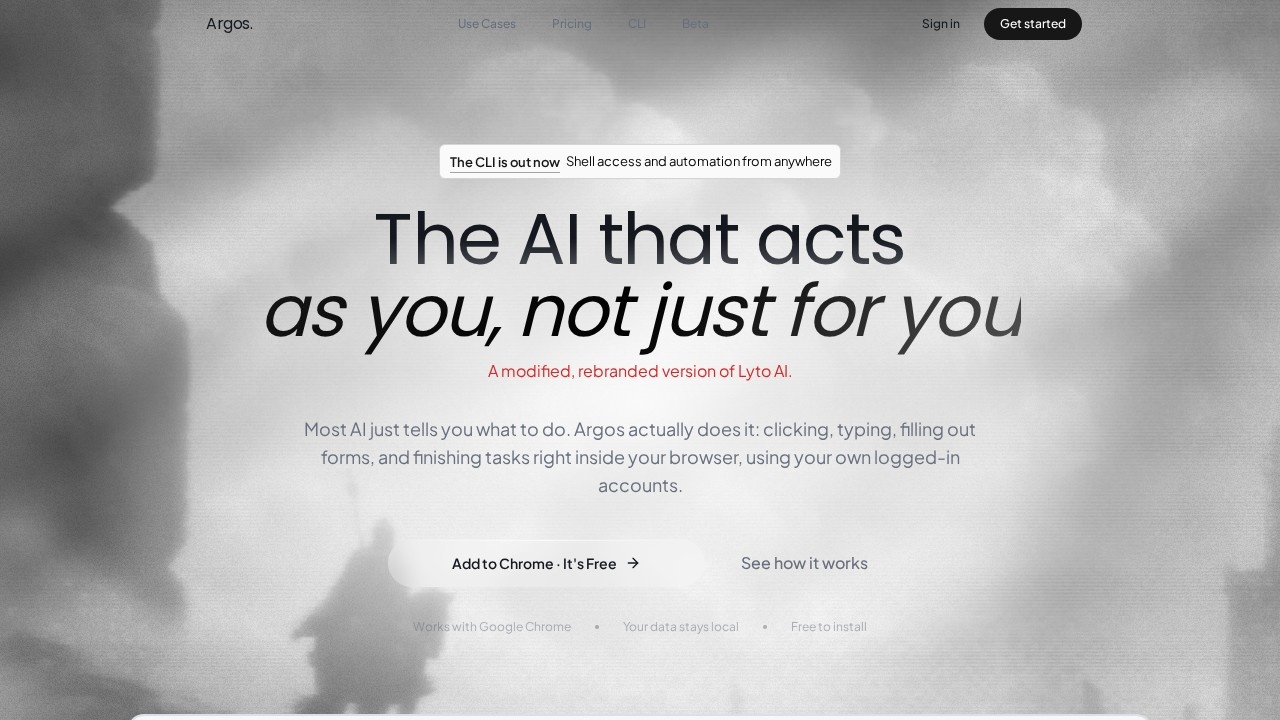
Argos is a Chrome extension that gives you full control over your browser—it opens tabs, scrolls, clicks, fills out forms, and interacts with any DOM element on any page. It's positioned as an AI agent that acts as you, not just for you, meaning it completes tasks inside your browser using your own logged-in accounts. Argos also offers a CLI version that brings the same agent to your desktop with real shell access and your logged-in browser. It integrates natively with Gmail, Google Docs, and Google Sheets, letting you draft emails, write documents, and build spreadsheets with charts inside your actual Google account. The site notes that Argos is a modified, rebranded version of Lyto AI.
Application scenarios
Sales reporting
Turn Q2 sales data into a formatted PDF report with a single request.
Background research
Run agent tasks quietly in the background while you work elsewhere, then return to finished results.
Form automation
Fill out complex web forms across any website without manual typing.
Document creation
Write full documents inside Google Docs using your own account.
Email drafting
Compose and send real emails through Gmail without leaving your workflow.
Data transformation
Convert raw data into spreadsheets with charts inside Google Sheets.
Remote desktop control
Text the CLI agent from Telegram and trigger shell commands or browser actions from anywhere.
Core Features
Real-time agent execution
Argos works on tasks while you watch, completing actions in the browser as they happen.
Background task processing
The agent runs quietly in the background and hands you the finished result when you return.
Full browser control
Opens tabs, scrolls, clicks, fills forms, and interacts with every element on any page.
Google Workspace integration
Native support for Gmail, Google Docs, and Google Sheets inside your actual Google account.
CLI with shell access
The same agent runs on your desktop with real shell access and your logged-in browser.
Telegram remote control
Text the CLI agent from Telegram to trigger actions from anywhere.
Local data privacy
Your data stays local—no cloud processing required.
Free Chrome extension
Install directly from the Chrome Web Store at no cost.
Target users
Argos suits professionals who spend significant time on repetitive browser tasks—sales teams generating reports, researchers gathering information, marketers filling out forms, and operations staff managing documents and spreadsheets. The CLI and Telegram integration also make it useful for developers or power users who want remote automation capabilities. Teams at companies like Tele2, Elevatify, and Counsel AI reportedly use the tool.
How to use Argos?
Start by adding the Argos Chrome extension from the Chrome Web Store—the site links directly to the extension page. Once installed, you can give the agent natural-language instructions like "Turn my Q2 sales into a PDF report," and it will execute the task in your browser using your logged-in accounts. For desktop automation, visit the CLI page to set up shell access and connect Telegram for remote commands. The site offers a "Get started" button that takes you to the sign-in flow.
Effect review
User feedback on the site is positive: one user reports that Argos cut research time by more than half after just three days of use. The core value proposition is clear—instead of telling you what to do, the agent actually does the clicking, typing, and form-filling. The combination of full browser control, Google Workspace integration, and a remote-controllable CLI makes this a genuinely versatile automation tool. The "acts as you" approach using your own logged-in accounts is a significant differentiator, as it removes the friction of re-authenticating or switching contexts. For anyone drowning in repetitive browser tasks, Argos offers a practical, hands-off way to get work done.
Frequently Asked Questions
What is the Argos Chrome extension?
How does Argos integrate with Google services?
Is Argos safe to use?
Do I need coding skills to use Argos?
Can Argos automate tasks across multiple tabs?
Is Argos free to use?
Argos - AI Tool Detail
Chrome extension by Argos for full browser control—open/close tabs, scroll, click, fill forms, and interact with any DOM element. Integrates with Google Docs, Gmail, and Sheets to automate tasks, rese
Category:Automation
Visit Link:https://www.tryargos.cc/
Tags:browser automation、chrome extension、AI assistant、web scraping、productivity