
Viewer Lens
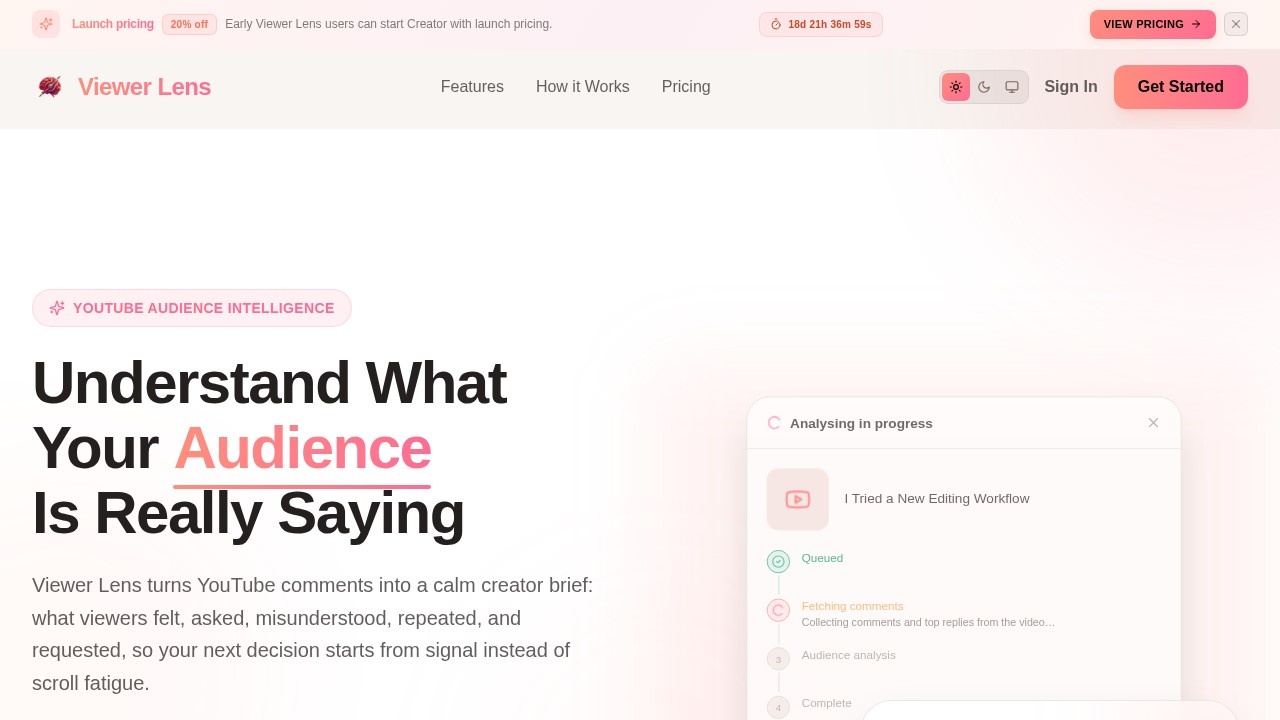
Viewer Lens by the tool's developer is an AI-powered tool that analyzes YouTube comments, providing an audience brief with viewer mood, questions, themes, notable comments, and creator next steps.
What is Viewer Lens?
Viewer Lens is an AI-powered tool that transforms YouTube comments into a structured audience brief. It analyzes viewer mood, recurring themes, questions, and notable quotes, then presents actionable next steps for creators. The tool is built specifically for YouTube creators who want to stop manually scrolling through comment sections and instead get a calm, data-driven summary of audience feedback.
Application scenarios
Post-upload debrief
Quickly understand how viewers reacted to a new video without reading hundreds of comments.
Content planning
Identify recurring questions and themes to shape future video topics, replies, or follow-ups.
Audience sentiment analysis
Gauge emotional tone—excitement, doubt, frustration, curiosity, or trust—across the comment section.
Script generation
Use the tool’s script generation feature to draft replies, shorts, or follow-up scripts based on viewer feedback.
Community management
Surface high-information comments and notable viewer quotes for more meaningful engagement.
Competitor or trend research
Analyze comments on any public YouTube video to understand audience reactions beyond your own channel.
Core Features
Audience Mood
Understand the emotional read of the comment section—excitement, doubt, frustration, curiosity, or trust.
Recurring Themes
See which ideas, moments, objections, and requests kept coming back across hundreds of comments.
Questions to Answer
Surface the questions viewers actually asked, with suggested answers you can reuse in replies, shorts, or follow-ups.
Creator Decisions
Turn audience feedback into possible next moves while keeping your taste, intuition, and voice in charge.
Signal vs Noise
Separate high-information comments from generic hype, memes, repeat chatter, and low-value engagement.
Notable Viewer Quotes
Keep the comments worth rereading close to the report, so the insight stays grounded in real viewer language.
Script Generation
Generate up to 15 scripts per month on the Creator plan, based on audience feedback.
Re-analysis
Re-analyze comments up to 15 times per month on the Creator plan, allowing you to refine insights over time.
Target users
Viewer Lens is built first for YouTube creators—especially those who upload regularly and want to understand audience feedback without manual scrolling. It’s also useful for community managers, content strategists, and social media analysts who need a quick, data-backed read on viewer sentiment.
How to use Viewer Lens?
- Paste a YouTube URL: Start from a real upload, not a blank strategy document.
- Read the Audience Brief: Get mood, themes, questions, and notable comments in one calm report.
- Separate Signal from Noise: Spot recurring intent without overreacting to every loud comment.
- Decide What Comes Next: Choose replies, follow-ups, scripts, or experiments with more context.
No sign-up is required for the interactive tour. To create a full audience brief, sign in and paste a YouTube URL into the dashboard.
Pricing and free trial
Viewer Lens offers a free tier and a paid Creator plan.Free Forever
- Up to 100 comments per analysis
- 5 analyses per account
- 5 re-analyses per month
- 3 script generations per report
- Includes audience mood summary, top themes & questions, and creator next-step suggestions
- No credit card required
- Up to 1,000 comments per analysis
- 30 analyses per billing cycle
- 15 re-analyses per month
- 15 script generations per month
- Launch pricing: $10 per month (regular $13 per month, billed monthly)
- 20% off launch pricing, valid until May 31
- Limited to 100 launch seats
Effect review
Viewer Lens delivers exactly what it promises: a calm, structured audience brief from the chaos of a YouTube comment section. The free tier is generous enough for early-stage creators to test the signal, while the paid plan scales for regular uploaders. The tool’s focus on separating signal from noise and surfacing notable quotes feels practical—not just a dashboard of numbers. For creators tired of manual scrolling, this is a straightforward, time-saving solution that keeps the creator’s intuition in charge while adding data-backed context.
Frequently Asked Questions
What is Viewer Lens?
How does Viewer Lens analyze comments?
What information does the audience brief include?
Who can benefit from using Viewer Lens?
Is Viewer Lens free to use?
Can Viewer Lens analyze comments in any language?
Viewer Lens - AI Tool Detail
Viewer Lens by the tool's developer is an AI-powered tool that analyzes YouTube comments, providing an audience brief with viewer mood, questions, themes, notable comments, and creator next steps.
Category:Market research
Visit Link:https://www.viewerlens.com/
Tags:YouTube comment analysis、audience insights、AI video analytics、content strategy、sentiment analysis