
Roo Code
Roo Code is an AI-powered development tool that integrates directly into your editor, offering project-wide context, multi-step agentic coding, and flexible, developer-centric workflows to enhance pro
What is Roo Code?
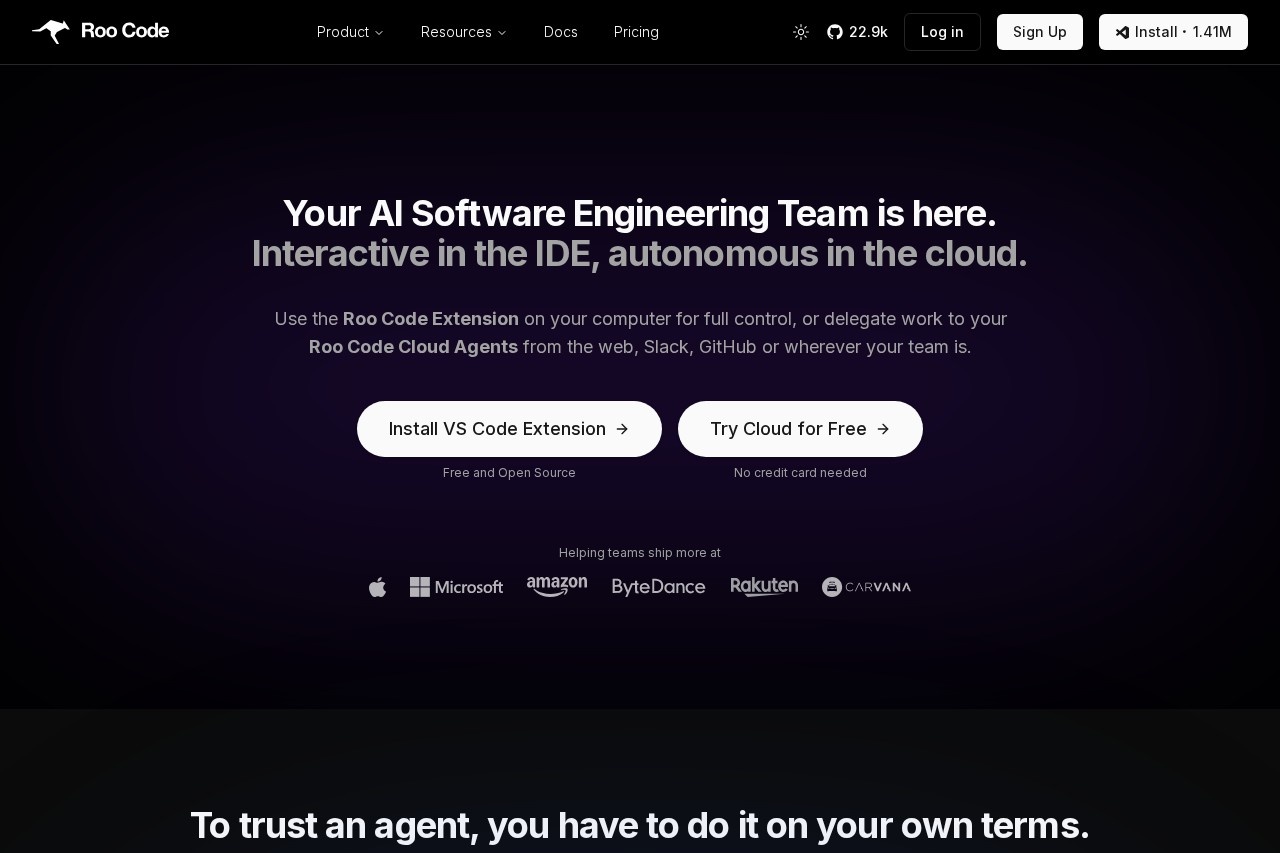
Roo Code is an AI-powered development tool that integrates directly into your code editor. It functions as an AI software engineering team, offering both interactive assistance within your IDE and autonomous cloud-based agents. Developers use it to enhance productivity by leveraging AI for coding, planning, debugging, and team collaboration. The tool is model-agnostic and designed to fit flexibly into developer-centric workflows.Application scenarios
Complex project planning
Architecting and planning complex software changes without directly implementing them.
Code implementation and refactoring
Writing, refactoring, and optimizing code within the development environment.
Code explanation and debugging
Explaining program functionality and diagnosing issues with targeted fixes.
Automated testing
Creating and improving performant tests without altering the core application code.
Team-based task delegation
Delegating coding tasks like PR reviews to autonomous cloud agents from platforms like Slack or GitHub.
Real-time development assistance
Getting immediate, interactive AI help during live debugging or quick iteration cycles.
Core Features
Project-wide context
The tool integrates into your editor with access to your project's full context for relevant assistance.
Multi-step agentic coding
It employs autonomous agents that can execute complex, multi-step coding tasks.
Dual deployment modes
You can run Roo interactively via a VS Code extension or delegate work to autonomous Cloud Agents.
Model-agnostic design
It works with dozens of models from various providers, allowing you to choose curated options or bring your own API key.
Role-specific Modes
Pre-configured modes like Architect, Code, Ask, Debug, and Test keep the AI focused on specific tasks and limit tool access to prevent errors.
Intelligent mode switching
Modes can automatically ask to switch when a task falls outside their designated responsibilities.
High configurability
The tool is highly tweakable to fit individual workflows, including keyboard shortcuts and detailed settings.
Full action control
In the VS Code extension, you can approve every AI action or set it to auto-approve and preview changes live.
Team and integration workflows
Cloud Agents can be managed from the web, Slack, and GitHub, facilitating tasks like PR reviews and team collaboration.
Security and transparency
The core VS Code extension is open source, the company is SOC2 Type 2 compliant, and user data is not used for training.
Target users
The tool primarily benefits software developers and engineering teams. Individual developers gain a powerful, configurable assistant for daily coding tasks directly in their IDE. Teams can leverage the cloud agents to automate workflows, delegate tasks, and collaborate on code reviews through integrations with GitHub and Slack.How to use Roo Code?
For individual work, install the open-source Roo Code VS Code Extension (compatible with VS Code and forks like Cursor) to get interactive, controlled assistance. For team work, you can try Roo Code Cloud for free to create an agent team, connect it to your GitHub repository, and start delegating tasks from the web app or Slack. The Cloud service offers a free trial with no credit card required to start.Effect review
Roo Code is engineered to build developer trust by placing control at the center of the experience. Its model-agnostic approach future-proofs the tool against the rapidly changing LLM landscape, while its role-specific Modes are a direct design response to common AI pitfalls like hallucination. The combination of a deeply integrated, configurable local extension and autonomous cloud agents provides a flexible structure that adapts to both solitary deep work and collaborative team processes. This focus on security, transparency, and workflow fit suggests a tool built for professional developers who want to leverage AI's power without ceding oversight.Frequently Asked Questions
What is Roo Code?
How does Roo Code integrate with my editor?
What is multi-step agentic coding?
What are developer-centric workflows in Roo Code?
Does Roo Code support project-wide context?
Who can benefit from using Roo Code?
Roo Code - AI Tool Detail
Roo Code is an AI-powered development tool that integrates directly into your editor, offering project-wide context, multi-step agentic coding, and flexible, developer-centric workflows to enhance pro
Category:Programming Assistant
Visit Link:https://roocode.com/
Tags:AI coding assistant、developer tools、code generation、IDE integration、software development