
AI Remover
AI Remover is an online tool by AI Remover for removing text from videos, including subtitles, captions, timestamps, and labels, while preserving the natural background.
What is AI Remover?
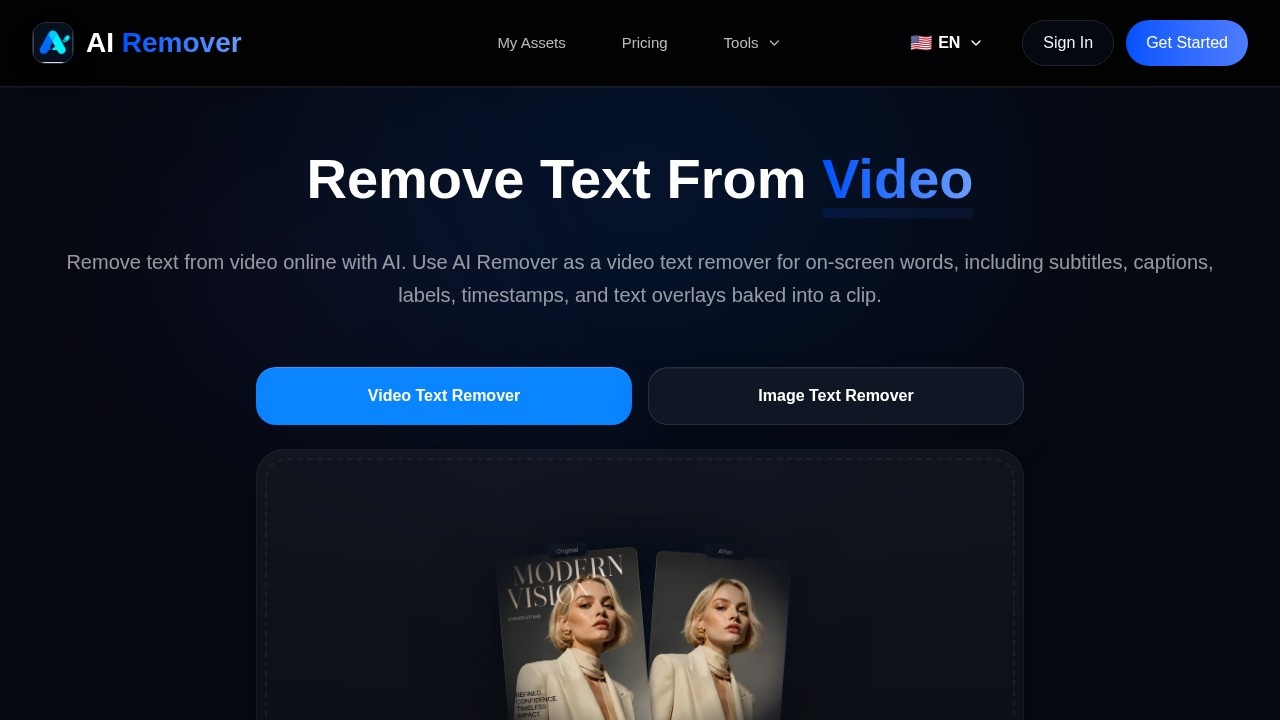
AI Remover is an online tool that uses AI to remove text from videos, including subtitles, captions, labels, timestamps, and text overlays baked into a clip. It functions as a video text remover, allowing users to clean up on-screen words while preserving the natural background. The tool also offers an image text remover feature. Users can upload MP4, MOV, or WebM files directly or drag and drop them into the interface.
Application scenarios
Video editing
Remove hardcoded subtitles or captions from video clips without losing background quality.
Content repurposing
Clean up timestamp overlays or labels from recorded tutorials or presentations.
Social media production
Erase watermarks or text overlays from videos before reposting on different platforms.
Educational content
Strip out text from lecture recordings or screencasts for cleaner viewing.
Marketing material
Remove promotional text or branding from video assets for reuse in different campaigns.
Personal projects
Delete unwanted text from home videos or clips before sharing with friends or family.
Core Features
Video text removal
Remove on-screen words like subtitles, captions, labels, timestamps, and text overlays from video clips.
AI-powered processing
Uses AI to detect and erase text while preserving the natural background of the video.
Image text removal
Also functions as an image text remover for cleaning up text from static images.
Drag-and-drop upload
Supports uploading videos by dragging and dropping files directly into the tool.
File format support
Accepts MP4, MOV, and WebM video formats for upload.
Online tool
Works entirely in a web browser with no software installation required.
Target users
Video editors, content creators, social media managers, educators, marketers, and anyone who needs to remove text overlays from video clips quickly without advanced editing software. The tool is also useful for repurposing existing video assets by cleaning up embedded text.
How to use AI Remover?
Visit the AI Remover website, then upload your video by clicking the upload button or dragging and dropping an MP4, MOV, or WebM file into the designated area. The AI will process the video to detect and remove on-screen text, including subtitles, captions, labels, timestamps, and text overlays. Once processing is complete, download the cleaned video with the text removed while the natural background is preserved.
Effect review
Based on the available information, AI Remover offers a straightforward solution for removing text from videos online. The tool's ability to handle multiple text types—subtitles, captions, labels, timestamps, and overlays—makes it versatile for common editing needs. Its support for MP4, MOV, and WebM formats covers most standard video files. However, without user reviews or quality benchmarks, it's difficult to assess how well the AI preserves background detail or handles complex scenes. For users needing a quick, no-install way to clean up text from videos, AI Remover appears to be a practical choice.
Frequently Asked Questions
What types of text can AI Remover remove from videos?
Is AI Remover free to use?
Does AI Remover support all video formats?
How long does it take to process a video?
Will the video quality be reduced after text removal?
Can I use AI Remover on mobile devices?
AI Remover - AI Tool Detail
AI Remover is an online tool by AI Remover for removing text from videos, including subtitles, captions, timestamps, and labels, while preserving the natural background.
Category:Video editing
Visit Link:https://airemover.org/
Tags:video text remover、subtitle removal、AI video editing、clean video tool、background preservation