
pumaDB
pumaDB, by an independent developer, offers agents durable memory without infrastructure. Connect hosted MCP or REST, store JSON rows, and review persistent memory for agent workflows.
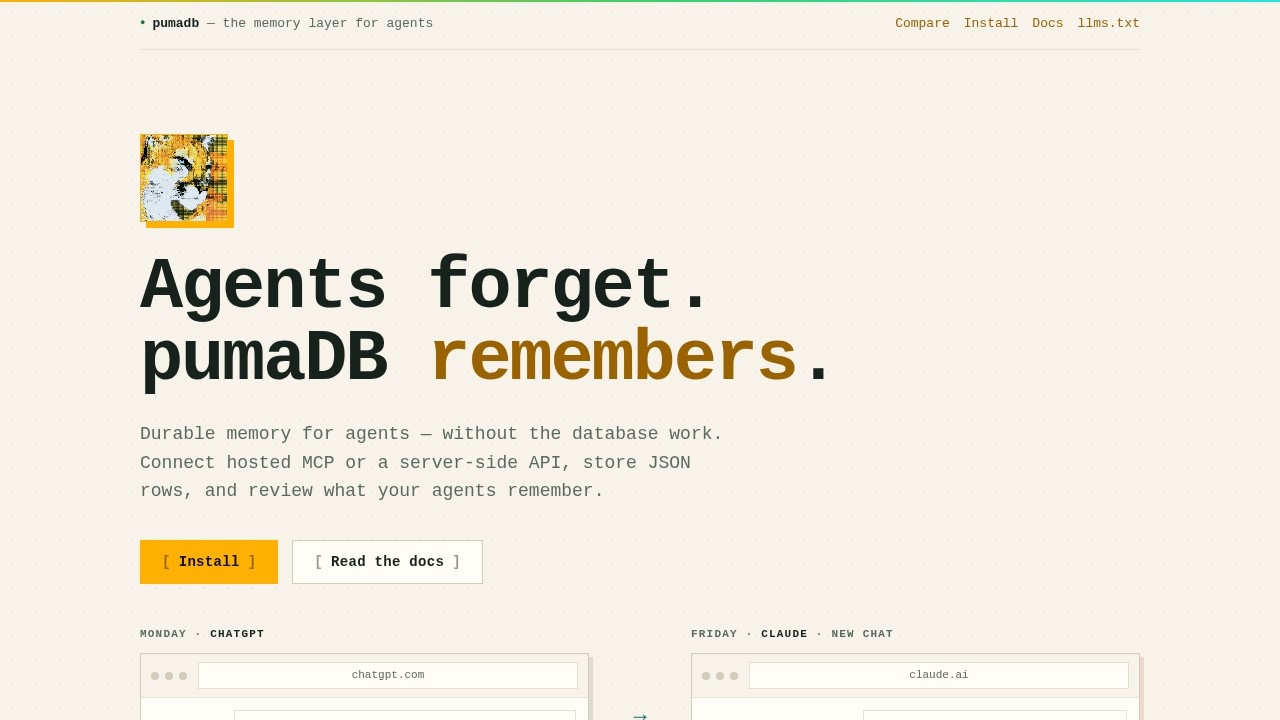
What is pumaDB?
pumaDB is a hosted memory service for AI agents, built by an independent developer. It provides durable, persistent memory without requiring users to set up or manage a database. You connect via a hosted MCP (Model Context Protocol) endpoint or a server-side REST API, store JSON rows, and review what your agents remember across sessions. It is designed to solve the problem of agents forgetting context, preferences, or task state.Application scenarios
Agent memory persistence
Store user preferences, communication style, or formatting defaults so agents recall them across conversations.
Project conventions
Keep repository facts, architecture notes, branch rules, and naming patterns that agents should not rediscover each session.
Research clippings
Save sources, summaries, links, and follow-up questions from ongoing investigations.
Task state management
Track open threads, blockers, handoff notes, and pending commands for long-running workflows.
Reusable skills
Store Markdown-based operating instructions, project-specific workflows, and tool notes that agents load across sessions.
Typed safe memory
Store resources, code snippets, commands, and config examples as inert records for review before use.
Core Features
Hosted MCP endpoint
Connect from Codex, ChatGPT, Claude, OpenClaw, or any client that supports Streamable HTTP MCP, with OAuth support for authentication.
Server-side REST API
For small server-side apps, keep a named `puma_live_*` key in a backend or serverless environment and call the `/v1` API directly.
Lightweight memory schema
Use pumaDB for almost any small, durable JSON record—facts, state, notes, settings, scratchpads, or handoff context.
Consolidated remember tool
The MCP tool stores common memory types with inert safety metadata, keeping memory organized.
Safety rails
Scoped table limits, per-key rate limits, filtered cleanup, natural edits, and automatic version history for updates and deletes.
Account limits
20 tables with 1,000 rows per table, keeping memory deliberately small and explicit.
Quick setup
No database project required—pick hosted MCP for agents or REST for server-side apps, then start writing memory in seconds.
Target users
pumaDB is for developers and AI engineers building agent-based applications. It suits anyone using Codex, ChatGPT, Claude, or other MCP-compatible clients who need durable memory without managing infrastructure. It also works for small server-side apps or serverless environments that require persistent JSON storage for agent workflows.How to use pumaDB?
- Choose your connection method: hosted MCP for agents (via Streamable HTTP endpoint at
https://api.pumadb.ai/mcp) or server-side REST API (using apuma_live_*key and calling/v1). - For MCP, add pumaDB as a hosted server in your client (e.g., Codex, ChatGPT, Claude) using the provided URL and OAuth support.
- For REST, keep the API key in a backend or serverless environment—do not expose it in client-side code.
- Start writing memory using the
pumadb.remember()tool and query it later withpumadb.query().
Effect review
pumaDB delivers exactly what it promises: durable memory for agents without database overhead. The dual MCP and REST support makes it flexible for both agentic and server-side workflows, while the safety rails and version history add practical safeguards. The 20-table, 1,000-row limit keeps memory scoped and manageable for most use cases. For developers tired of agents forgetting context, this is a clean, no-fuss solution that works out of the box.Frequently Asked Questions
What is pumaDB?
How do I connect to pumaDB?
What type of data can I store?
Is pumaDB suitable for production use?
Do I need to manage my own infrastructure?
Who develops pumaDB?
pumaDB - AI Tool Detail
pumaDB, by an independent developer, offers agents durable memory without infrastructure. Connect hosted MCP or REST, store JSON rows, and review persistent memory for agent workflows.
Category:Agents
Visit Link:https://pumadb.ai/
Tags:agent memory、durable storage、MCP、REST API、JSON database