PrintTrack
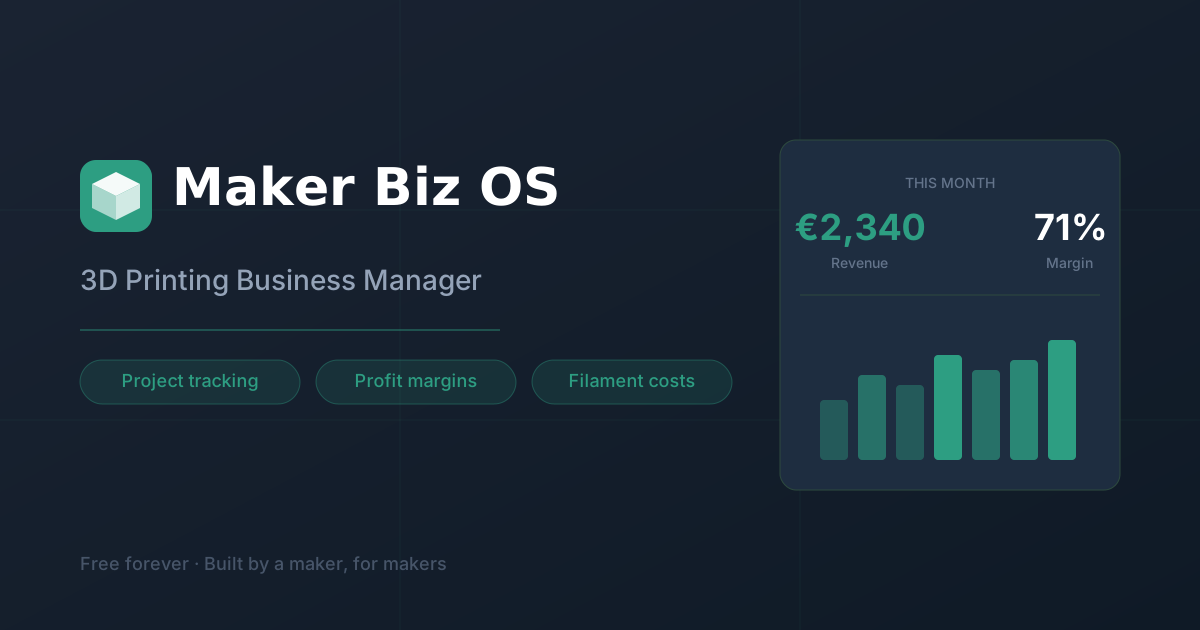
PrintTrack by a maker community offers free 3D printing business management to track prints, filament spools, and customer orders, revealing true profit per project.
PrintTrack — 3D Printing Business Manager
What is PrintTrack?
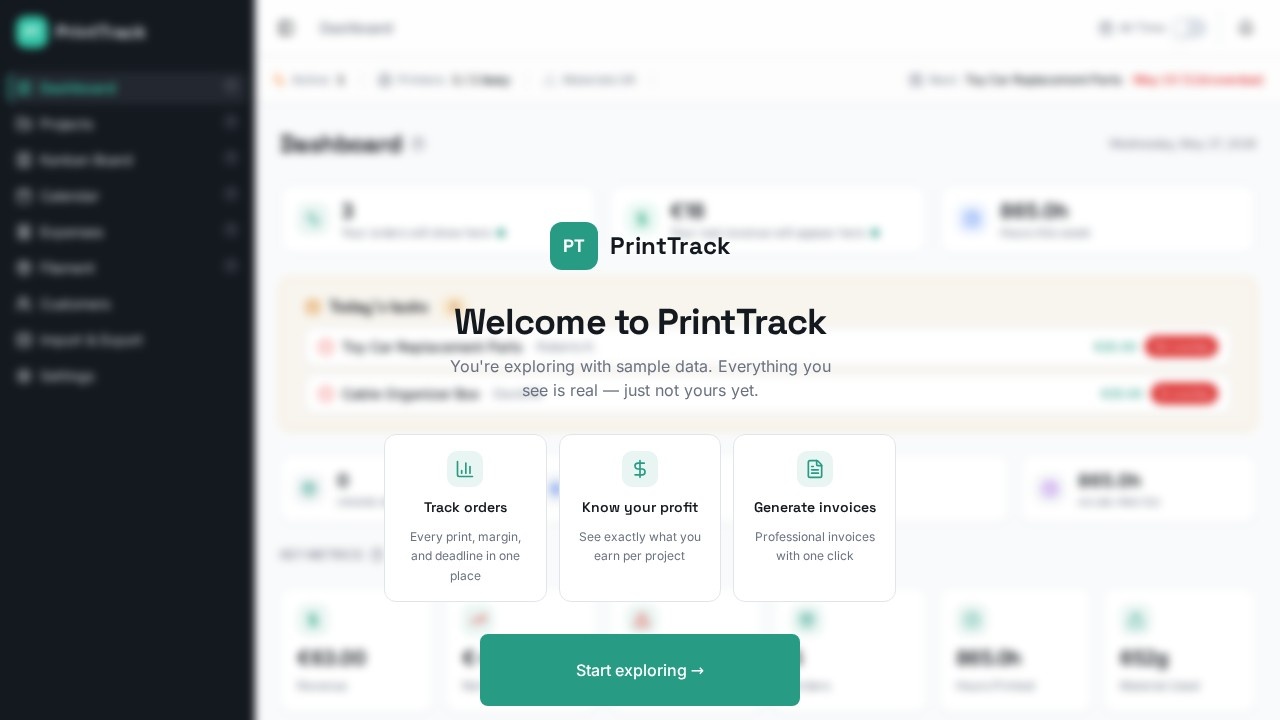
PrintTrack is a free 3D printing business management tool built by a maker community. It tracks prints, filament spools, and customer orders to reveal true profit per project. Users can monitor production queues, material usage, and project statuses in real time. The dashboard provides key metrics like revenue, net profit, expenses, and hours printed. It’s designed to help makers run their 3D printing operations like a real business.Application scenarios
Small 3D printing shops
Manage multiple customer orders and track print progress from queue to completion.
Freelance makers
Calculate net profit per project by tracking material costs, hours, and revenue.
Hobbyists scaling up
Monitor material usage (e.g., ABS filament) and decide when to accept new orders.
Customer order fulfillment
Track overdue projects and prioritize prints to meet deadlines.
Production planning
Use workload insights (e.g., 435.5h remaining vs. 72h capacity) to avoid overcommitment.
Profit analysis
Review average profit per project (€8.50) and per print (€-13.69) to identify unprofitable jobs.
Core Features
Dashboard overview
See active printers, busy status, materials OK, next task, and overdue items at a glance.
Key metrics panel
View revenue (€63.00), net profit (€-68.47), expenses (€131.47), orders (5), hours printed (865.0h), and material used (652g).
Print performance tracking
Monitor prints completed (5), total hours (865.0h), average time per print (108.1h), and completion rate (60%).
Project status distribution
Filter projects by Completed, Active, or Overdue status with a visual breakdown.
Production queue management
See remaining prints (3), print hours left (435.0h), material required (245g), estimated completion (18d 4h), and workload vs. capacity (435.5h / 72h). Accept new orders only when capacity allows.
Material usage summary
View filament needed per project based on 1kg spool size, with per-project breakdowns.
Quick insights
Access best day revenue (€45.00), most used material (ABS), busiest week (W20, 2 orders), and average profit per print (€-13.69).
Recent projects list
Review all customer orders with revenue amounts (e.g., Dragon Miniature Set €45.00, Custom Phone Stand €18.00).
Suggestions for next prints
Get recommended prints sorted by shortest time for quick wins (e.g., Box Lid, Organizer Box, Display Stand).
Target users
PrintTrack is built for individual makers, small 3D printing businesses, and hobbyists who sell printed parts. It’s ideal for anyone managing multiple customer orders, tracking material costs, and wanting to understand true profitability. Freelancers scaling from hobby to business will find the production queue and profit analysis especially useful.How to use PrintTrack?
Visit the official website at https://www.printrack.xyz/. The dashboard appears to load automatically with sample data or a live account. Users can view key metrics, manage projects, and track material usage from the main interface. To add orders, update printer status, or adjust settings, explore the navigation options on the site (not detailed in the provided text). For full setup instructions, refer to the official documentation.Effect review
PrintTrack delivers a surprisingly complete dashboard for a free tool, covering everything from print performance to net profit. The inclusion of real-time workload analysis and material usage summaries makes it practical for daily operations. However, the sample data shows a negative net profit (€-68.47) and average loss per print (€-13.69), which suggests the tool is honest about financial realities rather than sugarcoating results. The suggestion engine for quick-win prints is a nice touch for busy makers. Overall, it’s a solid starting point for any 3D printing business that wants to move beyond guesswork.Frequently Asked Questions
What is PrintTrack?
Is PrintTrack completely free?
What can I track with PrintTrack?
How does PrintTrack calculate profit?
Who created PrintTrack?
Can I use PrintTrack for multiple printers?
PrintTrack - AI Tool Detail
PrintTrack by a maker community offers free 3D printing business management to track prints, filament spools, and customer orders, revealing true profit per project.
Category:Project Management
Visit Link:https://www.printrack.xyz/
Tags:3D printing management、filament tracking、business profit analysis、print job tracking、maker community tool