
TuneWorks
TuneWorks by TuneWorks connects logs, setup changes, maintenance, sessions, and feedback in one platform, helping tuners and racers identify issues faster and make smarter performance decisions.
What is TuneWorks?
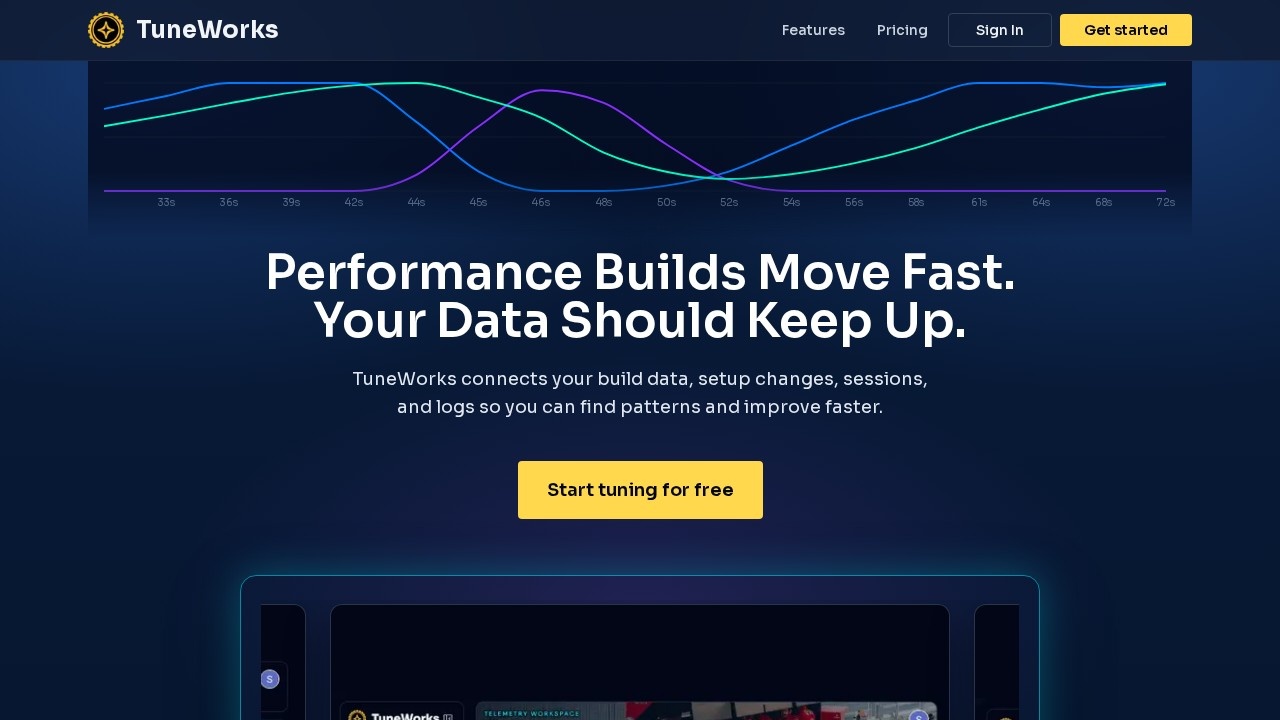
TuneWorks is a browser-based platform that connects build data, setup changes, sessions, and logs into one workspace. It helps tuners and racers identify performance patterns and issues faster by turning messy performance data into clear evidence. Users can upload, chart, analyze, compare, and explain logs without leaving the browser. The platform currently supports Haltech aftermarket ECUs, with additional ECU support in development.Application scenarios
Race weekend data review
Drivers and engineers can review logs and connect data to track context between sessions.
Diagnostic troubleshooting
Tuners speed up diagnostic review by preserving vehicle history and linking findings to maintenance work.
Customer communication
Professional tuners create customer-ready explanations from log data, turning each file into a clear recommendation.
Setup change validation
Teams validate setup changes by comparing logs from different runs or events.
Vehicle history tracking
Enthusiasts connect findings to previous setup changes and maintenance work for long-term improvement.
Performance comparison
Users compare changes after each pull or session to see what worked.
Core Features
Log upload and analysis
Upload, chart, analyze, compare, and explain logs directly in the browser.
Data connectivity
Connects build data, setup changes, maintenance records, sessions, and feedback in one platform.
Pattern recognition
Turns messy performance data into clear evidence of what happened, why it matters, and what to check next.
Vehicle history preservation
Keeps a record of vehicle history, setup changes, and maintenance work for each build.
Customer-ready explanations
Generates clear, defensible recommendations from log data for client handoffs.
Shared workspace
Provides a shared space for drivers, engineers, and crew to review logs and validate changes.
ECU support
Currently supports Haltech aftermarket ECUs, with additional ECUs (Link, MegaSquirt, FuelTech) in development.
Target users
TuneWorks is built for three main groups: car enthusiasts who want to understand their build like a pro and catch issues before they become expensive; race teams that need a shared place for drivers, engineers, and crew to review logs and connect data to track context; and professional tuners who want to serve more customers without losing the thread on each vehicle's history and recommendations.How to use TuneWorks?
Start by visiting the TuneWorks website and signing up for a free account. Upload your log files from supported aftermarket ECUs (currently Haltech). Use the browser-based workspace to chart, analyze, compare, and explain your logs. Connect findings to vehicle history, setup changes, and maintenance records. For unsupported ECUs, sign up for notification when support becomes available.Pricing and free trial
The website explicitly states "Start tuning for free" as a call-to-action, indicating a free tier is available. No paid pricing plans or subscription costs are mentioned in the provided text.Effect review
TuneWorks addresses a real pain point for performance builders: scattered data across logs, setup sheets, and maintenance notes. The platform's focus on connecting all that information in one workspace is practical, especially for race teams juggling multiple sessions and tuners managing customer histories. The browser-based approach eliminates software installation friction. However, the current limitation to Haltech ECUs narrows its immediate usefulness—enthusiasts using other ECUs will have to wait. For those already on Haltech, the free tier makes it low-risk to test whether the unified workflow actually speeds up diagnostics and decision-making.Frequently Asked Questions
What is TuneWorks?
How does TuneWorks help identify performance issues?
Can TuneWorks integrate with existing logging tools?
Is TuneWorks suitable for both amateur and professional racers?
Does TuneWorks offer real-time collaboration features?
TuneWorks - AI Tool Detail
TuneWorks by TuneWorks connects logs, setup changes, maintenance, sessions, and feedback in one platform, helping tuners and racers identify issues faster and make smarter performance decisions.
Category:Personal Assistant
Visit Link:https://tuneworks.ai/
Tags:log analysis、performance tuning、racing analytics、maintenance tracking、AI diagnostics