MoneyTrack
A beautifully native iOS budgeting app by Neuresa for tracking transactions across smart budget pots, linked accounts, and flexible time periods, with a 7-day free trial.
What is MoneyTrack?
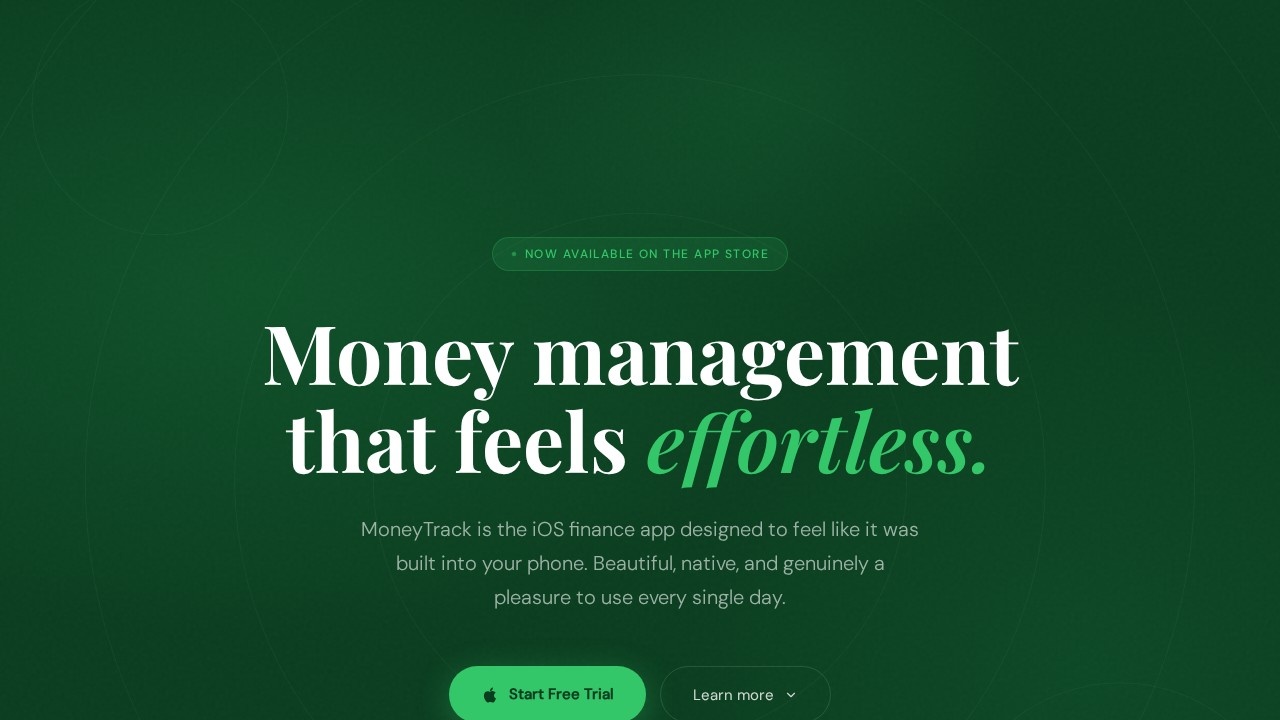
MoneyTrack is a native iOS budgeting app by Neuresa that organizes your finances into smart budget pots linked directly to your accounts. It focuses on making transaction tracking feel as natural as sending a message, with a design that prioritizes simplicity and delight over complex dashboards. Users set up accounts, create purposeful budget pots (like groceries or rent), and align spending cycles to their actual pay dates. The app promises a clean, filterable transaction list and real-time account summaries, all wrapped in an unmistakably Apple-like iOS experience.Application scenarios
Personal budgeting
Track daily spending across categories like groceries, dining out, and bills with linked account summaries.
Pay cycle alignment
Set budget periods to start on your actual payday (e.g., the 27th) instead of arbitrary calendar months.
Account management
Keep current accounts, savings pots, and joint accounts distinct but connected for a full financial picture.
Quick transaction logging
Add a transaction and have it automatically land in the correct budget pot without extra navigation.
Filtered expense review
Tap a budget pot to see only that category's activity, removing noise from other spending.
Morning financial check
View real-time account summaries at the top of the screen to know your balance before starting the day.
Core Features
Smart Budget Pots
Organize money into purposeful pots (e.g., Rent & Bills, Groceries) that are directly linked to your accounts, so each transaction lands where it belongs instantly.
Account Summaries at a Glance
See current, savings, and other accounts with real-time summary data at the top of the screen for an immediate financial snapshot.
Filterable Transaction List
Below each budget summary, view a clean list that you can filter by budget pot, eliminating noise and showing only relevant activity.
Flexible Time Periods
Set your budget cycle to start on your actual payday (e.g., the 27th) rather than the first of the month, making income and spending totals align with real-world cash flow.
Unmistakably iOS Design
Uses native components, gestures, and typography so the app feels like it was designed by Apple itself, fitting seamlessly into the iPhone ecosystem.
Quick Setup
Add accounts, create budget pots, and set your pay cycle in under two minutes, with no card required for the free trial.
Linked Account Context
Each budget pot lives alongside the account it draws from, giving you a complete picture of where your money is and where it's going.
Target users
MoneyTrack is ideal for individuals who want a straightforward, visually pleasing budgeting app that works with their actual pay cycle rather than forcing a monthly calendar. It suits iPhone users who value native iOS design and prefer minimal, distraction-free financial tracking over complex dashboards. The app is especially useful for people who manage multiple accounts (current, savings, joint) and want to categorize spending into custom pots like groceries, rent, and dining out.How to use MoneyTrack?
- Add Your Accounts: Set up the accounts that matter—current account, savings pot, joint account—keeping them distinct but connected.
- Create Your Budgets: Name your budget pots (e.g., Groceries, Transport, Subscriptions) and link each to an account.
- Set Your Pay Cycle: Tell MoneyTrack when your money arrives (e.g., the 15th or 27th), and the app aligns your budget period to that date.
- Start Tracking: Add transactions to the correct pots; view real-time account summaries and filterable transaction lists to monitor spending.
Pricing and free trial
MoneyTrack offers a 7-day free trial with no card required. After the trial, the full version costs £29.99 per year, which the site notes is less than 8p per day.Effect review
The website emphasizes that MoneyTrack is built around the philosophy of making financial tracking feel natural and delightful, with every interaction designed to make life easier. While no specific user feedback or awards are mentioned, the app's focus on native iOS design, flexible pay cycles, and smart budget pots suggests a practical tool for everyday budgeting. The clean, filterable transaction list and real-time account summaries should help users stay on top of spending without unnecessary complexity. For iPhone users who value a streamlined, Apple-like experience, MoneyTrack appears to deliver a genuinely useful alternative to more cluttered finance apps.Frequently Asked Questions
What is MoneyTrack?
Is MoneyTrack free to use?
What are smart budget pots?
Can I link my bank accounts to MoneyTrack?
Is MoneyTrack available on Android?
How do flexible time periods work?
MoneyTrack - AI Tool Detail
A beautifully native iOS budgeting app by Neuresa for tracking transactions across smart budget pots, linked accounts, and flexible time periods, with a 7-day free trial.
Category:Data analysis
Visit Link:https://moneytrack.neuresa.com/
Tags:iOS budgeting、transaction tracking、smart budget pots、personal finance、AI spending insights