
PixPilot
PixPilot is an AI image and video generation platform by PixPilot, offering GPT Image 2 integration, curated prompt recipes, transparent credit estimates, and persistent history for streamlined creati
What is PixPilot?
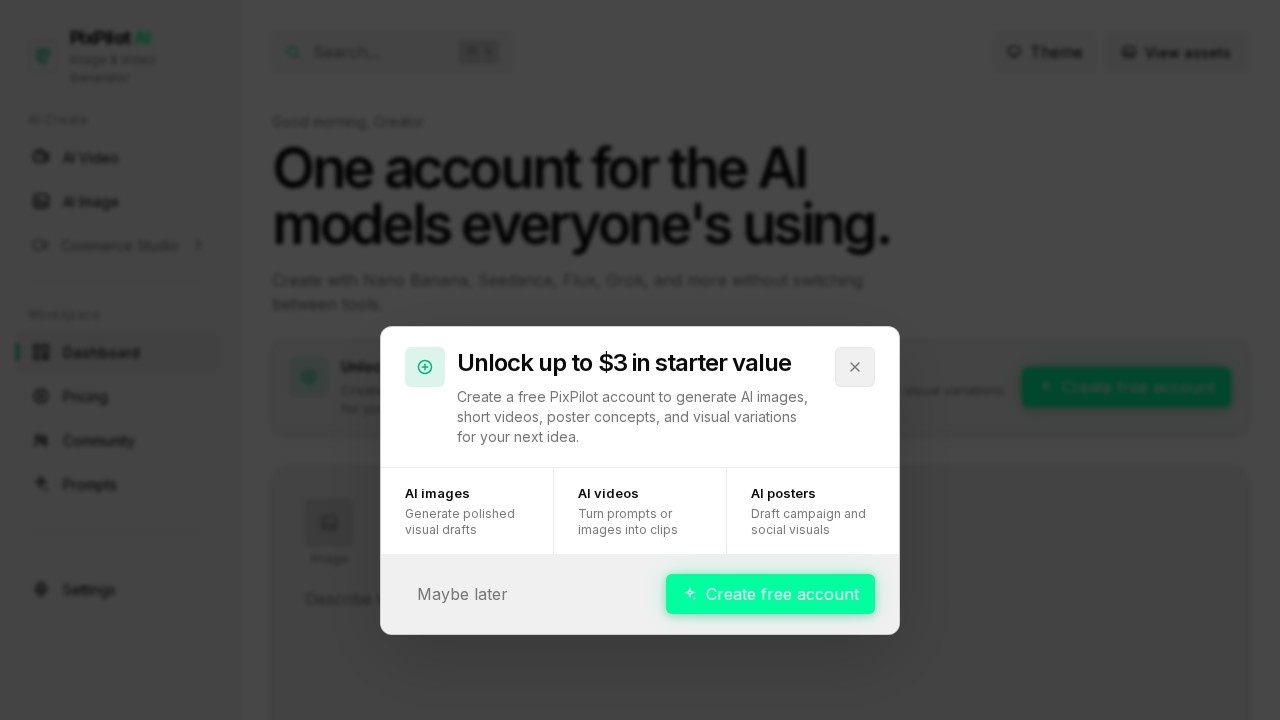
PixPilot is an AI image and video generation platform that consolidates multiple popular models—including Nano Banana, Seedance, Flux, and Grok—into a single workspace. Users can create campaign images, product visuals, short videos, and reference-guided edits without switching between separate tools. The platform features GPT Image 2 integration for quality-controlled image creation and precise edits, along with curated prompt recipes and persistent project history.Application scenarios
Marketing campaigns
Generate polished product shots, editorial portraits, and motion-ready visuals for social ads and ecommerce launches.
Video content creation
Turn prompts into short clips with controllable camera, pacing, and lighting, or animate still images into motion concepts.
Product photography
Create luxury skincare or sneaker advertising visuals with controlled commercial lighting and staging.
Reference-guided editing
Upload images to guide composition, color, subject details, and style for precise output control.
Video transitions
Control video flow by setting a starting frame and optional ending frame for smooth transitions.
Creative exploration
Browse curated prompt recipes (e.g., "Cinematic," "Fashion," "Vibrant / Colorful") to inspire new assets.
Core Features
Multi-model workspace
Access Nano Banana, Seedance, Flux, Grok, and GPT Image 2 from one account, with model-specific inputs and settings.
GPT Image 2 integration
Create quality-controlled images and perform precise edits using GPT Image 2, with only relevant settings exposed per model.
Image-to-video animation
Animate still images into motion concepts suitable for social media and product campaigns.
Text-to-video generation
Turn written prompts into short clips with adjustable camera, pacing, and lighting controls.
Reference image support
Upload images to guide composition, color, subject details, and style for both image and video workflows.
First and last frame video control
Define a starting frame and optional ending frame to control video transitions.
Persistent project history
All completed outputs are automatically saved to your private account history and can be reopened from the Asset section.
Curated prompt recipes
Browse pre-made prompts (e.g., "Disheveled portrait," "Golden hour," "Monochrome Muse") to jumpstart creation.
Credit estimates
Each generation shows transparent credit costs before you commit.
Target users
Marketers, content creators, ecommerce managers, and social media teams who need to produce campaign visuals, product shots, and short videos without juggling multiple AI tools. Also suitable for designers and creative professionals who want reference-guided image editing and video animation in one platform.How to use PixPilot?
- Visit the PixPilot website and click "Start for Free" to create an account.
- Select a model (e.g., Nano Banana, GPT Image 2, Flux) from the workspace.
- Describe your desired output in the prompt field, optionally add reference images or frames.
- Adjust model-specific settings (e.g., aspect ratio, resolution) and check the credit estimate.
- Generate your image or video, then access all completed outputs from your private account history.
Pricing and free trial
The website prominently features a "Start for Free" button, indicating a free tier is available, but no specific pricing plans or credit costs are listed in the provided text.Effect review
PixPilot delivers a practical all-in-one solution for creators who need to switch between different AI image and video models without context loss. The transparent credit estimates and persistent history reduce friction in iterative workflows, while the curated prompt recipes help less experienced users get started quickly. The inclusion of GPT Image 2 for precise edits and reference-guided generation adds professional-grade control, though the lack of visible pricing details may require users to sign up to evaluate cost-effectiveness. Overall, the platform feels well-suited for marketing teams and content creators who value model diversity and streamlined asset management.Frequently Asked Questions
What is PixPilot?
Does PixPilot support video generation?
What are prompt recipes in PixPilot?
How does PixPilot handle credit usage?
Is there a history feature in PixPilot?
What is GPT Image 2 integration?
PixPilot - AI Tool Detail
PixPilot is an AI image and video generation platform by PixPilot, offering GPT Image 2 integration, curated prompt recipes, transparent credit estimates, and persistent history for streamlined creati
Category:Uncategorized
Visit Link:https://pixpilot.org/
Tags:AI image generation、video creation、GPT-4 integration、prompt recipes、creative workflow