
ImageGPT
AI image generator and photo editor by ImageGPT for 4K output, 95%+ accurate in-image text rendering, and instant image-to-image edits.
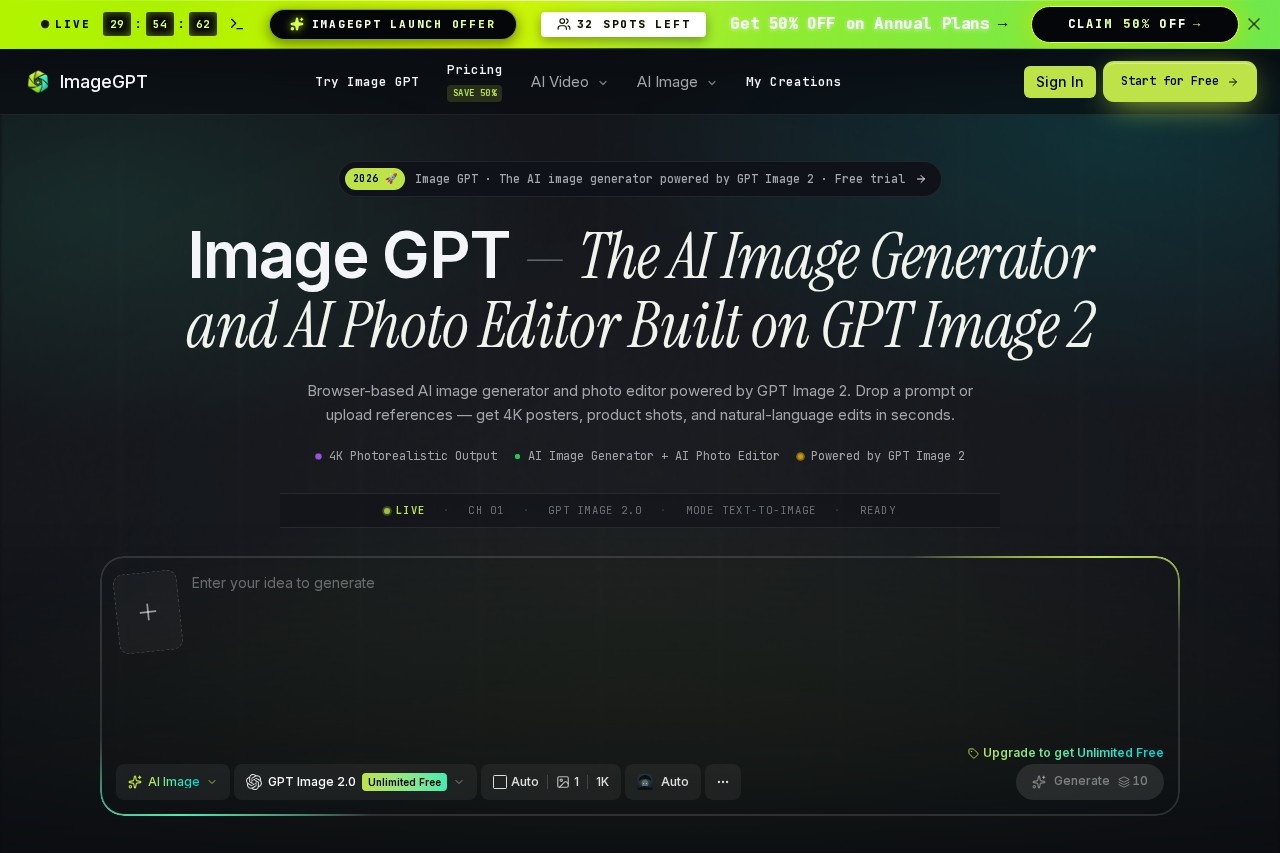
What is ImageGPT?
ImageGPT is a browser-based AI image generator and photo editor built on GPT Image 2. It lets you create 4K photorealistic output from text prompts or uploaded reference images. You can also edit photos using natural language commands. The tool is designed for quick, high-quality visual content creation without needing separate software.Application scenarios
Campaign posters and social ads
Place headlines, captions, and brand calls-to-action directly inside artwork with 95% rendering accuracy across 12 languages.
Ecommerce product photography
Composite a garment, model, and environment in a single prompt, swap backdrops for seasonal launches, and generate virtual try-on shots.
Character sheets and storyboards
Lock subject identity across up to nine reference inputs for consistent character appearance in indie comics, animation, and game concept work.
Photo editing
Open any photo and describe changes in plain English—restyle as a wash painting, switch the sky to dusk, remove background objects, or transform perspective.
Multi-frame storyboards
Draft a hero character once and carry outfit, palette, and facial geometry steady through an entire storyboard from one prompt template.
Core Features
4K photorealistic output
Generate high-resolution posters, product shots, and natural-language edits in seconds.
In-image text rendering
Achieve 95%+ accurate typography for headlines, captions, and brand copy directly inside artwork across 12 languages.
Multi-reference fusion
Keep a product looking identical across every backdrop by compositing a garment, model, and environment in a single prompt.
Subject identity locking
Maintain consistent character appearance across up to nine reference inputs for storyboards and character sheets.
Natural-language photo editing
Describe changes in plain English—restyle, switch skies, remove objects, or transform perspective without manual tools.
Prompt-ready examples
Get inspired with visual directions generated from real Image GPT prompt examples, like Pixel Fantasy Spell or Editorial Beauty Portrait.
Single workspace
Run all workflows—campaign posters, product shots, character storyboards, and inline photo edits—inside one Image GPT workspace.
Target users
Designers, marketers, ecommerce teams, indie comic creators, animators, game concept artists, and anyone who needs fast, high-quality AI-generated visuals for campaigns, product photography, or character work.How to use ImageGPT?
Open the ImageGPT website and drop a text prompt or upload reference images. Use the console to enter campaign copy alongside your visual prompt for in-image typography. For photo editing, open any image and describe the change in plain English. Export your 4K output directly from the browser—no separate software needed.Pricing and free trial
ImageGPT offers a free trial. No specific pricing tiers or paid plans are mentioned on the site.Effect review
ImageGPT delivers practical, production-ready results for common visual tasks like posters, product shots, and storyboards. The 95% text rendering accuracy and multi-reference fusion eliminate the need for separate hand-lettering or background cleanup. Subject identity locking across nine inputs makes it a solid choice for character-consistent projects. While the feature set is strong, the lack of user feedback or awards on the site means you should test the free trial to see if it fits your workflow.Frequently Asked Questions
What is ImageGPT?
Can ImageGPT generate images with text?
What resolution does ImageGPT support?
Does ImageGPT offer image-to-image editing?
Is ImageGPT free to use?
What types of images can ImageGPT generate?
ImageGPT - AI Tool Detail
AI image generator and photo editor by ImageGPT for 4K output, 95%+ accurate in-image text rendering, and instant image-to-image edits.
Category:Image generation
Visit Link:https://image-gpt.art/
Tags:AI image generator、photo editor、4K output、text rendering、image-to-image edits