
PieterPost
PieterPost by PieterPost connects to remote MCP clients for preparing letters and postcards, managing Mailbook contacts, reviewing checkout links, and tracking orders directly from chat.
What is PieterPost?
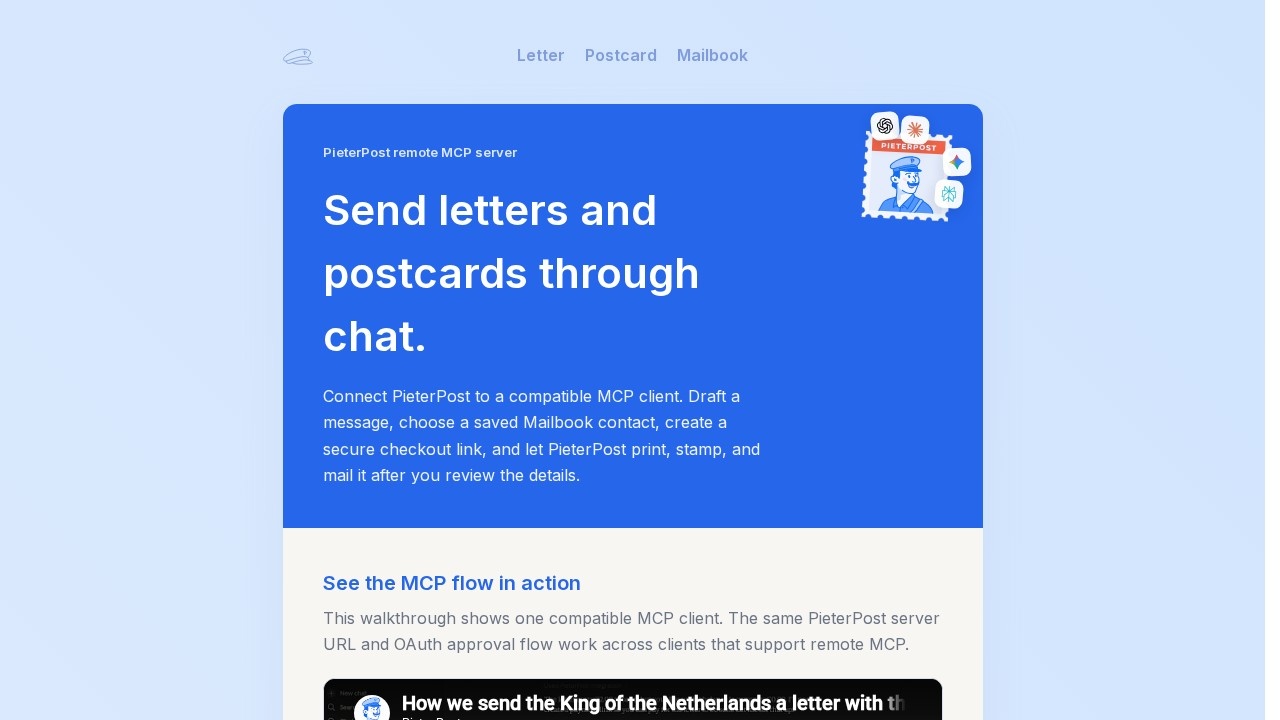
PieterPost is a remote MCP server that lets you send letters and postcards directly through chat. By connecting PieterPost to a compatible MCP client like ChatGPT or Claude, you can draft a message, select a saved Mailbook contact, create a secure checkout link, and let PieterPost print, stamp, and mail the item after you review the details. It works with clients that support remote MCP and OAuth authorization, enabling a seamless flow from idea to physical mail. The service integrates tools for drafts, contacts, checkout links, wallet status, and order lookup into a single conversation.Application scenarios
Personal correspondence
Draft and send a letter or postcard to a friend or family member using a saved contact from your Mailbook.
Business mail
Prepare professional letters for clients or partners, then review and approve via a checkout link before mailing.
Order management
Track the status of mailed items and look up orders directly from your chat interface.
Contact management
Use saved Mailbook contacts and address requests to streamline recipient selection.
Secure transactions
Create secure checkout links for senders to review and pay for mail items before they are dispatched.
Multi-client support
Connect PieterPost to various AI workspaces like ChatGPT, Claude, Gemini, Copilot, or Grok for flexible mail preparation.
Core Features
Mail preparation
Turn a prompt, note, or pasted draft into a clean letter or postcard and open it in PieterPost for review.
Mailbook contacts
Use saved contacts and address requests from your PieterPost Mailbook after authorizing the connector.
Checkout link creation
Generate secure checkout links so the sender can review and pay for the mail before it is printed and sent.
Order tracking
Look up order status and wallet status directly from the chat conversation.
Remote MCP integration
Connect via a public remote MCP endpoint (https://pieterpost.com/mcp/setup/) to clients like ChatGPT, Claude, and others.
OAuth authorization
Authorize your PieterPost account through a standard OAuth flow after connecting the MCP server.
Multi-client support
Works with ChatGPT, Claude, Gemini, Perplexity, Grok, Copilot, Mistral, Qwen, Cohere, DeepSeek, and Meta AI.
Streamable HTTP transport
Compatible with any client that supports streamable HTTP transport and OAuth-based authorization.
Target users
Individuals and professionals who need to send physical mail efficiently from a chat interface. This includes remote workers, small business owners, personal assistants, and anyone managing regular correspondence who wants to avoid printing, stamping, and mailing manually. It also suits teams using AI workspaces like ChatGPT or Claude who want to integrate physical mail into their digital workflows.How to use PieterPost?
- Open your compatible MCP client (e.g., ChatGPT, Claude) and go to the connectors or custom connector settings.
- Create or add a custom connector, name it "PieterPost," and paste the MCP server URL: https://pieterpost.com/mcp/setup/.
- Choose OAuth when prompted, scan the available tools, then authorize your PieterPost account.
- Start a chat with PieterPost enabled and ask for a letter, postcard, checkout link, or order update.
- Review the details via the PieterPost link before paying, and let PieterPost print, stamp, and mail the item.
Effect review
PieterPost delivers a practical solution for turning chat-based drafts into physical mail without leaving your AI workspace. The integration with popular clients like ChatGPT and Claude is straightforward, and the OAuth flow ensures secure account access. The feature set—mail preparation, contact management, checkout links, and order tracking—covers the full cycle from drafting to delivery. While the site doesn't provide user feedback or quality metrics, the clear setup instructions and multi-client support suggest it is a reliable tool for streamlining mail tasks. For anyone who regularly sends letters or postcards, PieterPost offers a convenient, chat-driven alternative to traditional mailing.Frequently Asked Questions
What is PieterPost?
How do I start using PieterPost?
Can I manage multiple contacts with PieterPost?
Does PieterPost support order tracking?
What are checkout links used for in PieterPost?
PieterPost - AI Tool Detail
PieterPost by PieterPost connects to remote MCP clients for preparing letters and postcards, managing Mailbook contacts, reviewing checkout links, and tracking orders directly from chat.
Category:Personal Assistant
Visit Link:https://pieterpost.com/mcp
Tags:MCP client、mail automation、letter preparation、order tracking、contact management