
PDF Guru
PDF Guru offers a powerful, no-install solution for editing, converting, signing, and managing PDFs, widely regarded as a top-tier online editor.
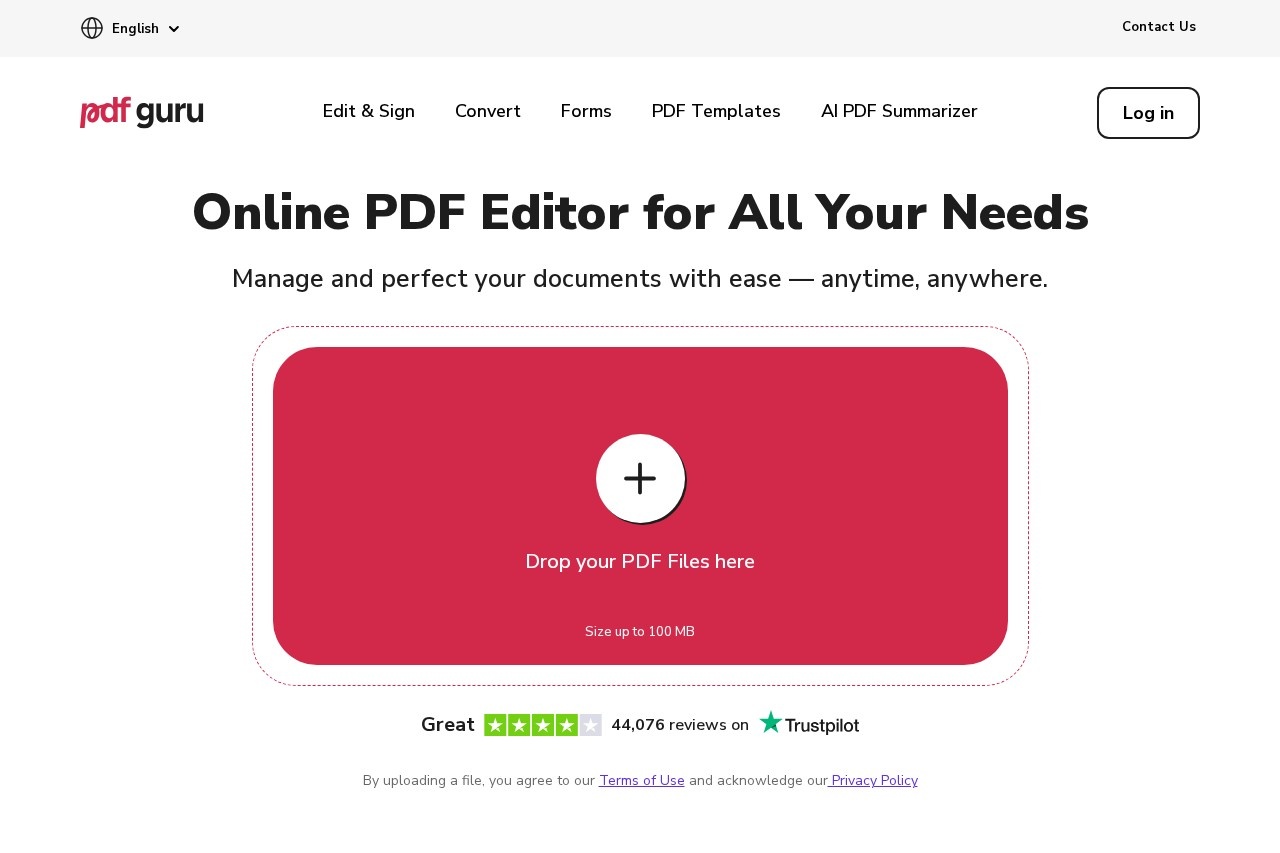
What is PDF Guru?
PDF Guru is a comprehensive online PDF editor that requires no software installation. It provides a centralized platform for editing, converting, signing, and managing PDF documents. Users rely on it to handle a wide range of document tasks directly from their web browser, anytime and anywhere.Application scenarios
Document correction
Fixing typos or updating information in existing PDF files.
Document preparation
Reviewing, annotating, and polishing PDFs before final distribution.
Format conversion
Switching documents between PDF, Word, PowerPoint, or image formats while preserving layout.
Form management
Filling out professional forms for tax, military, financial, or real estate purposes.
Document security
Adding passwords or electronic signatures to authorize and protect sensitive files.
Content extraction
Summarizing text, extracting specific pages, or converting images within a PDF to editable text.
Core Features
Edit PDF
Click and type directly on the PDF to edit text without first converting the file.
All-in-one editing suite
Highlight text, add images, insert shapes, and leave notes directly on documents.
Flexible file conversion
Convert PDFs to formats like Word, PPTX, or JPG, and convert other files to PDF, without losing formatting.
Built-in eSignature
Authorize documents using one of three simple e-signing options.
Fillable forms
Access a library of professional, ready-to-fill forms that can be stored in your account.
Organize PDF
Merge multiple PDFs, split a PDF into parts, rotate pages, or delete and extract specific pages.
OCR PDF
Use optical character recognition to make text within scanned documents or images editable and searchable.
Compress PDF
Reduce the file size of PDF documents.
Password Protect PDF
Add security to a document by setting a password.
Create PDF
Generate new PDF documents from other file types.
Target users
PDF Guru serves a broad global user base, including individuals and professionals who need to handle documents without dedicated software. It is particularly useful for anyone dealing with administrative forms, contracts, or reports—such as students, office workers, freelancers, and teams in legal, real estate, financial, or military sectors—who require a reliable tool for editing, signing, and converting files.How to use PDF Guru?
Visit the official website using any modern web browser. Upload your file directly to the site (files up to 100 MB are supported) by dragging and dropping or clicking to upload. Select the desired tool from the menu, such as Edit, Convert, Sign, or Merge. Perform your edits or conversions using the intuitive interface, then download the processed file. No account or installation is implied as necessary to start.Effect review
The platform reports significant adoption, with 15 million users across 180 countries and over 27 million files uploaded. It highlights a collection of over 44,000 user reviews praising its ease of use, effective service, and fast, kind customer support. The tool's certified status and media coverage further support its position as a trusted, high-quality online PDF solution that simplifies document workflows reliably.Frequently Asked Questions
What is PDF Guru?
Is PDF Guru free to use?
How do I edit a PDF with PDF Guru?
Can PDF Guru convert PDFs to other formats?
Is my data secure with PDF Guru?
Does PDF Guru work on mobile devices?
PDF Guru - AI Tool Detail
PDF Guru offers a powerful, no-install solution for editing, converting, signing, and managing PDFs, widely regarded as a top-tier online editor.
Category:Document processing
Visit Link:https://pdfguru.com/
Tags:PDF editor、PDF converter、online PDF tool、document management、PDF signing