
OpenBrowser
OpenBrowser by the open-source community enables natural language control of any browser, achieving 2-6x fewer tokens than competitors with 100% task accuracy for efficient automation.
What is OpenBrowser?
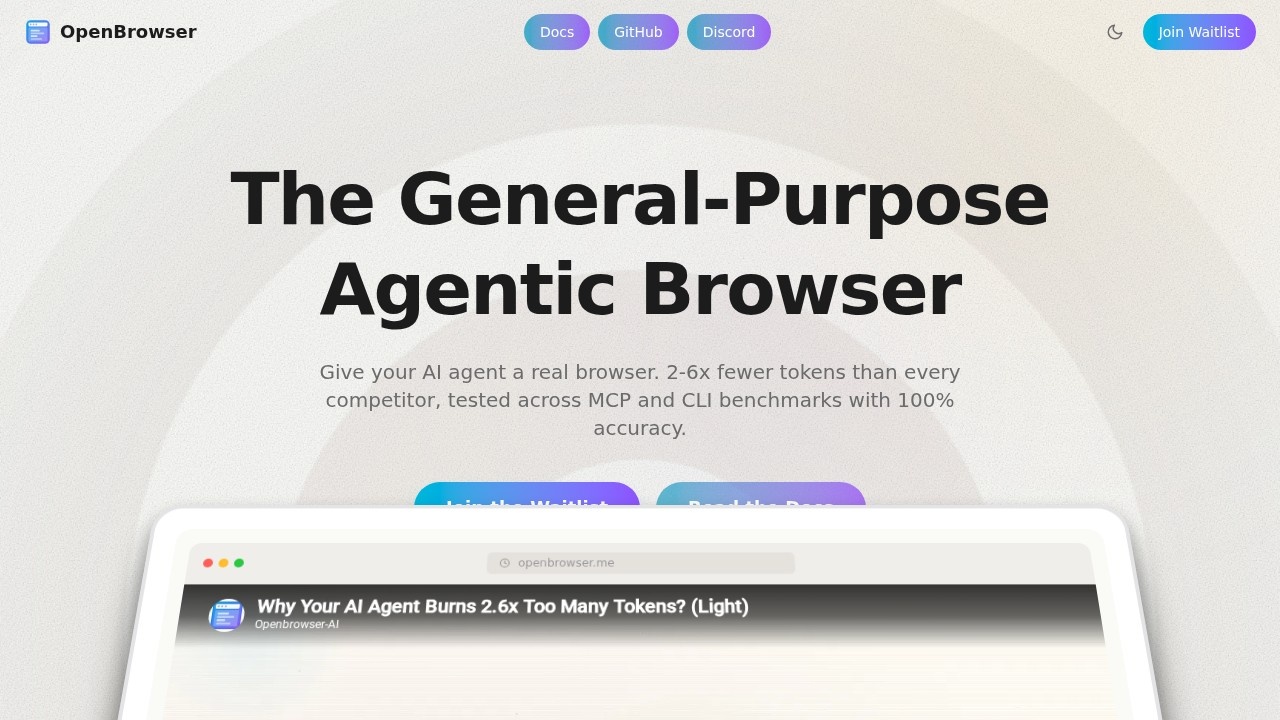
OpenBrowser is an open-source tool that gives your AI agent a real browser, allowing it to control any browser using natural language. It achieves 2-6x fewer tokens than every competitor, tested across MCP and CLI benchmarks with 100% accuracy. Users can leverage it for efficient, token-saving browser automation without manual scripting.Application scenarios
AI agent automation
Let an AI agent navigate and interact with any website using natural language commands.
Web scraping and data extraction
Automate data collection from web pages with minimal token usage.
Testing and QA
Run browser-based tests for web applications with high accuracy and low overhead.
Workflow automation
Automate repetitive browser tasks like form filling, navigation, and content retrieval.
Research and monitoring
Set up agents to browse and gather information from multiple sites continuously.
Integration with MCP/CLI tools
Use OpenBrowser as a backend for command-line or MCP-based automation pipelines.
Core Features
Natural language control
Command any browser using plain English instead of complex scripts.
Token efficiency
Uses 2-6x fewer tokens than competitors, reducing API costs for long-running tasks.
100% task accuracy
Tested across MCP and CLI benchmarks to ensure reliable completion of browser tasks.
Open-source community
Developed and maintained by the open-source community, allowing for customization and transparency.
General-purpose agentic browser
Designed as a general-purpose browser agent, not limited to specific websites or tasks.
Waitlist access
Currently available via a waitlist for early access to the tool.
Target users
OpenBrowser is ideal for developers, AI engineers, automation specialists, and QA testers who need a cost-effective, token-efficient way to give AI agents browser control. It also benefits researchers and data analysts looking to automate web-based workflows without high API overhead.How to use OpenBrowser?
- Visit the official website at https://openbrowser.me/.
- Join the waitlist to get access when it becomes available.
- Read the documentation linked on the site to understand setup and usage.
- Once granted access, deploy OpenBrowser as your AI agent's browser interface and start issuing natural language commands.
Effect review
OpenBrowser addresses a clear pain point in AI agent automation: high token consumption from browser control tasks. By claiming 2-6x fewer tokens than competitors while maintaining 100% accuracy on benchmarks, it promises significant cost savings for heavy users. The open-source nature adds transparency and flexibility, though the waitlist system means it's not yet widely available. For teams already using MCP or CLI-based automation, this tool could streamline browser interactions without breaking the bank on API costs.Frequently Asked Questions
What is OpenBrowser?
How does OpenBrowser reduce token usage?
Is OpenBrowser free to use?
What browsers does OpenBrowser support?
Can OpenBrowser handle complex tasks?
How does OpenBrowser compare to other browser automation tools?
OpenBrowser - AI Tool Detail
OpenBrowser by the open-source community enables natural language control of any browser, achieving 2-6x fewer tokens than competitors with 100% task accuracy for efficient automation.
Category:Automation
Visit Link:https://openbrowser.me/
Tags:browser automation、natural language control、open-source、token efficient、task accuracy