
Montage
Montage is an AI-powered toolkit for creating, editing, and managing multimedia content, enabling users to streamline video and image production through automated workflows and intelligent collaborati
What is Montage?
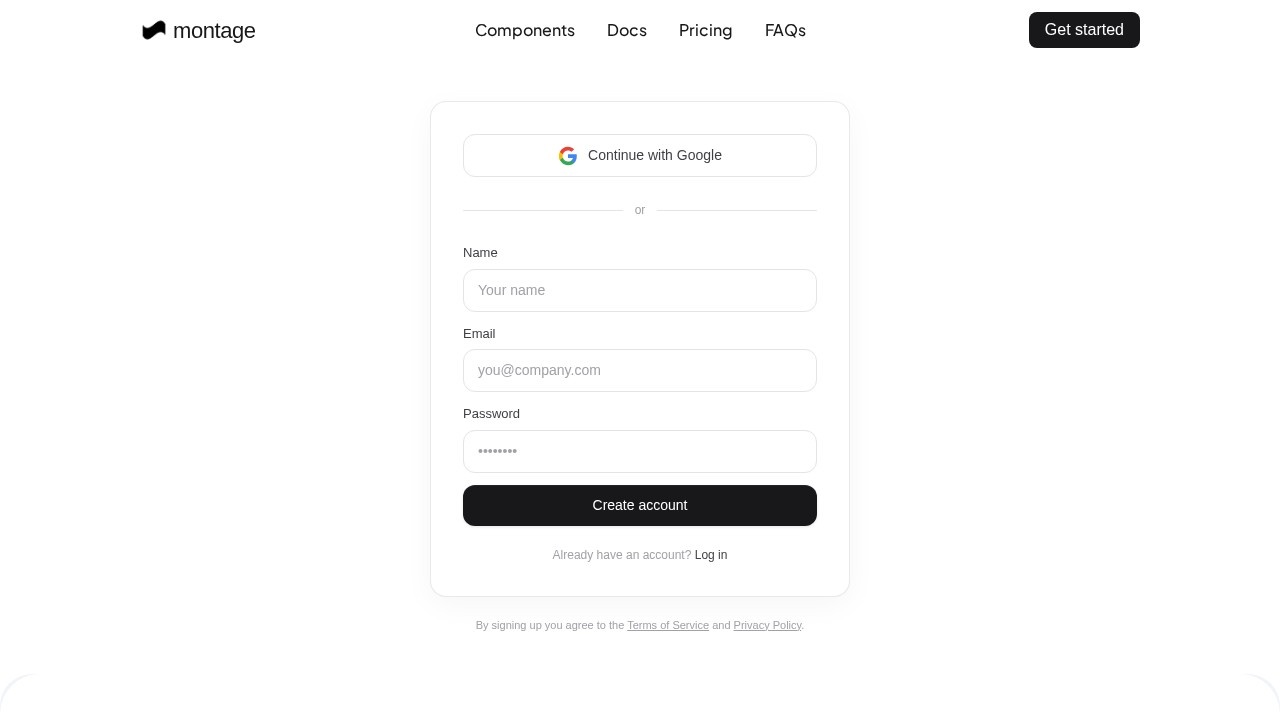
Montage is an agentic UI rendering platform that provides a toolkit for creating, editing, and managing multimedia content. Users can streamline video and image production through automated workflows and intelligent collaboration. The platform is accessed via a web console, where users sign up with their Google account or email and password.Application scenarios
Video production
Create and edit videos using automated workflows that reduce manual effort.
Image editing
Manage and produce images with intelligent tools for faster turnaround.
Marketing campaigns
Generate multimedia assets for ads, social media, and promotional materials.
Content management
Organize and collaborate on multimedia projects across teams.
Education and training
Produce instructional videos and visual aids with streamlined editing.
Enterprise collaboration
Share and review multimedia content within team workflows.
Core Features
Agentic UI rendering
The platform uses an agent-based interface to automate rendering tasks, reducing manual steps in multimedia production.
Automated workflows
Users can set up intelligent pipelines that handle repetitive editing and production tasks.
Intelligent collaboration
Team members can work together on projects with shared access and version control.
Component-based editing
The platform offers pre-built components for assembling video and image content efficiently.
Cloud-based console
All work is managed through a web-based dashboard accessible from any browser.
Google sign-in integration
Users can quickly create an account using their existing Google credentials.
Documentation and support
Official docs and FAQs are available to guide users through features and troubleshooting.
Pricing plans
The platform offers different pricing tiers (accessible via the Pricing page) for individual and team use.
Target users
Content creators, video editors, marketers, and multimedia teams who need to produce and manage video and image assets at scale. The platform is also suitable for educators, enterprise teams, and anyone looking to automate repetitive multimedia production tasks.How to use Montage?
- Visit the Montage website and click "Get started."
- Sign up using your Google account or by entering your name, email, and password.
- Agree to the Terms of Service and Privacy Policy.
- Access the web console to start creating and managing multimedia projects.
- Use the component library and automated workflows to edit videos and images.
- Collaborate with team members by sharing projects within the platform.
Effect review
Montage delivers a solid, agent-driven approach to multimedia production, removing much of the manual grunt work from video and image editing. The platform's component-based system and automated workflows make it practical for teams that need to produce content quickly without sacrificing quality. While the site doesn't include user testimonials or performance benchmarks, the feature set clearly targets efficiency and collaboration. For content teams tired of repetitive editing tasks, Montage offers a streamlined alternative that feels purpose-built for modern production pipelines.Frequently Asked Questions
What is Montage?
Who can use Montage?
Does Montage support collaboration?
What types of media can Montage handle?
Is Montage suitable for beginners?
Can I automate repetitive tasks with Montage?
Montage - AI Tool Detail
Montage is an AI-powered toolkit for creating, editing, and managing multimedia content, enabling users to streamline video and image production through automated workflows and intelligent collaborati
Category:Video editing
Visit Link:https://www.usemontage.ai/get-started
Tags:AI video editing、multimedia automation、content creation tools