
HubVanta AI
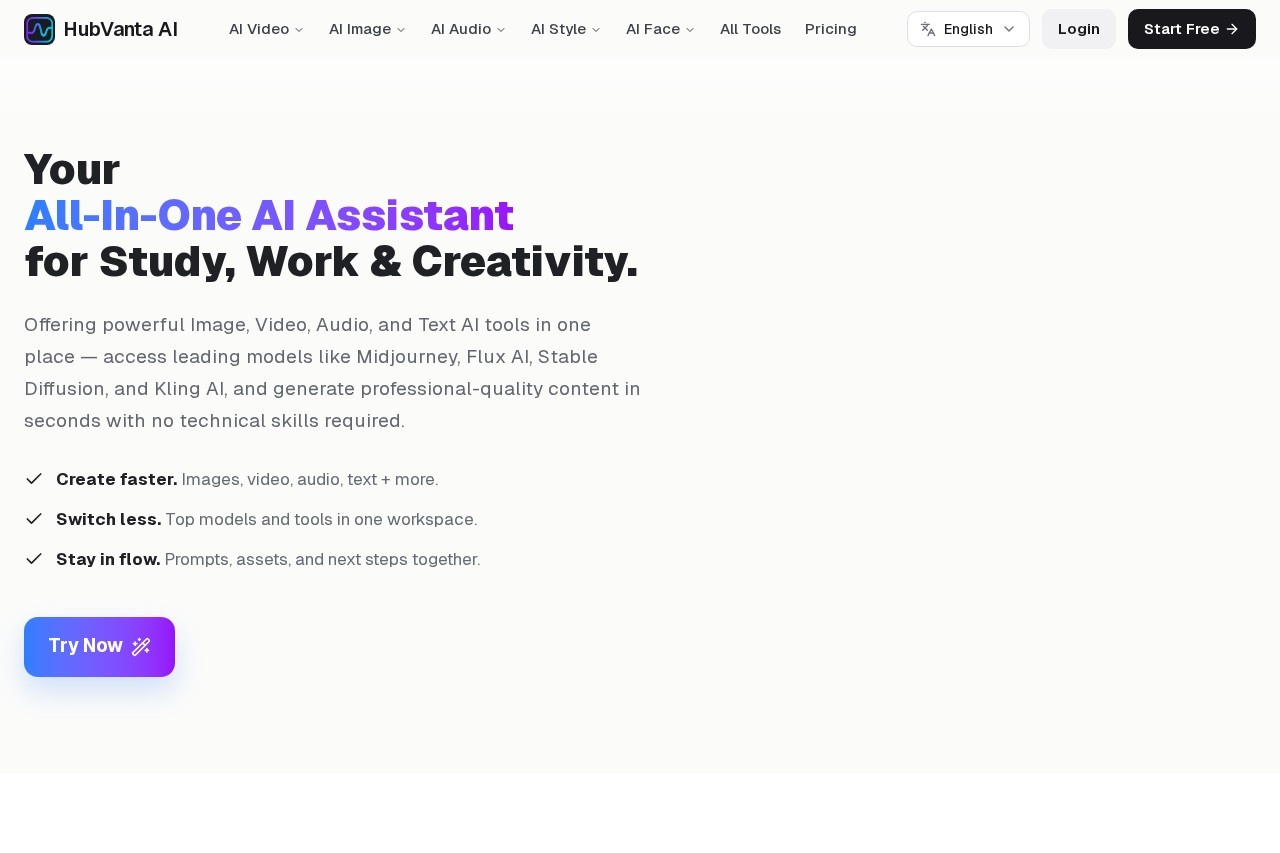
HubVanta AI is a free, all-in-one AI platform for creating images, videos, audio, and text, integrating tools like Midjourney, Flux AI, Stable Diffusion, and Kling AI.
What is HubVanta AI?
HubVanta AI is a free, all-in-one AI platform that brings together top models for creating images, videos, audio, and text in a single workspace. It integrates industry-leading tools like Midjourney, Flux AI, Stable Diffusion, Kling AI, Veo 3, Sora 2, and Runway, allowing users to generate and edit media without switching products. The platform is designed to keep prompts, assets, and next steps organized, helping users stay in flow and deliver creative output on time.Application scenarios
Image creation
Generate images from text prompts using models like Midjourney, Flux AI, or Stable Diffusion.
Video generation
Create videos from text or images with models like Kling AI, Veo 3, Sora 2, and Runway.
Audio production
Convert text to speech for voiceovers or audio content.
Image editing
Remove backgrounds, swap faces, enhance quality, or restore old photos.
Video editing
Remove video backgrounds, enhance video quality, or remove watermarks.
Style transformation
Change hairstyles or analyze face attributes like age and attractiveness.
3D modeling
Convert images to 3D objects for design or prototyping.
Core Features
Image to Video
Turn static images into animated video clips using AI.
Text to Video
Generate videos directly from written prompts.
Wan 2.2 Animate
Animate content with the Wan 2.2 video model.
Video Enhancer
Improve video quality and clarity automatically.
Face Swap
Swap faces in images with AI precision.
Remove Background
Instantly remove backgrounds from images or videos.
AI Watermark Remover
Remove watermarks from images or videos.
Text to Speech
Convert written text into natural-sounding audio.
Image to 3D
Transform 2D images into 3D models.
Restore Old Photos
Repair and enhance old or damaged photographs.
Target users
- Content creators who need to produce images, videos, and audio quickly across multiple formats.
- Marketers looking to generate visual assets for campaigns without switching tools.
- Designers who want to experiment with different AI models for image and video editing.
- Educators creating multimedia learning materials like narrated videos or illustrated guides.
- Social media managers needing fast, on-brand visuals and short video clips.
How to use HubVanta AI?
Getting started is straightforward: sign up for a free account on HubVanta.com, choose your desired AI model (video or image), and start creating. The intuitive interface guides you through the process, and you can browse tools for image, video, audio, face, and style tasks without losing project context. No technical skills are required—just enter your prompt and generate.Pricing and free trial
HubVanta AI offers a free tier to explore the platform. Users can start with the free account to test tools and generate content. No additional pricing details are mentioned on the website.Effect review
HubVanta AI delivers a practical, unified workspace for AI-powered media creation, eliminating the need to juggle multiple tools. The integration of top-tier models like Midjourney, Kling AI, and Stable Diffusion means users get high-quality outputs without extra subscriptions. The platform's focus on keeping prompts and assets organized helps maintain creative flow, especially for complex, multi-format projects. While the free tier is a strong entry point, the speed of video generation (1-5 minutes for standard clips) is reasonable for most workflows. Overall, it's a solid choice for anyone needing versatile AI creation in one place.Frequently Asked Questions
What is HubVanta AI?
Is HubVanta AI really free?
What tools are integrated into HubVanta AI?
Can I generate videos with HubVanta AI?
Do I need to install any software to use HubVanta AI?
HubVanta AI - AI Tool Detail
HubVanta AI is a free, all-in-one AI platform for creating images, videos, audio, and text, integrating tools like Midjourney, Flux AI, Stable Diffusion, and Kling AI.
Category:Image generation
Visit Link:https://hubvanta.com/
Tags:AI image generation、AI video creation、AI content platform、text-to-image、multimedia AI tools