
Muse Art AI
Muse Art AI offers a free, AI-powered platform for generating videos and images using advanced models like Flux 2, Veo 3, and Kling, ideal for creative projects and digital art.
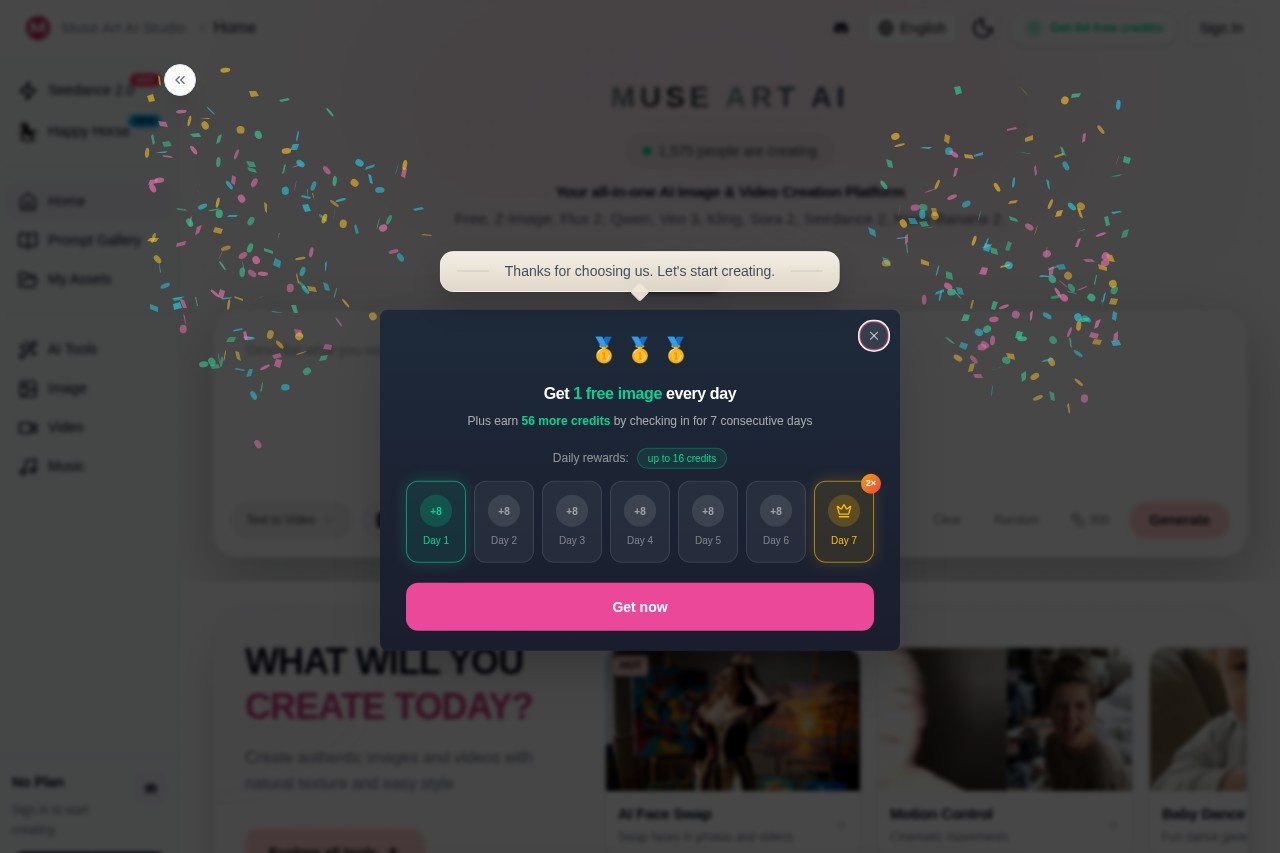
What is Muse Art AI?
Muse Art AI is a free, AI-powered platform for generating and editing videos and images. It provides access to advanced AI models like Flux 2, Veo 3, and Kling. Users leverage it to create digital art, transform media, and accelerate creative projects directly from text prompts or existing files.Application scenarios
Marketing & Advertising
Create product visuals, posters, and promotional video clips.
Content Creation
Generate dynamic video shots from images or text for social media and digital storytelling.
Video Production
Rework existing footage with new visual styles and achieve smoother, cinematic motion.
Portrait & Photo Editing
Swap faces in photos and videos quickly for creative or entertainment purposes.
Music & Audio Projects
Generate background music, ambience, and short audio tracks.
Concept Art & Design
Rapidly iterate on visual concepts by restyling composition, details, and mood.
Core Features
AI Face Swap
Swap faces in photos and videos with a single click.
Image Animation
Turn a static image into a dynamic video shot.
Text-to-Video Creation
Generate a video from a single text prompt.
Video Restyling
Apply a completely new visual style to existing video footage.
Premium Text-to-Image
Generate high-quality images suitable for posters and product visuals.
Fast 4K Image Generation
Produce 4K images quickly with strong text and material detail using specific models.
Remix and Restyle
Rapidly alter the composition, details, and overall mood of an image.
Cinematic Motion
Enhance videos with smoother motion for stronger storytelling.
Prompt-Based Start
Begin creation using proven, pre-existing text prompts to skip the blank page.
AI Music Creation
Generate original music tracks, ambient soundscapes, and short audio clips.
Target users
This tool serves digital artists, social media content creators, video editors, marketing teams, and hobbyists looking for an accessible, all-in-one suite for AI-powered media generation and manipulation.How to use Muse Art AI?
The platform is designed for a straightforward workflow. Users visit the website, select a creation mode like "Text to Video" or "Face Swap," and provide the required input such as a text prompt, image, or video clip. The AI then generates the new media, which can be exported for use. The "Start from Prompts" feature allows users to begin with suggested prompts to accelerate the process.Effect Review
Muse Art AI positions itself as a comprehensive creative suite by integrating a wide array of specialized AI models into one platform. The direct access to high-profile models like Veo 3 and Kling for video, alongside robust image and audio tools, suggests a focus on production-ready output quality for diverse media types. Features like "Cinematic Motion" and "Premium Text to Image" indicate an emphasis on professional-grade visual results. For a typical user, the value lies in the consolidation of multiple advanced AI capabilities—from face swapping and video generation to music creation—into a single, free-to-use interface, significantly lowering the barrier to experimenting with and producing AI-generated content.Frequently Asked Questions
What is Muse Art AI?
Is Muse Art AI free to use?
What AI models does Muse Art AI use?
What can I create with Muse Art AI?
Do I need technical skills to use Muse Art AI?
Is there a limit to how much I can generate?
Muse Art AI - AI Tool Detail
Muse Art AI offers a free, AI-powered platform for generating videos and images using advanced models like Flux 2, Veo 3, and Kling, ideal for creative projects and digital art.
Category:Video generation
Visit Link:https://www.museartai.com/
Tags:AI video generator、AI image generator、creative AI、digital art tool、free AI platform