
Mobicip
Parental control app by Mobicip for managing screen time, blocking websites and apps, and protecting kids across devices, trusted by over 3 million families.
What is Mobicip?
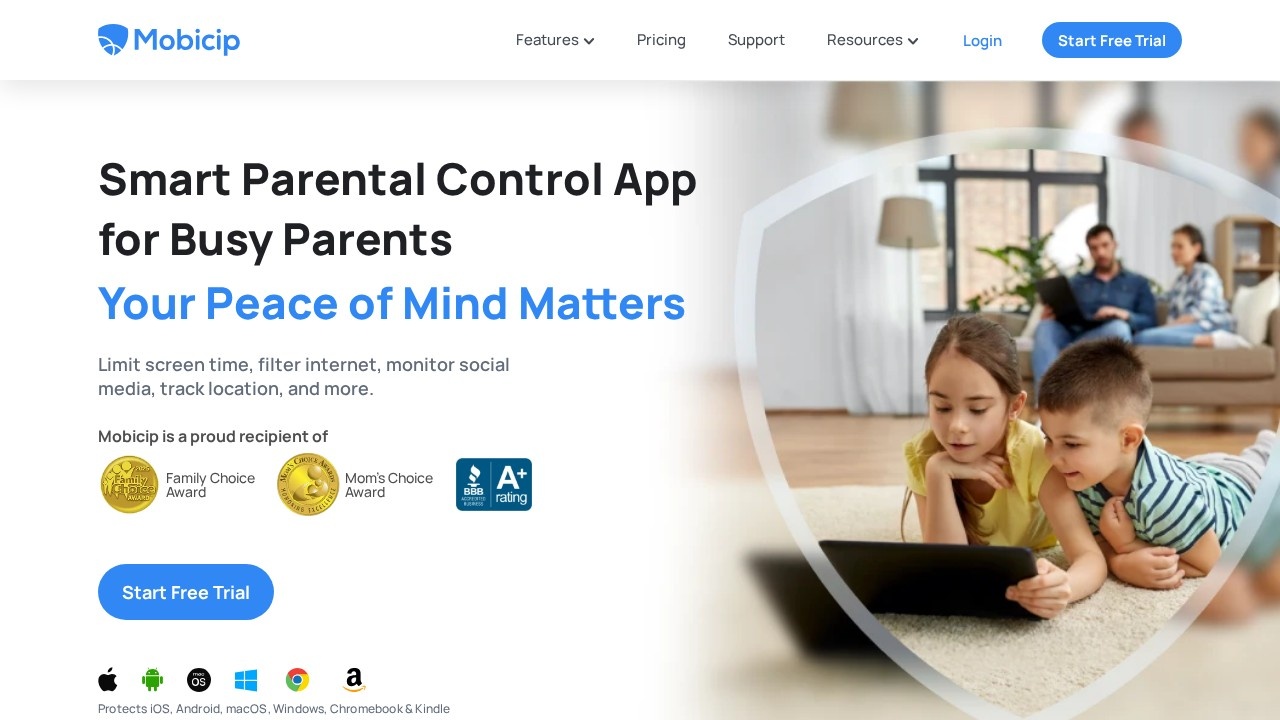
Mobicip is a smart parental control app designed to help busy parents manage screen time, filter internet content, monitor social media, and track their children's location across multiple devices. Trusted by over 2 million families, it protects iOS, Android, macOS, Windows, Chromebook, and Kindle devices. The app offers a comprehensive suite of tools to limit screen addiction, block harmful content, and foster collaboration between parents and kids.Application scenarios
Screen time management
Set daily or weekly screen time limits and app-specific limits to curb addiction to social media, games, and videos.
Internet filtering
Block adult websites and inappropriate content using a powerful web filter that works across all devices.
Social media monitoring
Proactively monitor conversations on the top three social media apps for harmful content.
Location tracking
View live location, create geofences, and receive alerts when your child enters or leaves frequented spots.
Emergency safety
Kids can use an SOS button to instantly send a digital call for help in case of emergency.
Activity reporting
Get detailed summaries of how children spend their time online, including time spent in different apps and settings changes.
Goal setting and rewards
Collaborate with children to set achievable goals and motivate them with rewards to improve self-esteem.
Core Features
Screen time limits
Set daily screen time within healthy limits for your children, with options for weekly caps.
App limits
Limit the time spent every day on social media, games, and videos.
Custom schedules
Create customized schedules for different activities, granting access to specific apps and websites at different times of the day or week.
Internet filter
Keep your family's browsing safe and block adult websites with the most powerful web filter.
App blocker
Block apps in categories like social media, games, and video.
Social media monitoring
Proactively monitor conversations on the top three social media apps for harmful content.
Family locator
View live location, create geofences, and get alerts when your child enters or leaves frequented spots.
Activity summary
Keep track of how your children spend their time online with detailed reports.
SOS button
Provides an emergency button for kids to instantly send a digital call for help.
Collaborate with parenting partners
Set mutually acceptable goals and rewards to motivate children, with curated lists for collaboration.
Target users
- Busy parents who need a unified solution to manage screen time, filter content, and monitor activity across multiple devices.
- Families with children using iOS, Android, macOS, Windows, Chromebook, or Kindle devices.
- Parents concerned about Big Tech influence who want to limit their child's access to videos, games, and social media.
- Caregivers who need location tracking and emergency safety features for their kids.
How to use Mobicip?
- Start a free trial by visiting the Mobicip website and signing up.
- Install the app on your child's device(s) – supports iOS, Android, macOS, Windows, Chromebook, and Kindle.
- Set up screen time limits – configure daily/weekly limits and app-specific restrictions.
- Enable internet filtering – activate the web filter to block adult content and inappropriate sites.
- Monitor activity – use the dashboard to view social media conversations, location, and activity summaries.
- Collaborate with your child – set goals and rewards to encourage healthy habits.
Pricing and free trial
The website prominently offers a Start Free Trial option, but no specific pricing tiers or paid plan details are provided in the text. Users can begin with a free trial to test the features.Effect review
Mobicip delivers a robust, all-in-one parental control solution that addresses the core concerns of modern families: screen addiction, online safety, and location tracking. The inclusion of an SOS button and social media monitoring sets it apart from basic competitors like Microsoft Family or Google Family Link, which are limited to their own ecosystems. User testimonials highlight its ease of setup and cross-device consistency, making it a reliable choice for busy parents. While the free trial allows testing, the lack of transparent pricing in the provided content may require users to explore the site further for subscription details. Overall, Mobicip earns strong marks for its comprehensive feature set and proven track record with over 2 million families.Frequently Asked Questions
What devices does Mobicip support?
Can I block specific apps or websites with Mobicip?
Does Mobicip work on school-issued devices?
How does Mobicip handle screen time limits?
Is Mobicip free to use?
Can I monitor my child's online activity with Mobicip?
Mobicip - AI Tool Detail
Parental control app by Mobicip for managing screen time, blocking websites and apps, and protecting kids across devices, trusted by over 3 million families.
Category:AI Learning Assistant
Visit Link:https://mobicip.com/
Tags:parental control、screen time management、website blocking、app blocker、family safety