
MashuPack
MashuPack by an independent developer converts local repositories into clean text for ChatGPT and Claude. Select specific files or subsystems, export a single structured text file, and browse code dir
What is MashuPack?
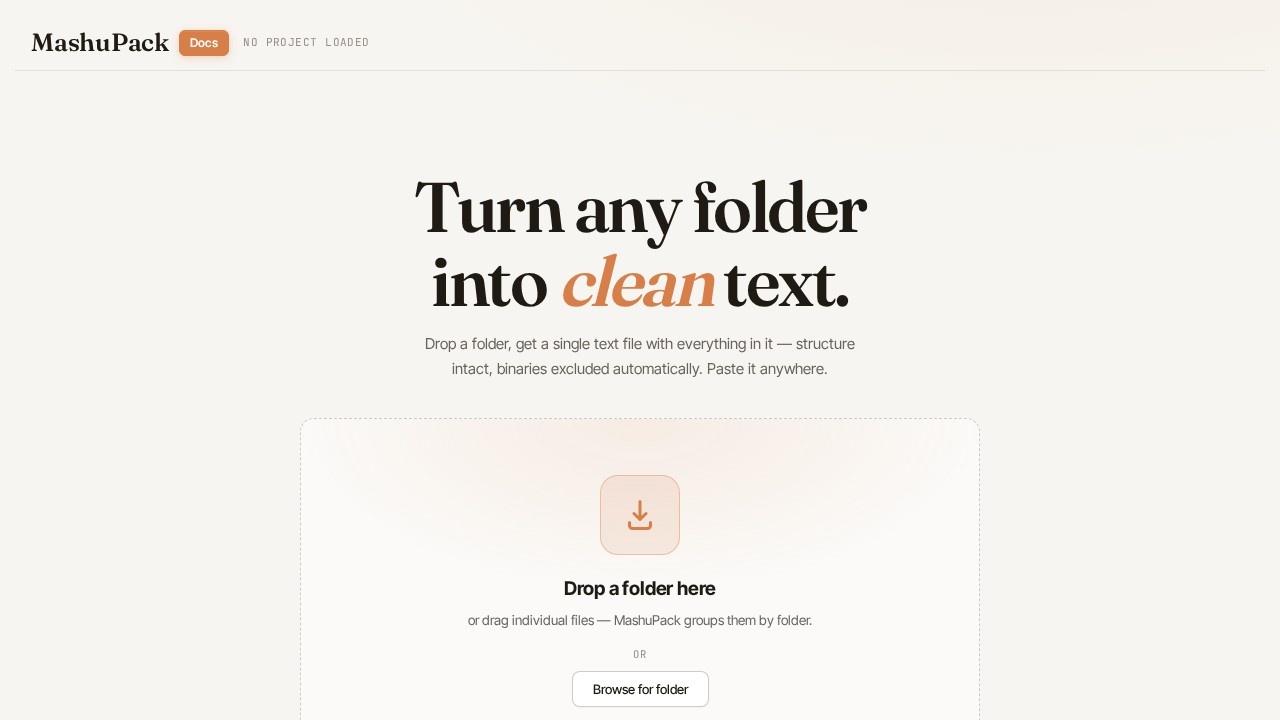
MashuPack is a browser-based tool that converts local code repositories into a single structured text file for use with ChatGPT, Claude, and similar AI web UIs. It lets you select specific files or subsystems from a local codebase and compile them into one clean text file, eliminating messy copy-pasting and file-limit friction. The tool runs entirely in the browser with no backend, account, or repository upload required—your code stays local. It is designed for planning, debugging, architecture review, and codebase understanding.Application scenarios
Long-form software planning
Use MashuPack to pack relevant code context into a single file for discussing architecture or design decisions with an AI.
Debugging sessions
Select only the files involved in a bug and export them as one text file to feed into ChatGPT or Claude for analysis.
Architecture review
Curate a subsystem’s files and export them cleanly for a high-level review with an AI model.
Codebase understanding
Pack a slice of a large repository into a structured text file to help an AI model grasp the code’s structure and logic.
Research and exploration
Quickly compile relevant code snippets for research questions without manually copying each file.
Core Features
Browser-based code context packing
MashuPack runs entirely in your browser, with no backend server, account creation, or repository upload required.
Select exact files and folders
You choose only the files and subsystems you want the AI model to see, avoiding irrelevant or binary junk.
Export one clean text file
The tool compiles your selected code into a single structured text file that preserves the original folder structure.
Preserve structure
The exported text file maintains the directory hierarchy, making it easy for AI models to understand the codebase layout.
Avoid binary junk
MashuPack automatically filters out binary files and scattered uploads, keeping the output clean and relevant.
Keep code local
All processing happens in your browser; your code never leaves your machine, ensuring privacy and security.
Target users
MashuPack is for developers, engineers, and technical leads who use ChatGPT, Claude, or similar web UIs for long-form software planning, debugging, architecture review, and codebase understanding. It is especially useful for anyone frustrated by file-count limits or upload friction when trying to discuss a subsystem or ask high-level questions about a codebase.How to use MashuPack?
Open the MashuPack website in your browser. Use the visual interface to browse your local codebase and select the specific files or folders you want to include. The tool compiles your selection into a single structured text file. Export that file, then upload it directly into ChatGPT, Claude, or any other AI web UI that accepts text input. No sign-up, account, or backend setup is needed—just open the site and start packing.Effect review
MashuPack solves a genuine pain point for developers who work with AI web UIs: the friction of manually copying individual files or hitting upload limits. Its browser-only, no-upload design ensures code privacy while delivering a clean, structured output that AI models can reliably parse. The tool is straightforward and focused—it does one thing well without unnecessary complexity. For anyone regularly feeding code context into ChatGPT or Claude, MashuPack offers a practical, time-saving workflow that eliminates messy copy-pasting and scattered uploads.Frequently Asked Questions
What is MashuPack?
How does MashuPack work?
What AI models does MashuPack support?
Can I choose which files to include?
Is MashuPack free to use?
Do I need an internet connection to use MashuPack?
MashuPack - AI Tool Detail
MashuPack by an independent developer converts local repositories into clean text for ChatGPT and Claude. Select specific files or subsystems, export a single structured text file, and browse code dir
Category:Prompt tool
Visit Link:https://mashupack.com/
Tags:code export、repository to text、AI context preparation、codebase extraction、developer tool