
moar
AI document optimizer by Moar that shrinks files up to 95% for AI tools like ChatGPT and Claude, enabling 5x more conversations without losing meaning. Private Chrome extension.
What is moar?
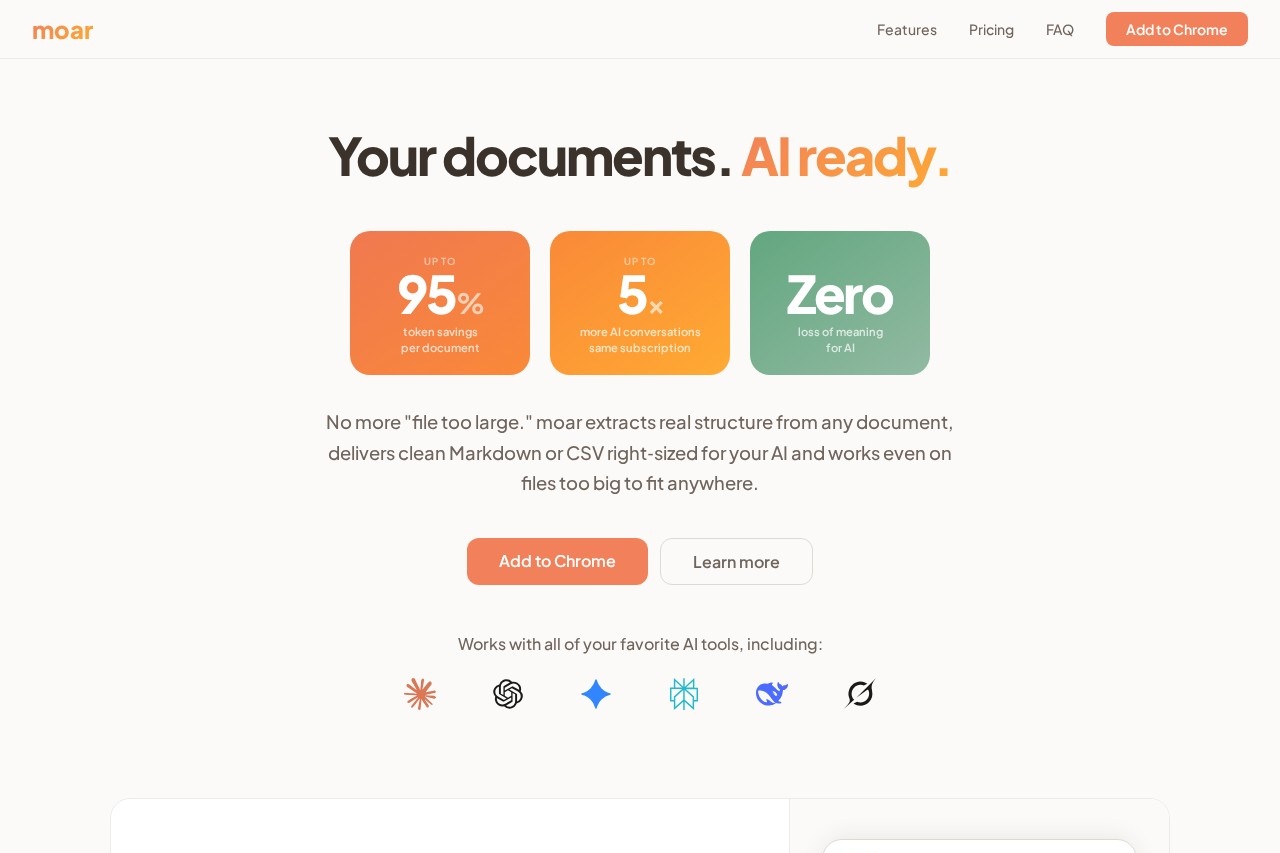
moar is an AI-native document optimizer that shrinks files up to 95% for use with AI tools like ChatGPT and Claude. It was co-designed with language models to optimize specifically for AI comprehension, not human readability. The result is up to 5x more AI conversations from the same subscription, with zero loss of meaning. Headers, clauses, tables, and footnotes are all preserved, so your AI gets structured, right-sized input instead of a noisy text dump. It's available as a private Chrome extension.
Application scenarios
Legal document review
Upload a 247-page HOA bylaws document and ask about paint color rules—moar surfaces only the relevant sections.
Financial reporting
Drop a 48-column, 52K-row spreadsheet into moar and get it chunked into manageable pieces tailored to your AI's context window.
Research paper analysis
Shrink a 42-page quarterly board report (42K tokens) to fit within ChatGPT Plus's 32K token limit, preserving all sections.
Product specification management
Optimize large PDFs or DOCX files for Claude Pro, ensuring the full document fits with room for conversation.
Homelab budgeting
Convert a complex spreadsheet into right-sized chunks for Gemini Pro, keeping headers and cross-references intact.
Gaming rulebook reference
Upload a DnD rulebook and use Smart Select to pull only the rules you need for a session.
Core Features
AI-Native Optimization
Optimizes documents specifically for how AI processes text, not for human readability, achieving up to 95% file size reduction.
Context Window Sizing
Automatically shapes the file output to fit the exact context window of your chosen AI model (e.g., Claude Pro's 200K tokens, ChatGPT Plus's 32K tokens).
Smart Select
Acts like Retrieval-Augmented Generation (RAG) in your browser—describe what you need, and moar analyzes the full document to surface only the relevant sections.
Intelligent Chunking
Splits documents that exceed every context window into right-sized chunks, preserving headers, cross-references, and context at every boundary.
Format Support
Handles PDF, DOCX, PPTX, XLSX, CSV, TXT, MD, JSON, and HTML files.
Real-time Optimization
Drop files or click to upload, and moar shows the percentage reduction (e.g., 2,847% smaller for a PDF) and token count.
Model-Specific Tuning
Select your AI and plan tier (e.g., Claude Pro, ChatGPT Plus, Gemini Pro, Perplexity Pro) to get output sized for that model's context window.
Target users
Knowledge workers, researchers, legal professionals, financial analysts, and anyone who regularly uploads large documents into AI tools like ChatGPT, Claude, Gemini, or Perplexity. It's also useful for hobbyists managing complex spreadsheets, rulebooks, or technical specs.
How to use moar?
Install the Chrome extension from getmoar.ai. Open the extension, drop or upload a supported file (PDF, DOCX, XLSX, etc.), select your AI model and plan tier, and choose between optimization (shrink the whole file) or Smart Select (extract specific sections). The output is ready to paste directly into your AI conversation.
Effect review
moar delivers exactly what it promises: dramatic file size reduction without losing meaning, tailored to the specific AI tool you're using. The Smart Select feature is particularly impressive—it effectively gives you RAG-like capabilities in your browser with zero setup, which is a huge time-saver for anyone dealing with massive documents. The context window sizing is a thoughtful touch, ensuring you don't waste tokens on oversized files. While the product is clearly designed for power users of AI tools, the interface is straightforward enough for anyone to pick up quickly. Based on the site's claims, this is a practical, well-engineered solution for a common pain point—no fluff, just results.
Frequently Asked Questions
What is moar?
How does moar reduce file size without losing meaning?
Is moar free to use?
Does moar work with all AI tools?
Is my data private when using moar?
How do I install and use moar?
moar - AI Tool Detail
AI document optimizer by Moar that shrinks files up to 95% for AI tools like ChatGPT and Claude, enabling 5x more conversations without losing meaning. Private Chrome extension.
Category:Optimisation
Visit Link:https://getmoar.ai/
Tags:AI document optimizer、ChatGPT file shrinker、Chrome extension、AI tool privacy、Claude file compression