
Lunelo
Voice-first AI task planner by Lunelo for iOS. Parse tasks by speaking once—AI extracts time, priority, and first steps. Calm, ad-free experience with no account needed.
What is Lunelo?
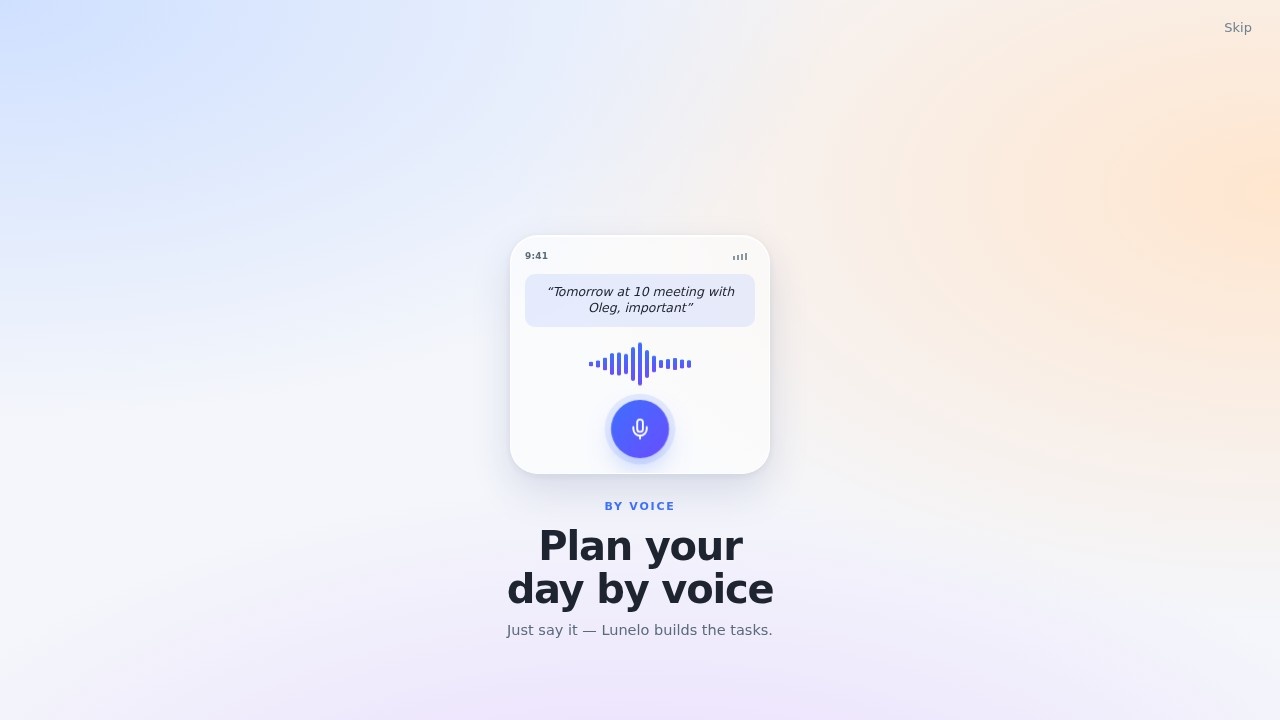
Lunelo is a voice-first AI task planner built exclusively for iOS. Instead of typing out to-do items or fiddling with calendar apps, you speak your tasks once. The AI then parses the input—extracting time, priority, and the first actionable step—and organizes everything into a clean, ad-free interface. No account creation is required, so you can start planning immediately without signing up or handing over personal data.
Application scenarios
Lunelo fits best where speed and frictionless capture matter most. Common scenarios include:
Morning brain dump
Speak out everything on your mind over coffee—Lunelo structures it before you finish your mug.
On-the-go planning
While walking, commuting, or driving (hands-free), you can add tasks without pulling out a keyboard.
Meeting follow-ups
After a call, quickly voice-note action items and let the AI sort deadlines and owners.
Overwhelmed days
When your mental load is high, just talk through what needs doing; Lunelo untangles the mess into a priority list. Because it’s voice-first, it’s especially useful in moments where typing is inconvenient—cooking, exercising, or when your hands are full.
Core Features
Voice-first input
Speak naturally; the AI interprets time references, urgency, and next steps.
Automatic extraction
No manual tagging—Lunelo pulls out due dates, priority levels, and the first concrete action from your spoken sentence.
Calm, ad-free interface
No notifications, no banner ads, no gamification. The design prioritizes clarity over engagement.
No account required
Use it immediately without creating an account or logging in. Your data stays on-device or is processed ephemerally.
iOS native
Optimized for iPhone and iPad, with full voice integration via Siri shortcuts or direct dictation.
Target users
Lunelo is for anyone who finds traditional task managers too slow or cluttered. Primary audiences include:
- Busy professionals who need to capture tasks quickly between meetings.
- Students juggling assignments, deadlines, and study sessions.
- People with ADHD or executive function challenges who benefit from reducing friction in planning.
- Privacy-conscious users who avoid apps that require accounts or data sharing.
- Minimalists who want a simple, distraction-free tool that does one thing well.
It is not for teams or project management—this is a personal planner, not a collaboration tool.
How to use Lunelo?
- Open the app on your iOS device. No sign-up screen appears—you land directly on the input interface.
- Tap the microphone button (or use a Siri shortcut if configured) and speak your task naturally. For example: “Review the quarterly report by Friday afternoon, high priority, first step is to open the draft.”
- Wait a second as the AI processes your voice. It will display the parsed result: a task with a due date, priority level, and a suggested first action.
- Review and adjust if needed. You can edit the extracted fields manually, but most users find the AI accurate enough to skip this step.
- Your task is saved to a clean list. Swipe to mark complete, or tap to expand details.
- Repeat as you think of new tasks. The entire flow takes under 10 seconds per item.
There is no onboarding tutorial, no settings to configure—just speak, review, and go. The app keeps running in the background, so you can return days later and find your tasks still organized.
Frequently Asked Questions
How does Lunelo parse tasks?
Do I need an account to use Lunelo?
Is Lunelo available on Android?
Does Lunelo show ads?
Can I edit the parsed task details?
Lunelo - AI Tool Detail
Voice-first AI task planner by Lunelo for iOS. Parse tasks by speaking once—AI extracts time, priority, and first steps. Calm, ad-free experience with no account needed.
Category:AI voice assistant
Visit Link:https://app.lunelo.app/
Tags:voice task planner、AI scheduling、no-account AI、iOS productivity、ad-free