
Instagram Transcript Generator
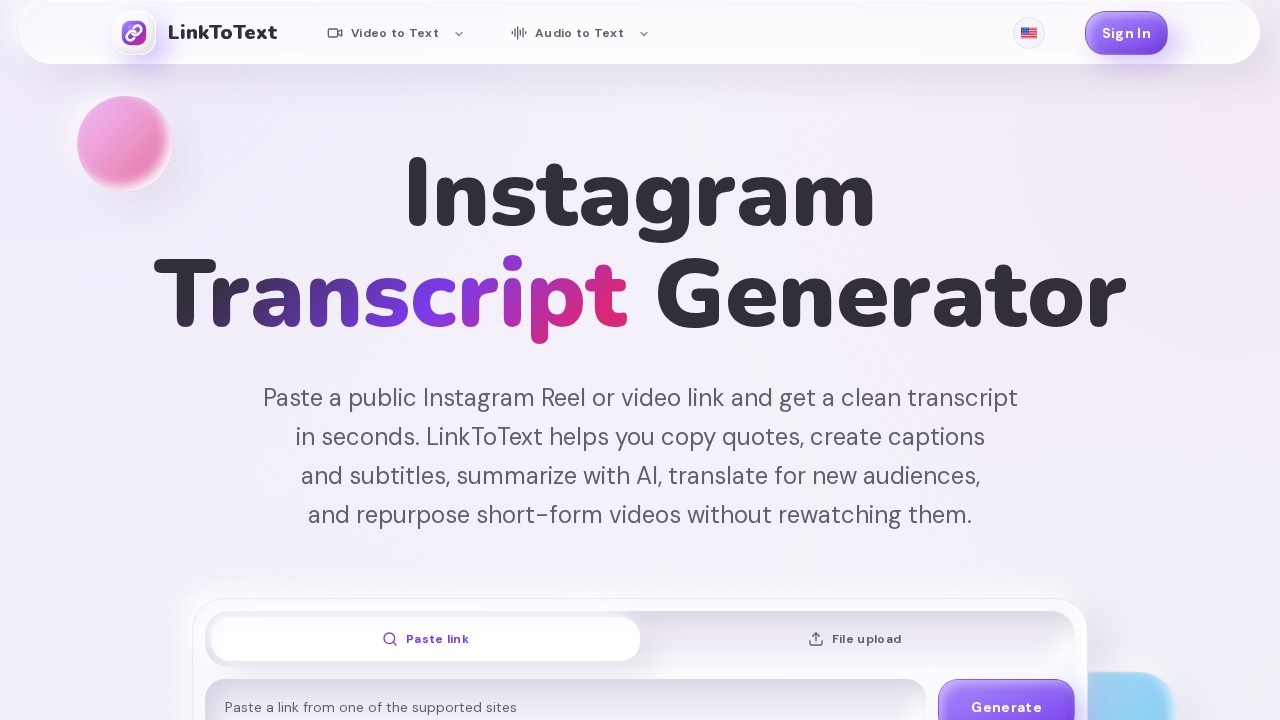
LinkToText’s Instagram Transcript Generator extracts clean text with timestamps from any public Reel or video URL, enabling easy reuse for captions, subtitles, AI summaries, and content planning.
What is Instagram Transcript Generator?
Instagram Transcript Generator by LinkToText extracts clean, timestamped text from any public Instagram Reel or video URL. It converts spoken audio into readable transcripts without requiring extensions, downloads, or signups. Users can copy quotes, create captions and subtitles, summarize with AI, translate content, and repurpose short-form videos without rewatching them. The tool is designed for creators, marketers, and researchers who need quick text from Instagram video links.
Application scenarios
Caption drafting
Generate text from Reels to create accurate captions and subtitle timing notes.
Content repurposing
Pull hooks, claims, examples, calls to action, and product language from videos to create briefs, posts, or scripts.
AI summarization
Use transcripts as input for AI summary prompts to condense video content.
Translation workflows
Translate transcripts for new audiences without manually transcribing the video first.
Subtitle and accessibility production
Prepare SRT/VTT-ready text with timestamps for subtitle editors.
Research and note-taking
Archive video text into Google Docs, Notion, or research files for later reference.
Core Features
URL-based transcription
Paste a public Instagram Reel or video link and generate text without uploading or downloading the video file.
Clean text extraction
Convert spoken Instagram audio into readable text with a layout that is easy to review, search, edit, and turn into notes.
Timestamp context
Keep timestamps in the transcript for use in caption drafts, subtitle timing, quote checks, and editing notes.
Multiple export paths
Copy or export transcripts for captions, subtitles, TXT notes, SRT/VTT timing, or AI prompts.
No signup friction
Use the tool without installing extensions or creating an account.
Free access
The workflow is built around free, URL-based transcription for public Instagram content.
Reliable for music-heavy videos
The tool is designed to handle background music and overlapping speech in short-form videos.
Target users
Content creators, social media managers, video editors, and digital marketers who need to repurpose Instagram Reels into written content. Also useful for researchers, accessibility specialists, and translators who require accurate text from public video links without manual transcription.
How to use Instagram Transcript Generator?
- Copy the public Instagram Reel or video URL.
- Paste the link into LinkToText’s input field on the website.
- Click "Generate" to start the transcription process.
- Review the transcript for creator names, brand terms, accents, background music, and overlapping speech.
- Copy or export the transcript into a content planner, AI summary prompt, caption draft, subtitle editor, Google Docs, Notion, or research archive.
Effect review
The tool delivers exactly what it promises: fast, clean text from public Instagram video links with minimal friction. Its focus on timestamp context and multiple export paths makes it practical for real content workflows like caption drafting, AI summarization, and subtitle preparation. While the website doesn't provide specific quality metrics or user testimonials, the feature set directly addresses common creator pain points—rewatching videos for quotes, manual transcription, and format conversion. For users who work regularly with Instagram Reels, this is a straightforward, time-saving utility that eliminates the need for video downloads or browser extensions.
Frequently Asked Questions
What types of Instagram content can I transcribe with this tool?
Do I need an Instagram account to use the generator?
Can I use the transcript for captions or subtitles?
Is the tool free to use?
How accurate is the transcription?
Can I download the transcript in different formats?
Instagram Transcript Generator - AI Tool Detail
LinkToText’s Instagram Transcript Generator extracts clean text with timestamps from any public Reel or video URL, enabling easy reuse for captions, subtitles, AI summaries, and content planning.
Category:Social Media
Visit Link:https://linktotext.co/
Tags:Instagram transcript generator、video to text、Reel caption tool、subtitle extraction、AI content planning