
Kome
Kome is an AI browser extension that summarizes news, articles, and YouTube videos, and lets you bookmark content from any website.
What is Kome?
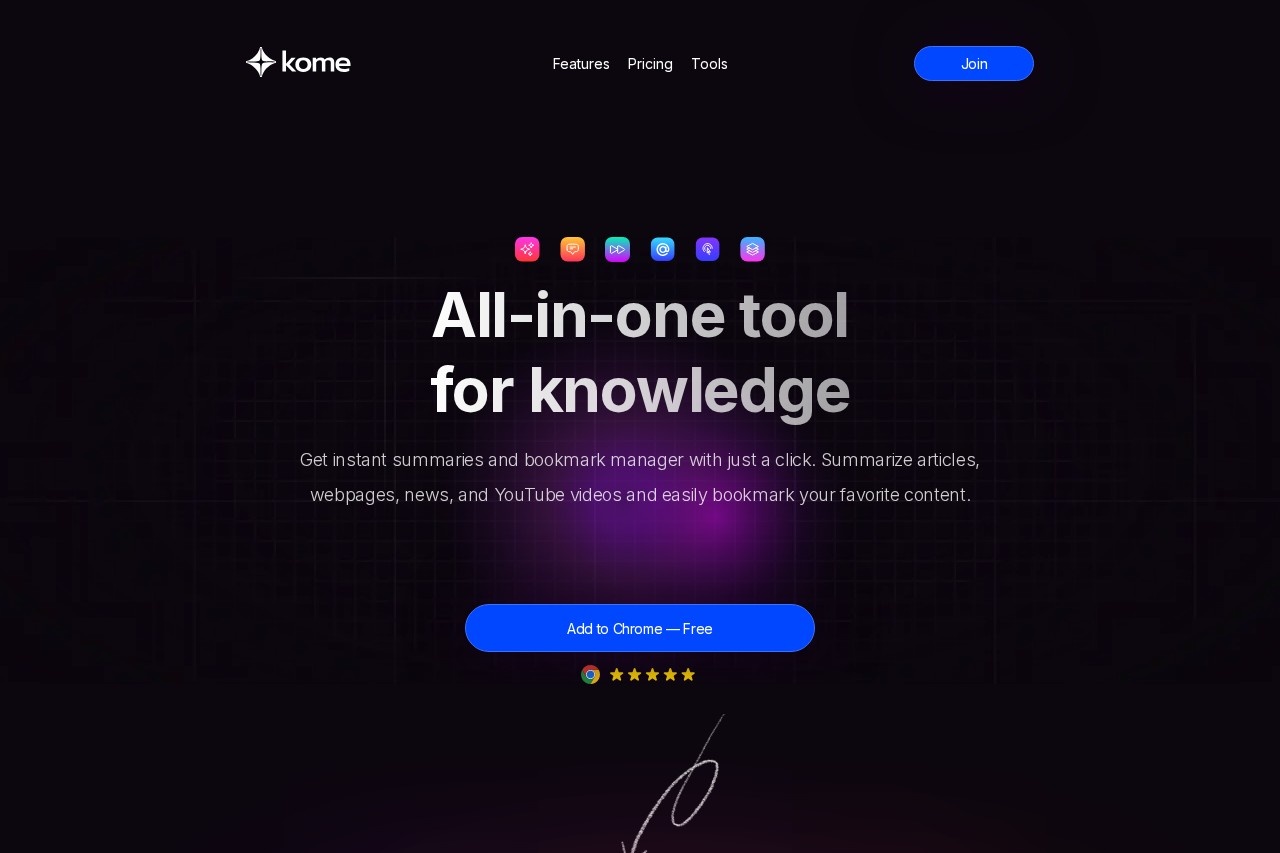
Kome is an AI-powered browser extension. It instantly summarizes articles, news, websites, and YouTube videos to improve reading speed. The tool also functions as a bookmark manager for capturing content from any site and includes AI-assisted writing features. Users install it directly into their browser to enhance online productivity.Application scenarios
Research and information gathering
Quickly extract key points from long-form articles and reports.
Content consumption
Get summaries of YouTube videos and news to save time.
Content creation and writing
Use saved bookmarks to generate emails, tweets, and blog post drafts.
Web design and development
Extract color palettes from any website for reference.
Sales and outreach
Copy all email addresses from a webpage in less than a second.
Personal knowledge management
Bookmark and organize valuable web content with added notes.
General browsing efficiency
Locate specific URLs or information from saved content quickly.
Core Features
AI-Powered Summarizer
Instantly summarize articles, news, YouTube videos, and websites with a single click.
Bookmark Manager
Capture and store any piece of content from any website for easy search and access.
Smart Compose
Utilize your saved bookmarks to generate emails, tweets, and blog posts with AI.
Email extraction
Copy all email addresses from a webpage in less than a second.
Color palette extraction
Extract the color palette from any website and save it in your preferred format.
URL search
Quickly search through your saved content to find specific URLs.
Note-taking
Write notes directly on web pages to organize your thoughts.
Cross-browser compatibility
Works seamlessly on Chrome, Edge, Opera, Brave, and Arc.
Target users
This tool benefits researchers, students, content creators, marketers, writers, and professionals who need to process online information efficiently. It is suited for anyone looking to speed up reading, organize web findings, and leverage saved content for writing tasks.How to use Kome?
Install the "Kome AI" extension from your browser's marketplace (Chrome, Brave, Opera, Arc, etc.). Once added, you can click its icon while browsing to summarize content, bookmark pages, extract colors or emails, and access the Smart Compose feature. For detailed setup, refer to the official website.Effect Review
User testimonials highlighted in the website text indicate strong positive reception for real-world use. Users report that the summarization feature makes their online experience more efficient by delivering main points quickly, while the bookmarking and note-taking functions are described as game-changers for organization. The tool is praised for improving daily browsing productivity and has become a favorite pinned extension for early adopters. The integrated feature set suggests a practical, multi-purpose assistant for managing information overload.Frequently Asked Questions
What is Kome?
How does Kome summarize content?
Can I bookmark content with Kome?
Is Kome free to use?
Which browsers support Kome?
Does Kome work on YouTube videos?
Kome - AI Tool Detail
Kome is an AI browser extension that summarizes news, articles, and YouTube videos, and lets you bookmark content from any website.
Category:Personal Assistant
Visit Link:https://kome.ai/
Tags:news summarizer、browser extension、content bookmarking、YouTube summarizer、article summarizer