
Cubox
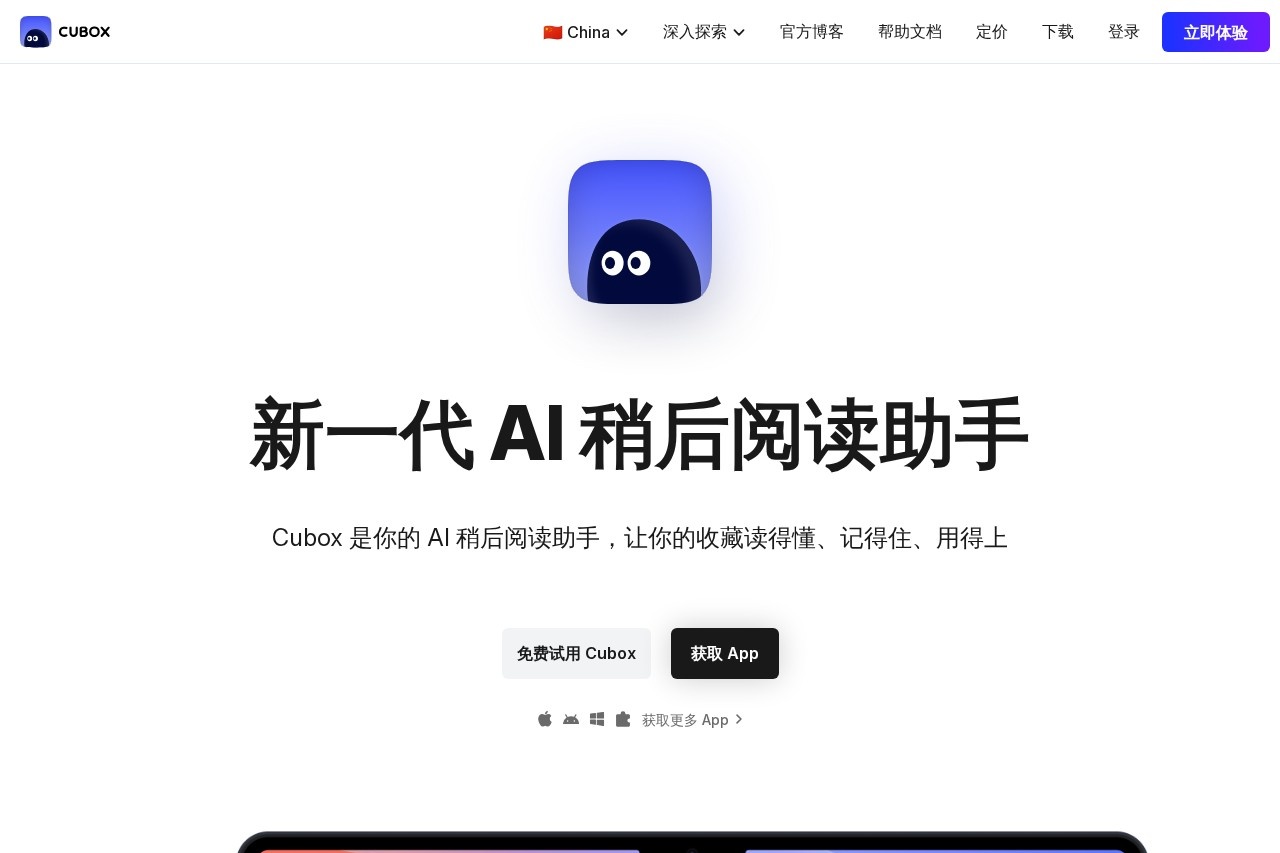
Cubox is an AI-powered read-later assistant that helps you save, understand, and remember your saved articles and web content for future use.
What is Cubox?
Cubox is an AI-powered read-later assistant. It helps users save web content from over a dozen sources into a single, synchronized library. The tool uses AI to help you understand, remember, and actively use your saved articles instead of letting them go unread.Application scenarios
Managing a backlog of articles
Quickly process and summarize dozens of unread saved items to identify what's worth a deep read.
Research and knowledge building
Save and archive web content as a permanent personal knowledge asset that you can search and query later.
Capturing content on the go
Use browser extensions or mobile apps to instantly save articles, social media posts, or newsletters during casual browsing.
Utilizing fragmented time
Receive scheduled AI reports on your saved content to catch up on reading during commutes or workouts.
Migrating from other services
Import an existing reading list from services like Pocket to begin a new, AI-enhanced reading workflow.
Core Features
Full-library AI Q&A
Ask a question in plain language to find specific answers or forgotten passages from your entire saved collection, even from content saved years ago.
Swipe-to-filter interface
Quickly review AI-generated summaries and key questions for saved articles by swiping, enabling bulk processing of over 100 items at once.
Scheduled AI reports
Configure a custom AI to deliver periodic digests of your library's insights, allowing you to grasp the dynamics of dozens of articles at a glance.
Multi-source capture
Save content from over ten different sources including web pages, email newsletters, and social media apps via browser extensions.
Web highlighting and annotation
Use a browser extension to not only save pages but also to highlight text and get instant AI interpretations.
Distributed parsing and archiving
Rely on an advanced system that permanently archives and syncs your saved content, preventing it from disappearing online.
Cross-platform native clients
Access your library through dedicated, lightweight applications on all your devices for reading, annotating, sharing, and organizing.
One-click import from Pocket
Seamlessly transfer your existing reading list from Pocket into Cubox to start fresh.
Target users
Cubox is designed for avid readers, researchers, knowledge workers, and thinkers who actively collect digital information. It is particularly suited for professionals and individuals at top global institutions who feel overwhelmed by unread saved articles and want a systematic way to transform scattered information into actionable knowledge. The tool acts as a "second brain" for organizing digital content.How to use Cubox?
Visit the official website to get the app. Install the provided Chrome browser extension to start saving and highlighting web content with one click. You can also import an existing library from services like Pocket. Once your content is saved, use the AI features within the app to ask questions, receive summaries, and configure personalized reports. The platform syncs across all your devices.Effect review
User feedback highlighted on the site describes Cubox as transformative, turning a "sea of scattered information into a serene, accessible oasis." It is characterized as more than a tool—it's considered an essential companion and an effective extension of one's own intellect for managing a digital universe. The feature set is built around the core promise of making your reading collection understandable, memorable, and usable, directly addressing the common pain point of a neglected "read later" list.Frequently Asked Questions
What is Cubox?
How does Cubox use AI?
Is Cubox free to use?
What platforms does Cubox support?
How do I save content to Cubox?
Can I organize my saved content in Cubox?
Cubox - AI Tool Detail
Cubox is an AI-powered read-later assistant that helps you save, understand, and remember your saved articles and web content for future use.
Category:Personal Assistant
Visit Link:https://cubox.pro/
Tags:read-later、content saving、article summarizer、knowledge management、web clipper